Scan Mode
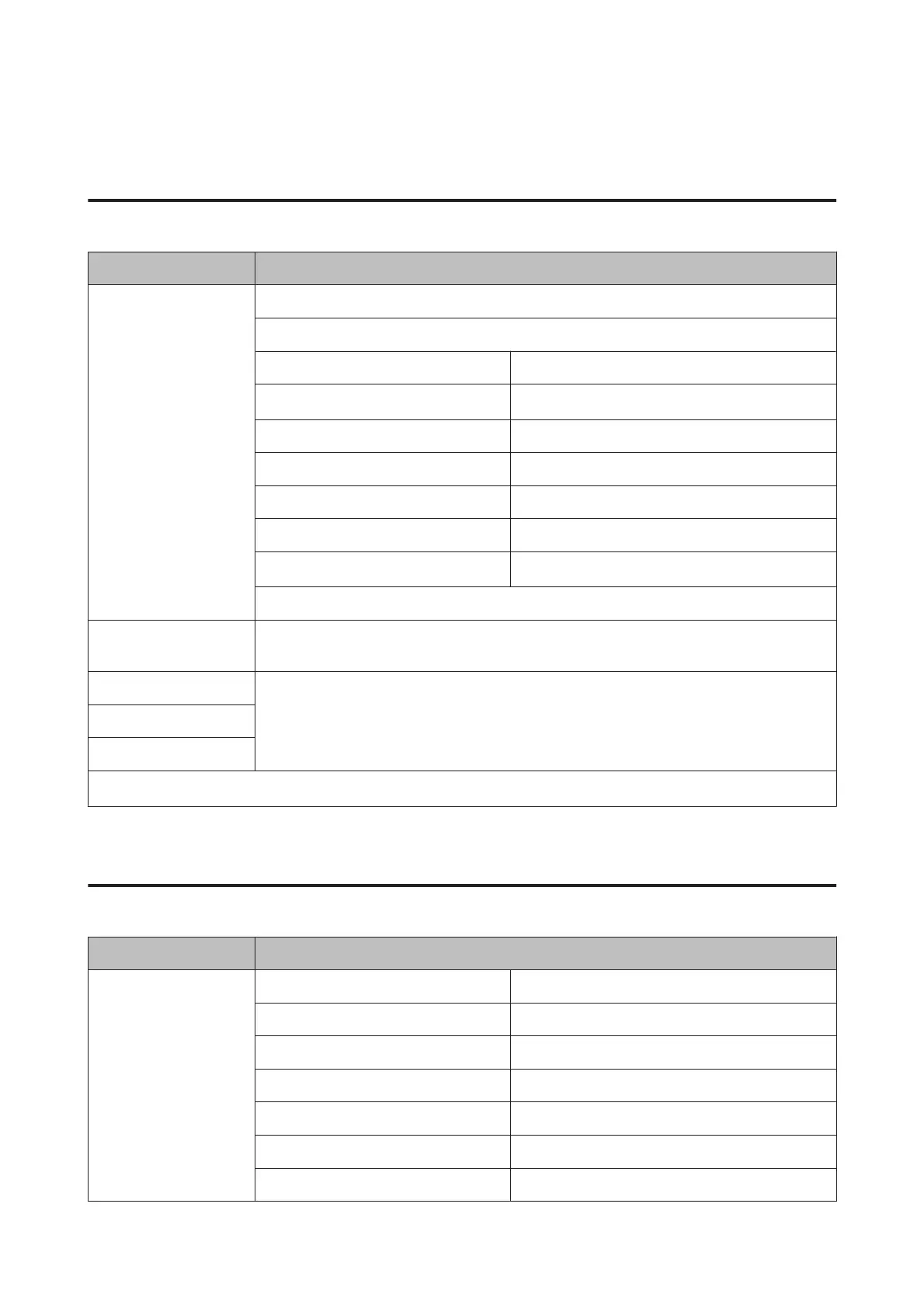
XP-710 Series/XP-810 Series
Menu Setting item and Description
Scan to Memory Card JPG, PDF
Color, B&W
Contrast -4 to +4
2-Sided Scanning
*1
Off, On
Scan Area A4, Auto Cropping, Max Area
Document Text, Photograph
Resolution 200dpi, 300dpi, 600dpi
Document Orientation Portrait, Landscape
Binding Direction
*1
Left, Top
Clear All Settings
Scan to Cloud
*1
If you want to use the Scan to Cloud service, visit the Epson Connect portal site.
& “Using Epson Connect Service” on page 9
Scan to PC (JPEG)
& “Basic Scanning from the Control Panel” on page 74
Scan to PC (PDF)
Scan to PC (Email)
Scan to PC (WSD)
*2
*1This function is only available for XP-810 Series.
*2This feature is only available for English versions of Windows 8, 7 or Vista.
XP-610 Series
Menu Setting item and Description
Scan to Memory Card Format JPEG, PDF
Color Color, B&W
Scan Area A4, Auto Cropping, Max Area
Document Text, Photograph
Resolution 200dpi, 300dpi, 600dpi
Contrast -4 to +4
Document Orientation Portrait, Landscape
User’s Guide
Menu List of Control Panel
117













 To Next Page