D
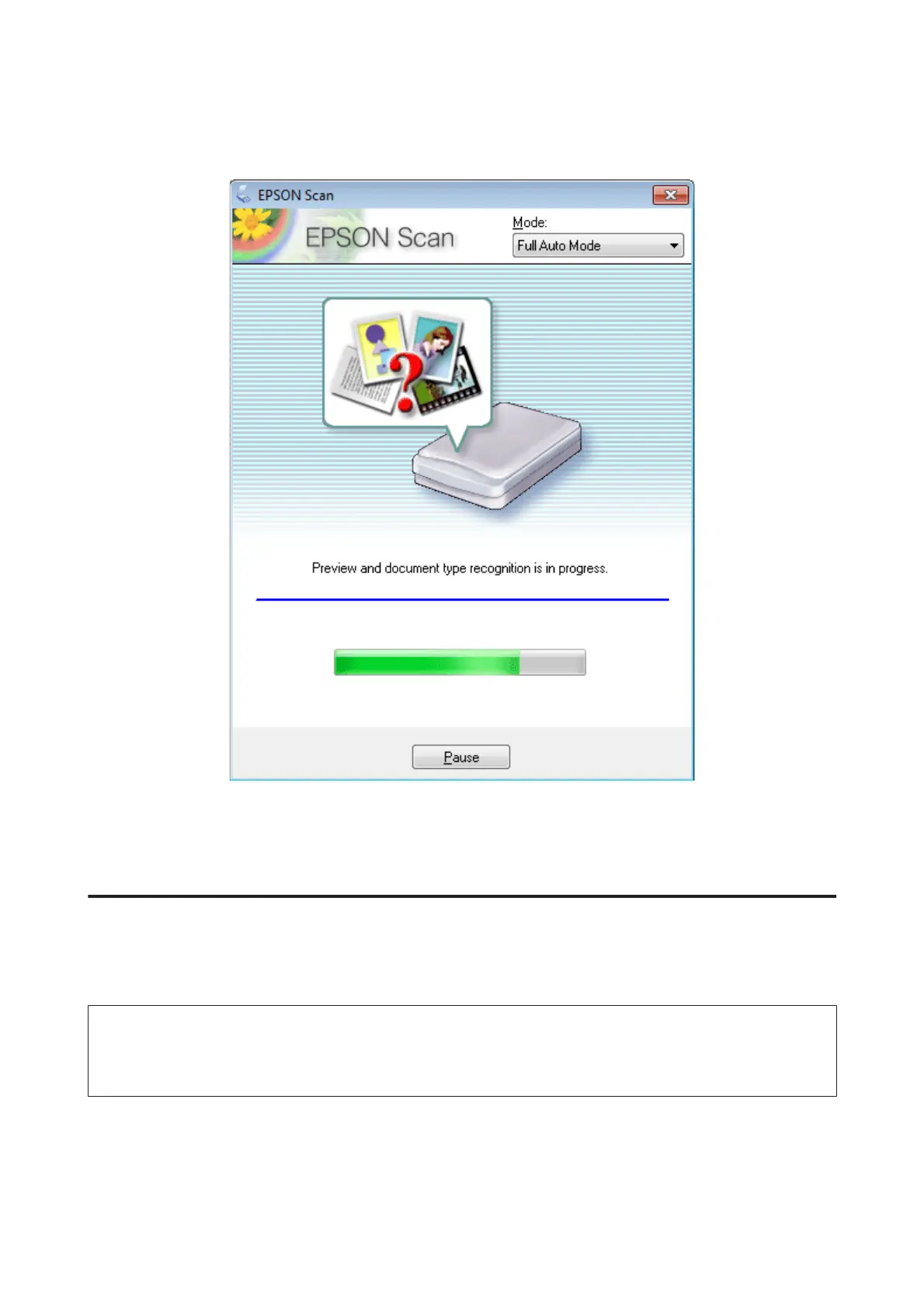
Click Scan. Epson Scan starts scanning in Full Auto Mode.
Epson Scan previews each image, detects what type of original it is, and selects the scan settings automatically.
Your scanned image is saved.
Scanning in Home Mode
Home Mode lets you customize some scanning settings and check the changes you have made in a preview image. This
mode is useful for basic scanning of photos and graphics.
Note:
❏ In Home Mode, you can only scan from the scanner glass.
❏ See the Help for more details on Epson Scan.
A
Place your original(s).
& “Scanner glass” on page 42
User’s Guide
Scanning
77













 To Next Page