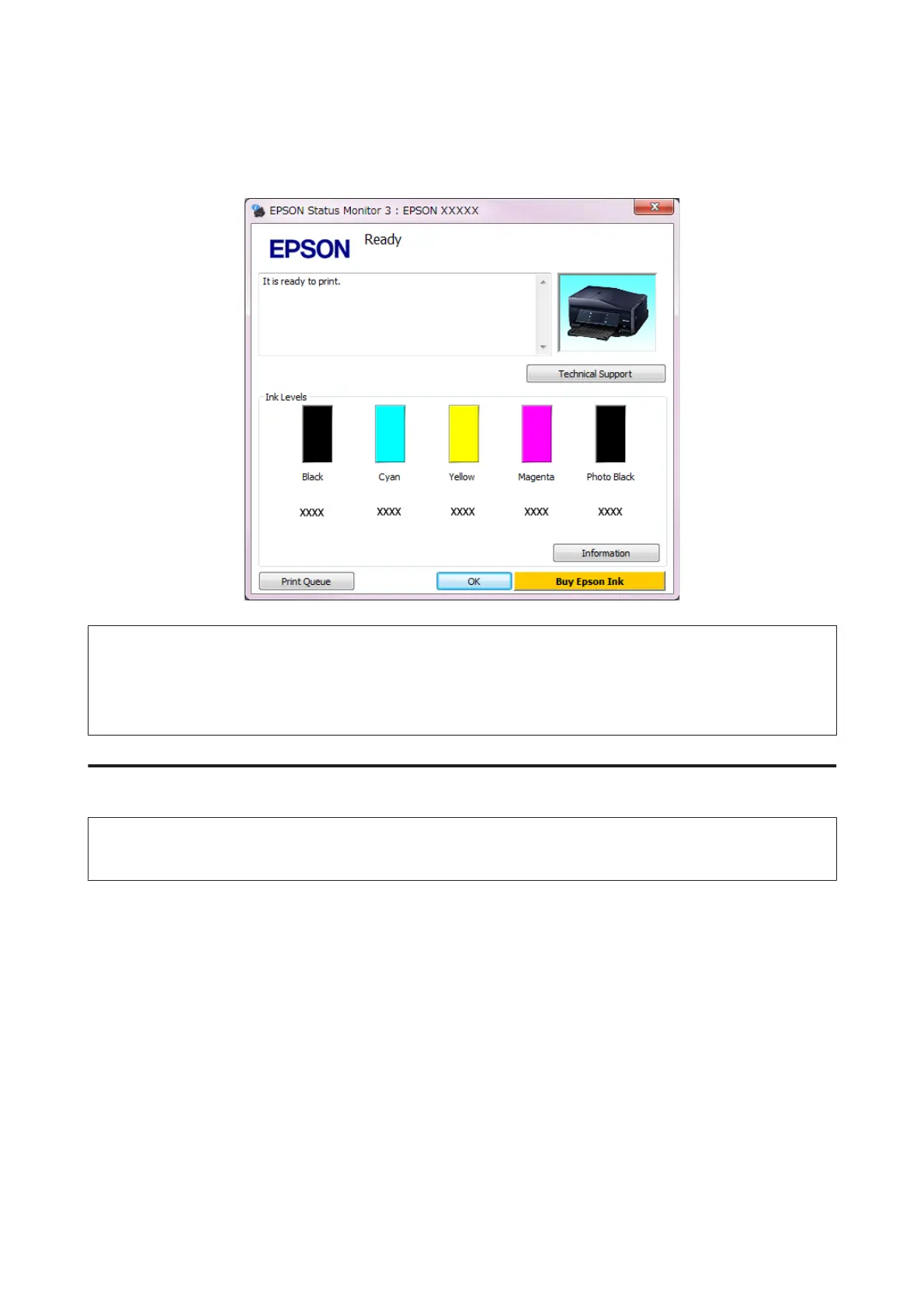
❏ Open the printer driver, click the Maintenance tab, then click the EPSON Status Monitor 3 button. A graphic
displays the ink cartridge status.
Note:
❏ If EPSON Status Monitor 3 does not appear, access the printer driver and click the Maintenance tab and then the
Extended Settings button. In the Extended Settings window, check the Enable EPSON Status Monitor 3 check box.
❏ The ink levels displayed are an approximate indication.
For Mac OS X
Note:
If an ink cartridge is running low, prepare a new ink cartridge.
You can check the ink cartridge status using EPSON Status Monitor. Follow the steps below.
A
Access the Epson Printer Utility 4.
& “Accessing the printer driver for Mac OS X” on page 53
User’s Guide
Replacing Ink Cartridges
137













 To Next Page