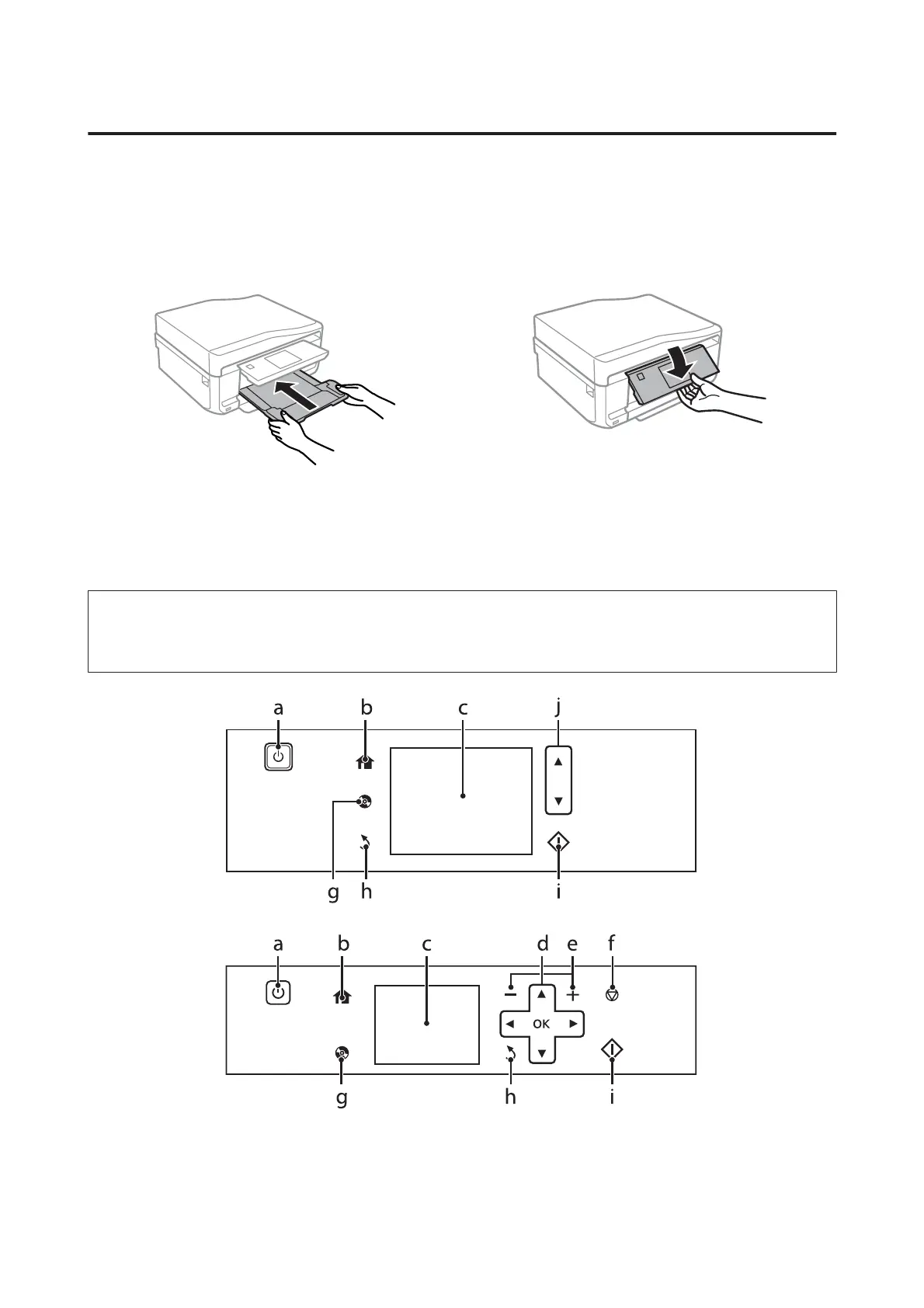
Notes regarding the control panel and the output tray
For the XP-710 Series/XP-810 Series, the control panel raises and the output tray slides out automatically when
printing starts. This function is not available for the XP-610 Series.
After printing, close the output tray and lower the control panel manually for all models if necessary.
Guide to the Control Panel
Note:
Although the control panel design and what displayed on the LCD screen such as menu names and option names may differ
from your actual product, the method of operation is the same.
User’s Guide
Getting to Know Your Product
19













 To Next Page