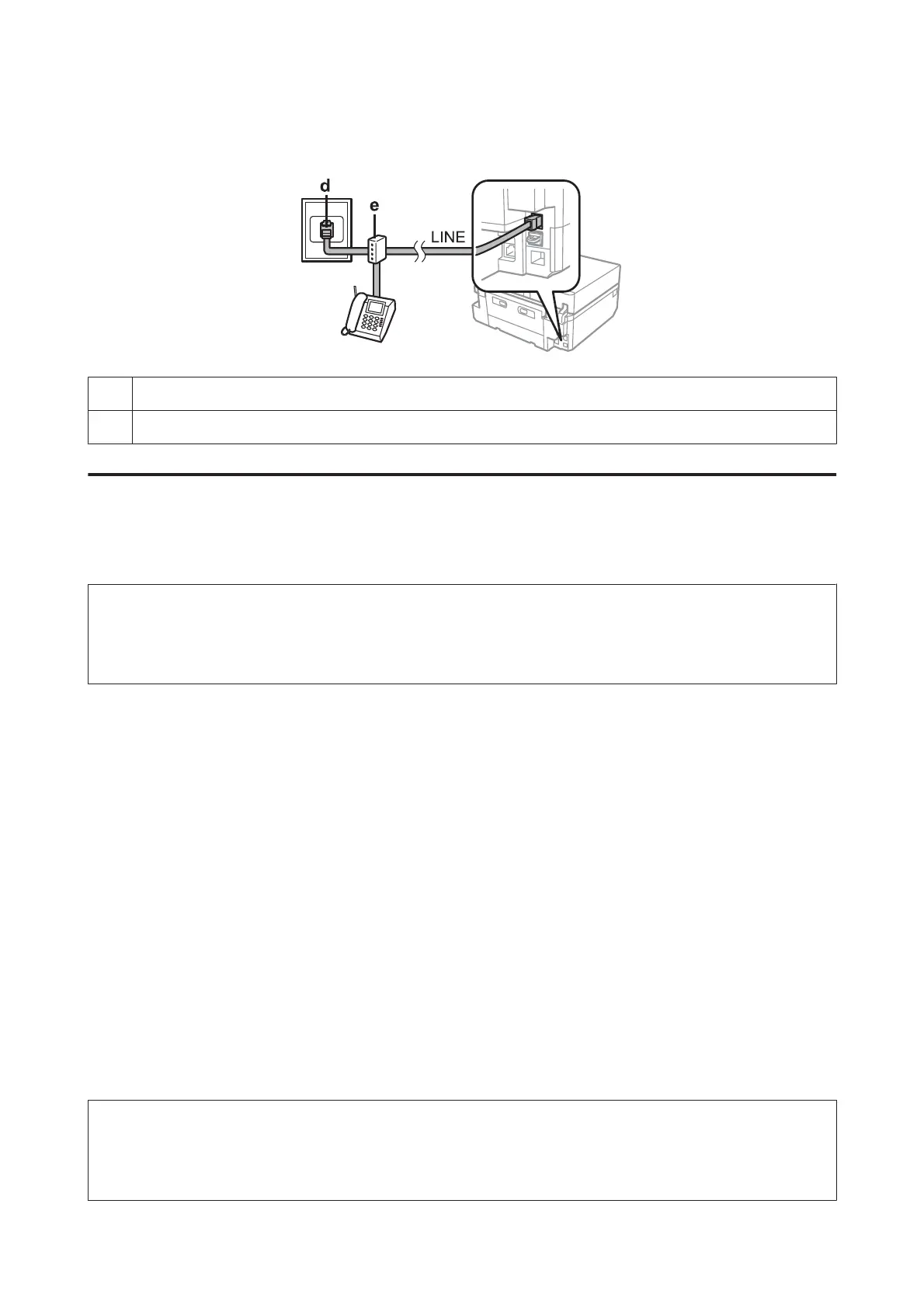
Connecting to ISDN (two phone numbers)
dISDN wall jack
e Terminal adapter or ISDN router
Setting the line type
If you are using a PBX phone system and you have connected the product to the PBX phone line, change the Line Type
setting as shown below.
Note:
PBX (Private Branch Exchange) is used in office environments where an external access code such as "9" must be dialed to
call an outside line. The default Line Type setting is PSTN (Public Switched Telephone Network), which is a standard phone
line, similar to the one in your home.
A
Enter Setup mode from the Home menu.
B
Select Fax Settings.
C
Select Communication.
D
Select Line Type.
E
Select PBX.
F
Select Use or Do Not Use on the Access Code screen. If you select Use, go to the next step.
G
Enter an external access code, and then press Done.
Note:
Using the access code setting is recommended. After you have made the setting, use # (hash) instead of the exact external
access code when dialing outside fax numbers or storing them in the Contact list. The product automatically replaces the #
with the set code when dialing. Compared to entering an exact code, using # may help avoid connection problems.
User’s Guide
Faxing
96













 To Next Page