Temporary Printing with Black Ink When Color Ink
Cartridges or a Photo Black Ink Cartridge are Expended
When color ink or photo black ink is expended and black ink still remains, you can continue printing for a short time
using only black ink. However, you should replace the expended ink cartridge(s) as soon as possible. See the following
section to continue printing temporarily with black ink.
Note:
❏ This feature is not available when photos and documents are printed or copied directly from the printer without using a
computer.
❏ The actual amount of time will vary depending on the usage conditions, images printed, print settings, and frequency of
use.
For Windows
Follow the steps below to continue printing temporarily with black ink.
A
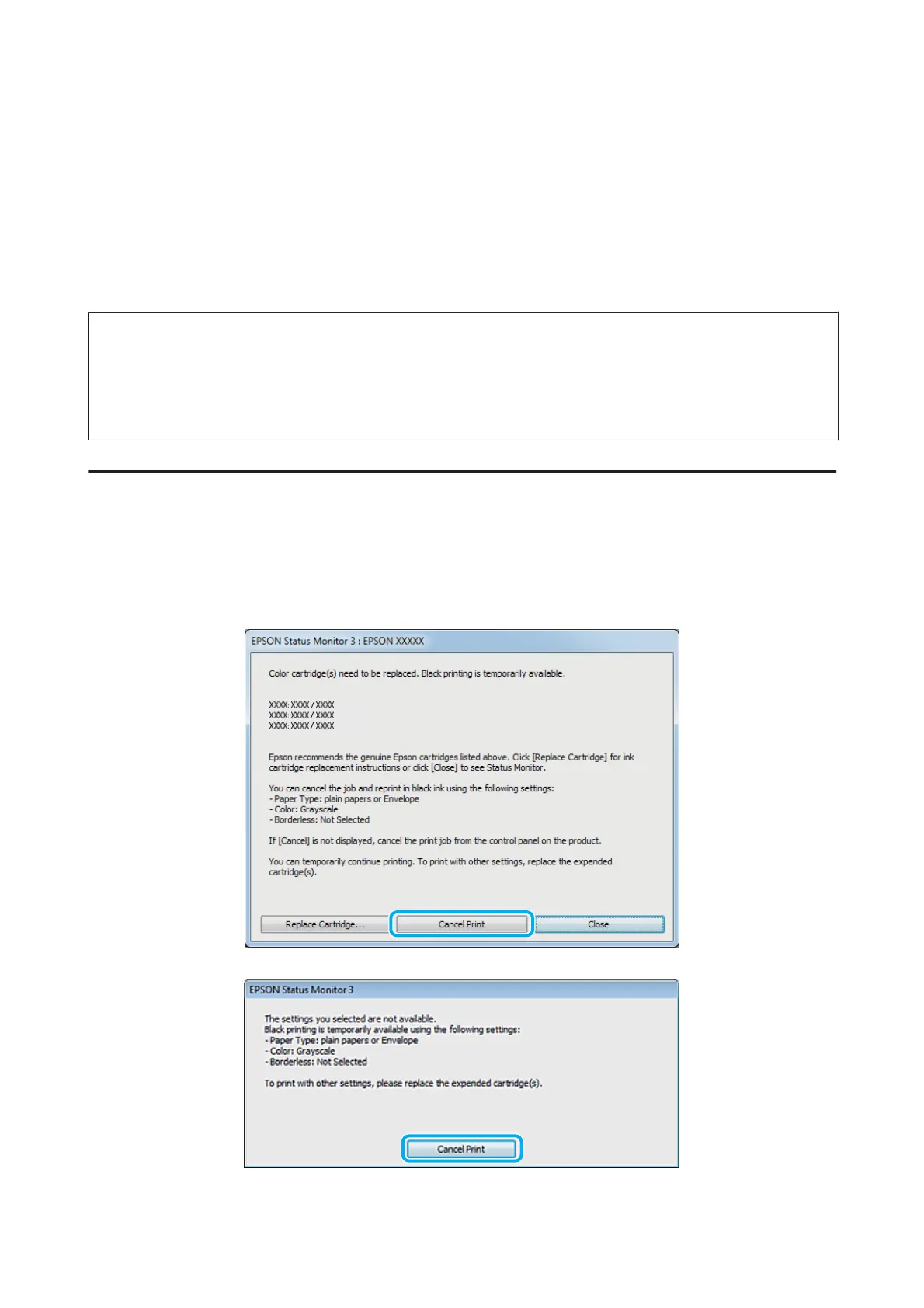
When EPSON Status Monitor 3 tells you to cancel your print job, click Cancel or Cancel Print to cancel your
print job.
User’s Guide
Replacing Ink Cartridges
139













 To Next Page