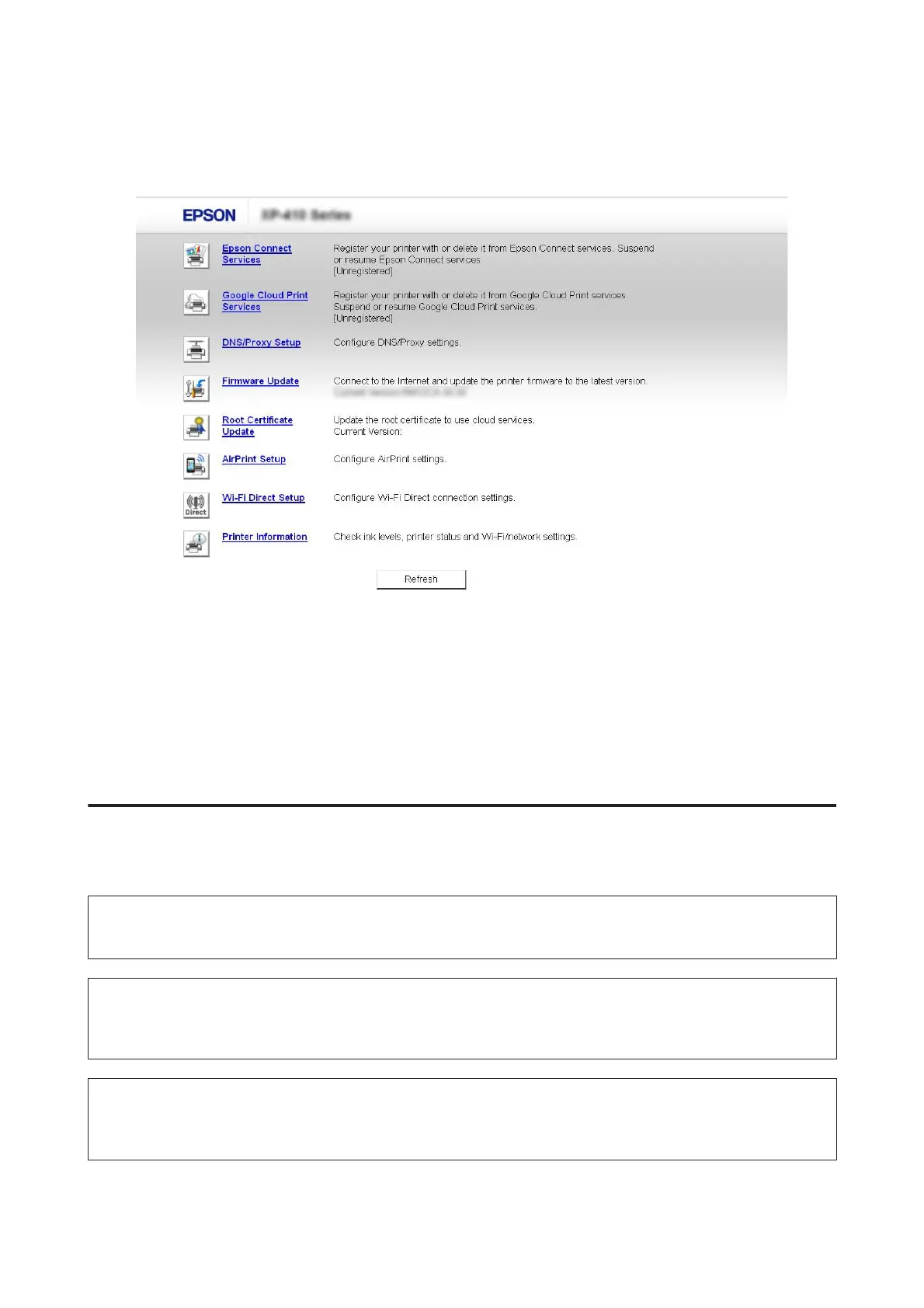
When the product is found successfully, the product’s web page is displayed as shown below. Select the menu you
want.
The web page also allows you to check the product’s status and update the product’s firmware.
Cleaning the Product
Cleaning the exterior of the product
To keep your product operating at its best, clean it thoroughly several times a year by using the following instructions.
c
Important:
Never use alcohol or thinner to clean the product. These chemicals can damage the product.
Note only for products with fax function:
Close the rear paper feed slot cover and the ADF input tray when you are not using the product to protect the product from
dust.
Note only for products without fax function:
Close the rear paper feed slot cover and the output tray when you are not using the product to protect the product from
dust.
❏ Use a soft, dry, clean cloth to clean the touchscreen/touchpad. Do not use liquid or chemical cleaners.
User’s Guide
Maintaining Your Product and Software
156













 To Next Page