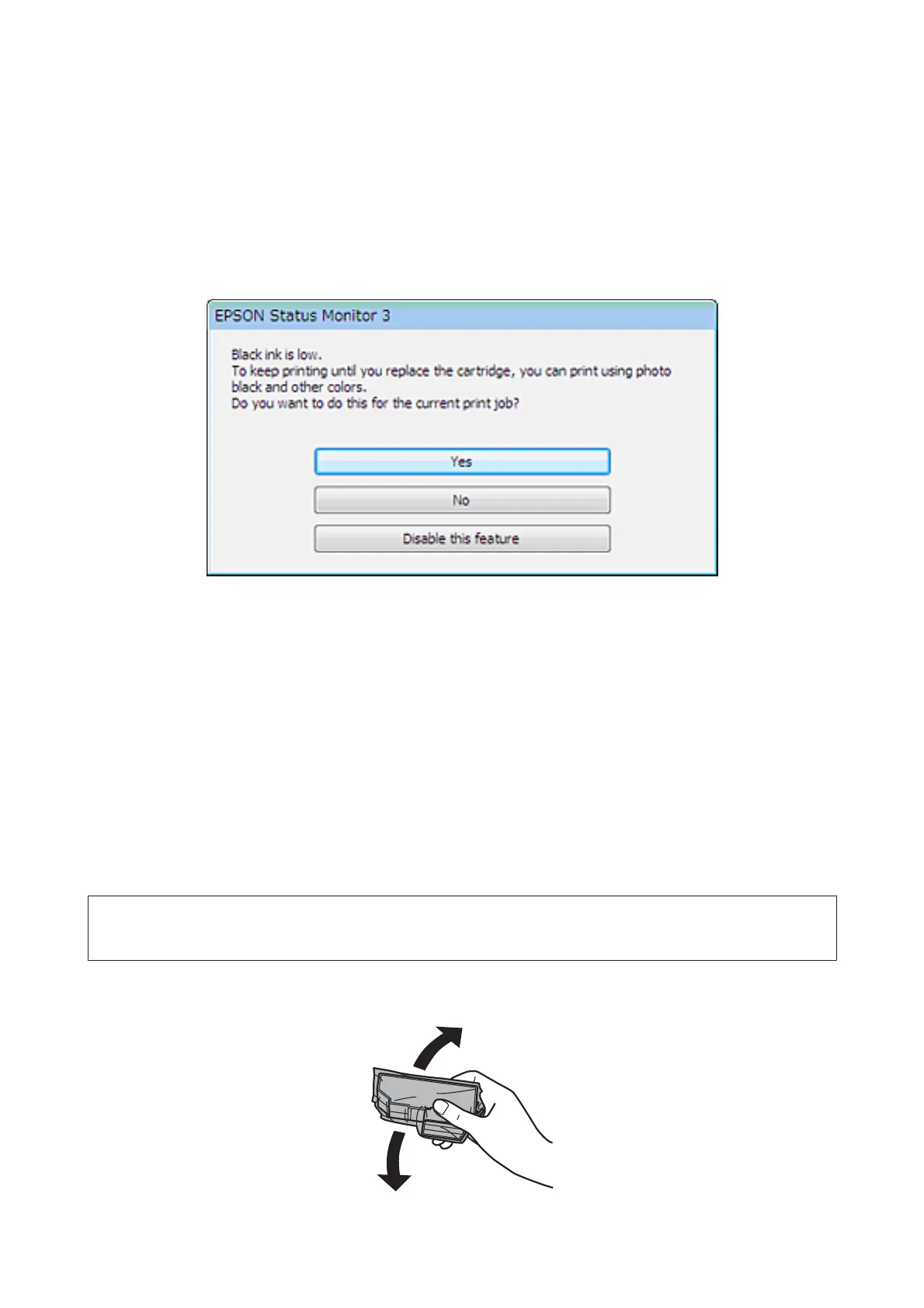
Conserving Black Ink When the Cartridge is Low (For
Windows Only)
The window below appears when black ink runs low and there is more color ink than black ink. It appears only when
plain papers is selected as the paper type, and Text is selected as the Quality Option.
The window gives you the option to either continue using black ink normally or conserve black ink by using a mixture
of color inks and photo black ink to create black.
❏ Click the Yes button to use a mixture of color inks and photo black ink to create black. The same window is
displayed the next time you print a similar job.
❏ Click the No button to continue using the remaining black ink for the job you are printing. You will see the same
window the next time you print a similar job, and again have the option to conserve black ink.
❏ Click Disable this feature to continue using the remaining black ink.
Replacing an ink cartridge
Note:
Make sure that the CD/DVD tray is not inserted in the product and that the P light is on, but not flashing.
A
For best results, gently shake only the new Black ink cartridge four or five times before opening the package.
User’s Guide
Replacing Ink Cartridges
142













 To Next Page