XP-610 Series
Menu Setting and Options
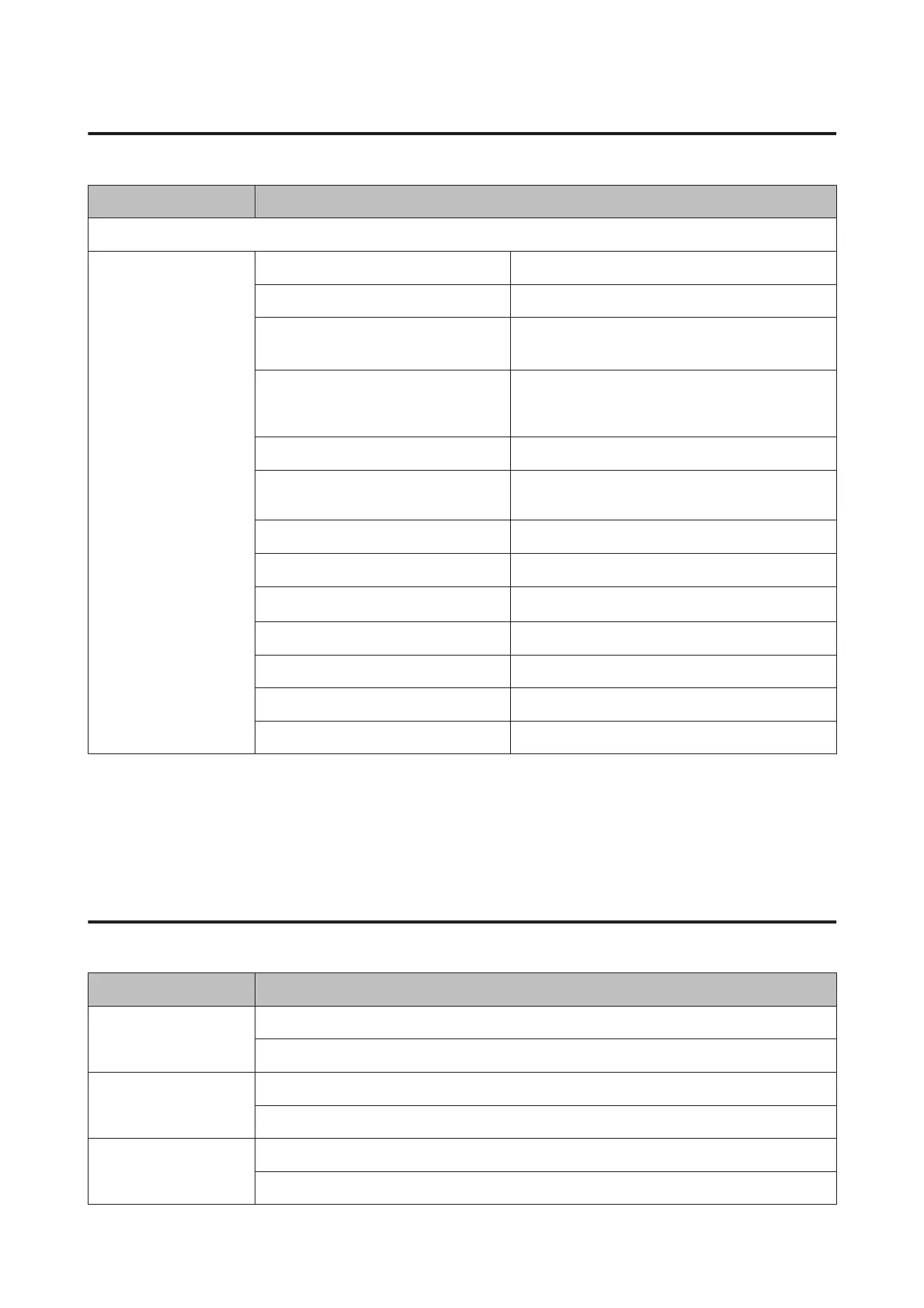
Color, B&W
Paper and Copy Settings Density -4 to +4
2-Sided Copying 1>1-Sided, 1>2-Sided
Layout
With Border, Borderless
*1
, A4, 2-up Copy, A4, Book/
2-up, Book/2-Sided
Reduce/Enlarge Custom Size, Actual Size, Auto Fit Page,
10x15cm->A4, A4->10x15cm, 13x18->10x15,
10x15->13x18, A5->A4, A4->A5
Paper Size A4, A5, 10x15cm(4x6 in), 13x18cm(5x7 in)
Paper Type Plain Paper, Matte, Prem. Glossy, Ultra Glossy, Glossy,
Photo Paper
Paper Source Cassette 1, Cassette 2
Document Type Text, Text & Image, Photo
Quality
Draft
*2
, Standard, Best
Document Orientation Portrait, Landscape
Binding Margin Left, Top
Expansion Standard, Medium, Minimum
Dry Time Standard, Long, Longer
*1Your image is slightly enlarged and cropped to fill the sheet of paper. Print quality may decline in the top and bottom areas of the
printout, or the area may be smeared when printing.
*2For users in Belgium, draft mode is not available.
Print Photos Mode
XP-710 Series/XP-810 Series
Menu Setting and Options
Browse Browse by Date
Cancel Browse
Select Photos Select All Photos
Cancel Photo Selection
Select Location Select Folder
Select Group
User’s Guide
Menu List of Control Panel
114













 To Next Page