Product settings for Windows
A
Access the printer settings.
& “Accessing the printer driver for Windows” on page 52
B
Select Reduce/Enlarge Document and By Output Paper Size in the Page Layout tab, and then select the size of
the paper you are using from the drop-down list.
C
Check the other settings and print.
Product settings for Mac OS X
A
Access the Print dialog box.
& “Accessing the printer driver for Mac OS X” on page 53
B
Choose Scale to fit paper size for Destination Paper Size in the Paper Handling pane, and then select the size of
the paper you are using from the pop-up menu.
C
Check the other settings and print.
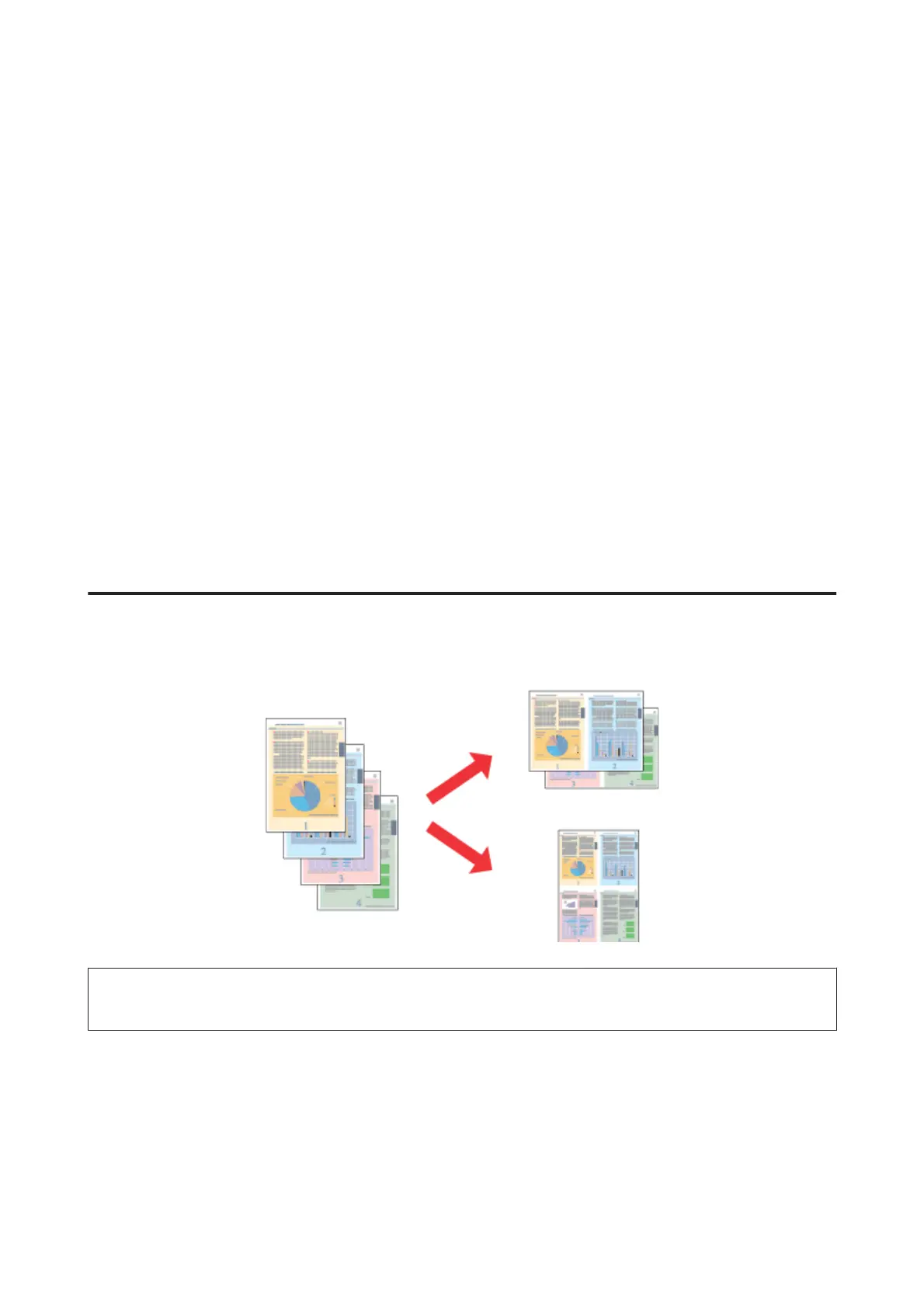
Pages per sheet printing
Lets you use the printer driver to print two or four pages on a single sheet of paper.
Note:
This feature may not be available at some settings.
Product settings for Windows
A
Access the printer settings.
& “Accessing the printer driver for Windows” on page 52
B
Select Multi-Page and then select the Pages per Sheet in the Page Layout tab.
User’s Guide
Printing
65













 To Next Page