G
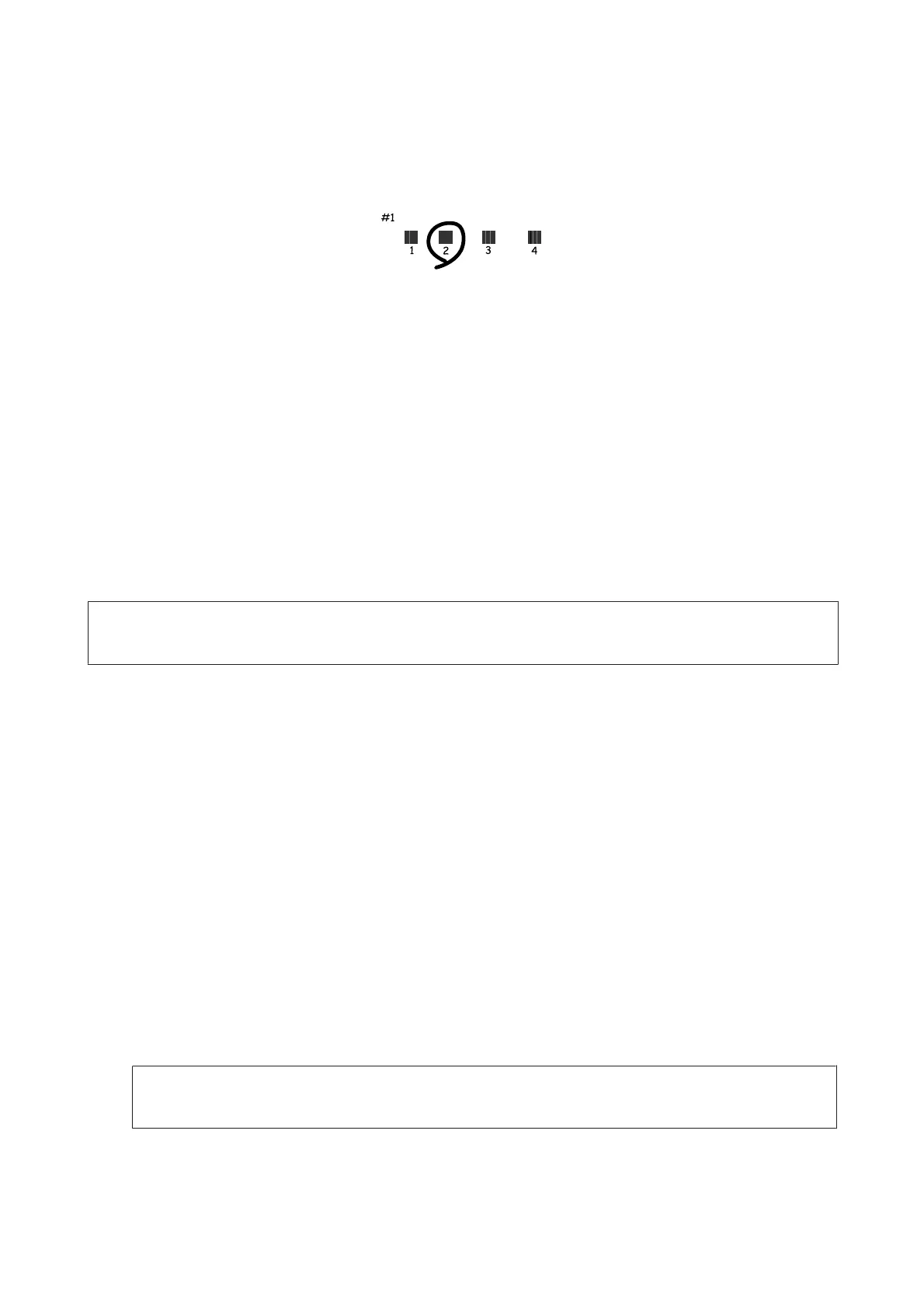
Find the most solid pattern in each of #1 to #5 groups.
H
Enter the pattern number for the most solid pattern in #1 group.
I
Repeat step 8 for the other groups (#2 to #5).
J
Finish aligning the print head.
Setting/Changing Time and Region
Follow the steps below to set the time and region using the product control panel.
Note:
This function is only available for fax capable models.
A
Enter Setup mode from the Home menu.
B
Select Basic Setup.
C
Select Date/Time.
D
Select the date format.
E
Set the date.
F
Select the time format.
G
Set the time.
Note:
To select daylight saving time, set Daylight Saving Time to On.
H
Select Country/Region.
User’s Guide
Maintaining Your Product and Software
152













 To Next Page