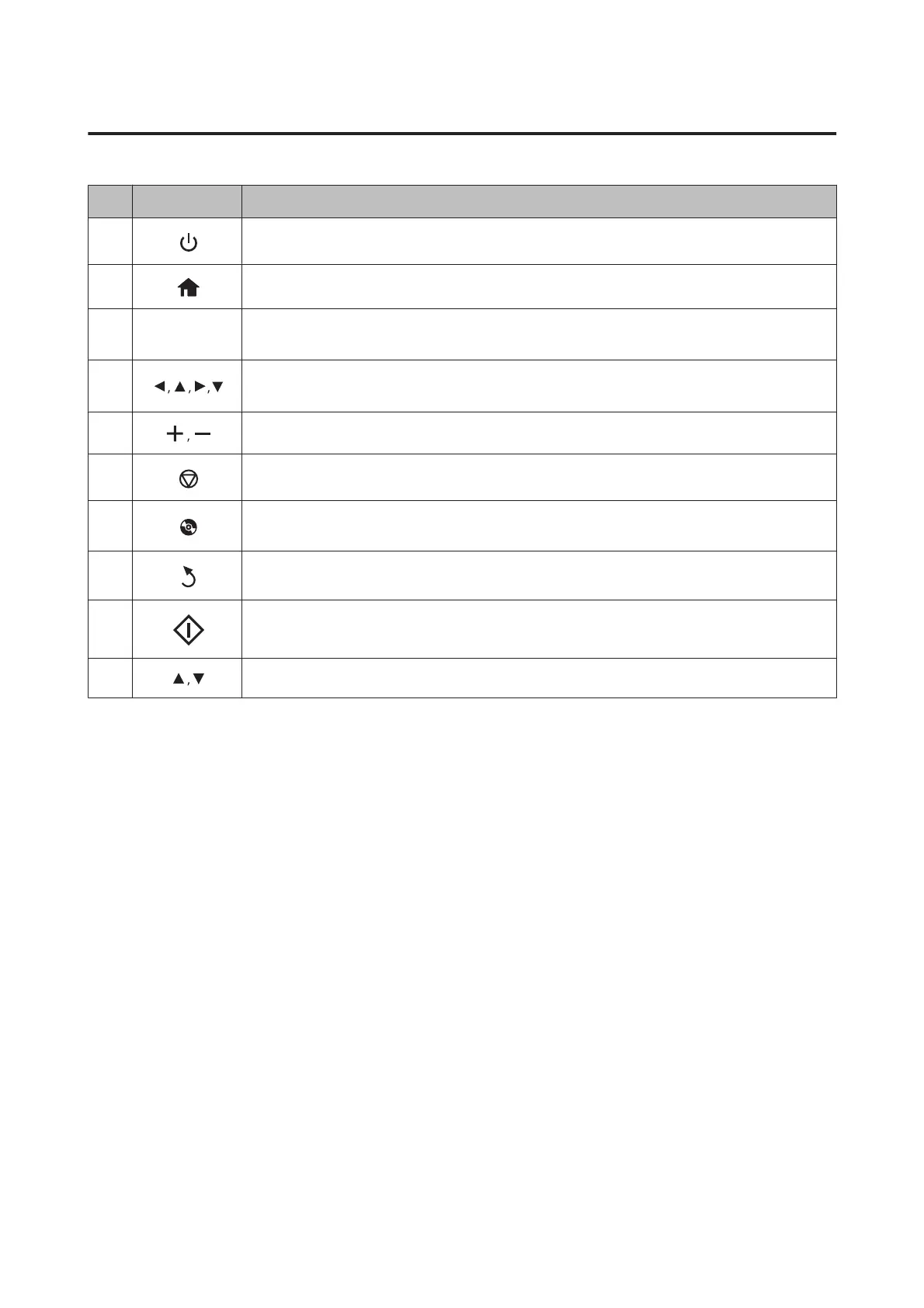
Button and LCD
Buttons Function
a
Turns the product on or off.
b
Displays the Home menu.
c
-
LCD screen displays menus.
& “Using the LCD screen” on page 21
d
Press l, u, r, d to select menus. Press OK to confirm the setting you have selected and go to next
screen.
e
Sets the number of copies and prints.
f
Stops the current operation or initializes the current settings.
g
Press to display the CD/DVD label menu.
The product prepares CD/DVD label printing.
h
Cancels/returns to the previous menu.
i
Starts copying/printing/scanning/faxing.
j
Scrolls the screen.
User’s Guide
Getting to Know Your Product
20













 To Next Page