A
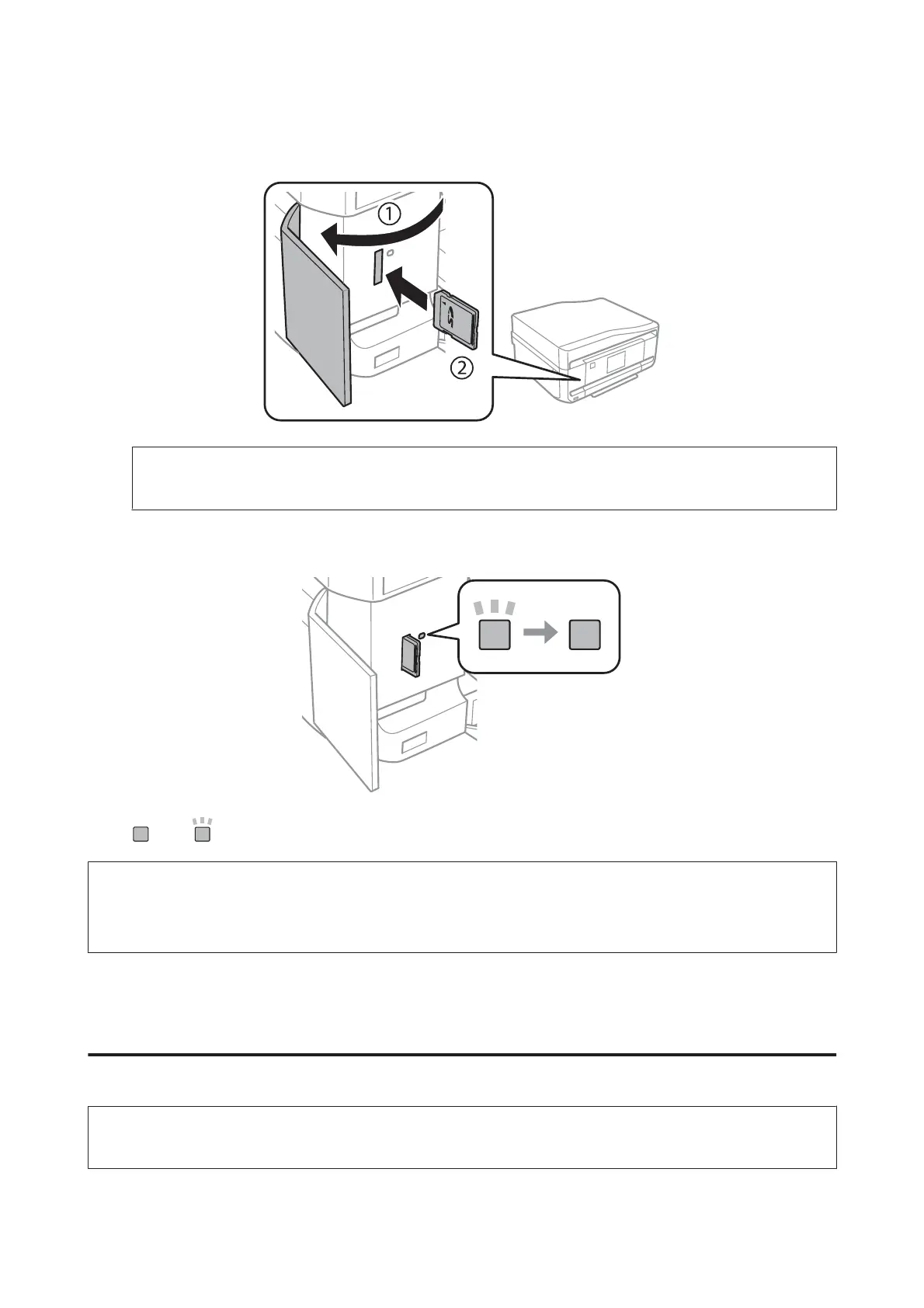
Open the cover, and insert a memory card.
Note:
The memory card cover is not available for the XP-610 Series.
B
Check the light stays on.
= on, = flashing
c
Important
❏ Do not try to force the card all the way into the slot. It should not be fully inserted.
❏ Do not remove the memory card while the light is flashing. The data in the memory card may be lost.
Placing Originals
Automatic Document Feeder (ADF)
Note:
This function is only available for XP-810 Series.
User’s Guide
Paper and Media Handling
39













 To Next Page