You can load your original documents in the Automatic Document Feeder (ADF) to copy, scan, or fax multiple pages
quickly. The ADF can scan both sides of your documents. To do so, select the option in the copy setting menu.
You can use the following originals in the ADF.
Size A4/Letter/Legal
Type Plain paper
Weight
64 g/m
2
to 95 g/m
2
Capacity 30 sheets or 3 mm or less (A4, Letter)/10 sheets (Legal)
When you scan a 2-sided document using the ADF, legal size paper is not available.
c
Important:
To prevent paper jams, avoid the following documents. For these types, use the scanner glass.
❏ Documents held together with paper clips, staples, etc.
❏ Documents that have tape or paper stuck to them.
❏ Photos, OHPs, or thermal transfer paper.
❏ Paper that is torn, wrinkled, or has holes.
A
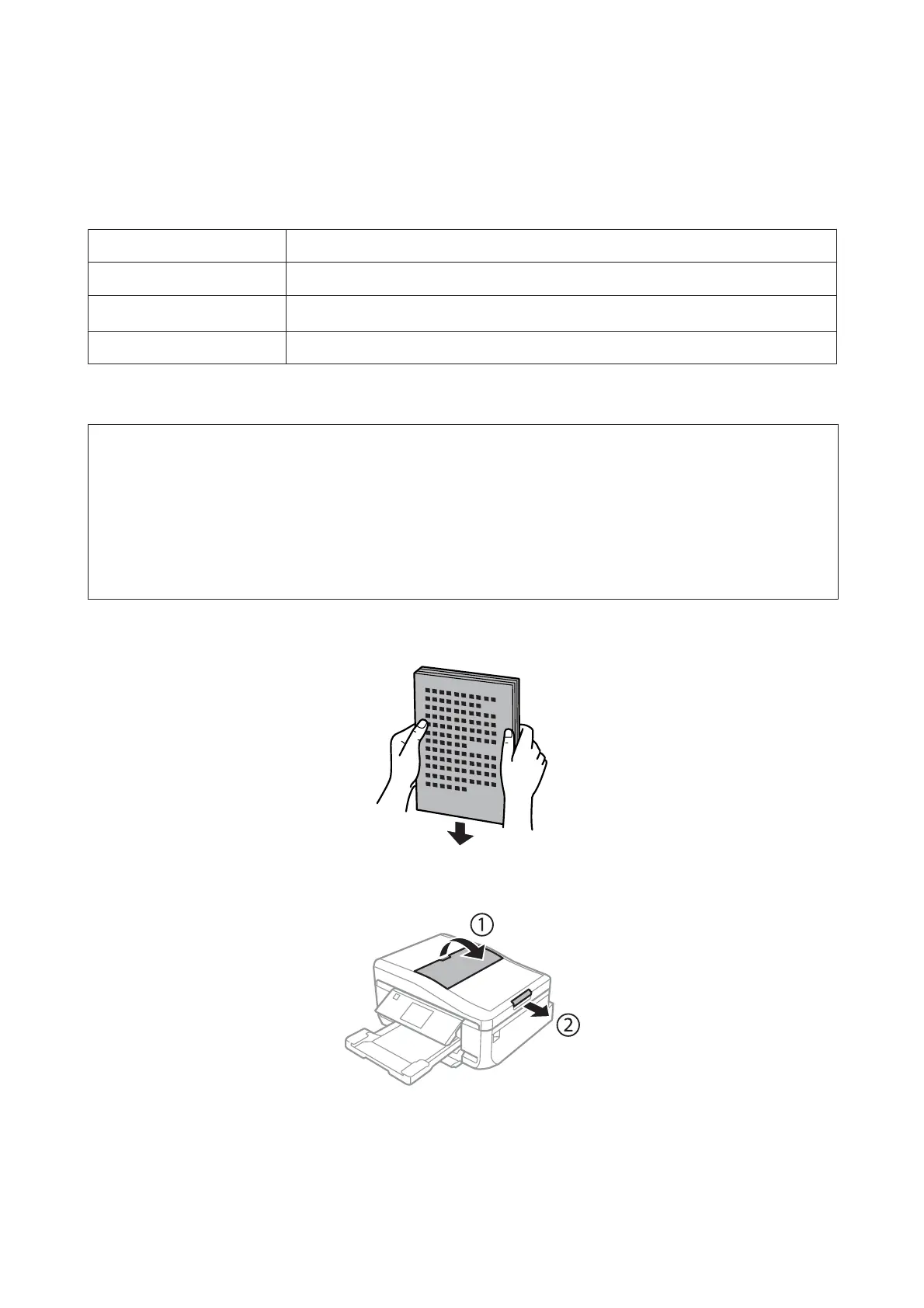
Tap the originals on a flat surface to even the edges.
B
Open the ADF input tray, and then slide out the output tray extension.
User’s Guide
Paper and Media Handling
40













 To Next Page