C
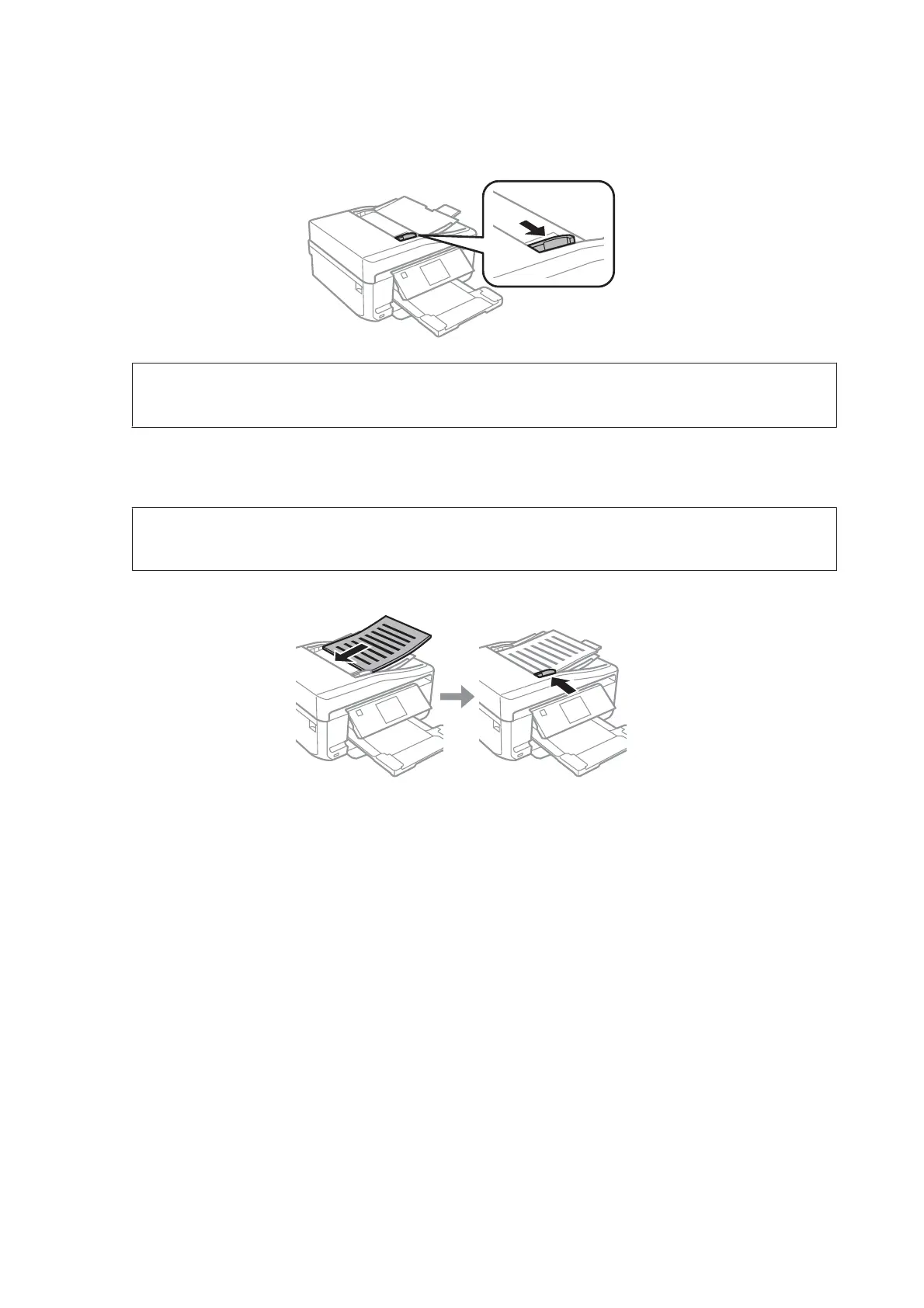
Slide the edge guide on the Automatic Document Feeder.
Note for the Automatic Document Feeder (ADF):
Do not load paper above the line just under the d arrow mark on the ADF.
D
Insert the originals face-up and short edge first into the Automatic Document Feeder, and then slide the edge
guide until it is flush with the originals.
Note:
The ADF icon is displayed when originals are placed in the automatic document feeder.
User’s Guide
Paper and Media Handling
41













 To Next Page