B
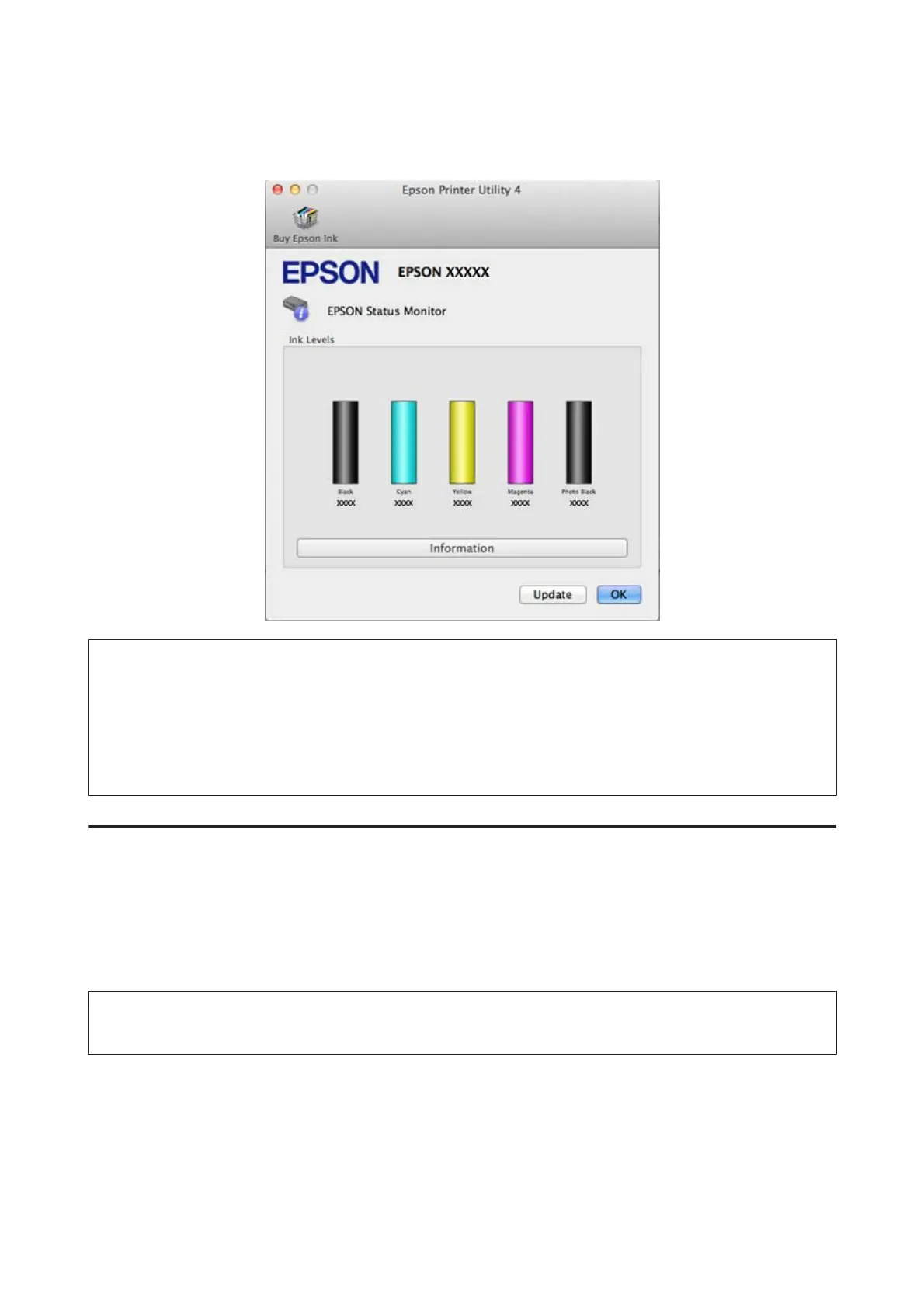
Click the EPSON Status Monitor icon. The EPSON Status Monitor appears.
Note:
❏ The graphic displays the ink cartridge status when EPSON Status Monitor was first opened. To update the ink cartridge
status, click Update.
❏ Epson cannot guarantee the quality or reliability of non-genuine ink. If non-genuine ink cartridges are installed, the ink
cartridge status may not be displayed.
❏ The ink levels displayed are an approximate indication.
Using the control panel
A
Enter Setup mode from the Home menu.
B
Select Ink Levels.
Note:
The ink levels displayed are an approximate indication.
User’s Guide
Replacing Ink Cartridges
138













 To Next Page