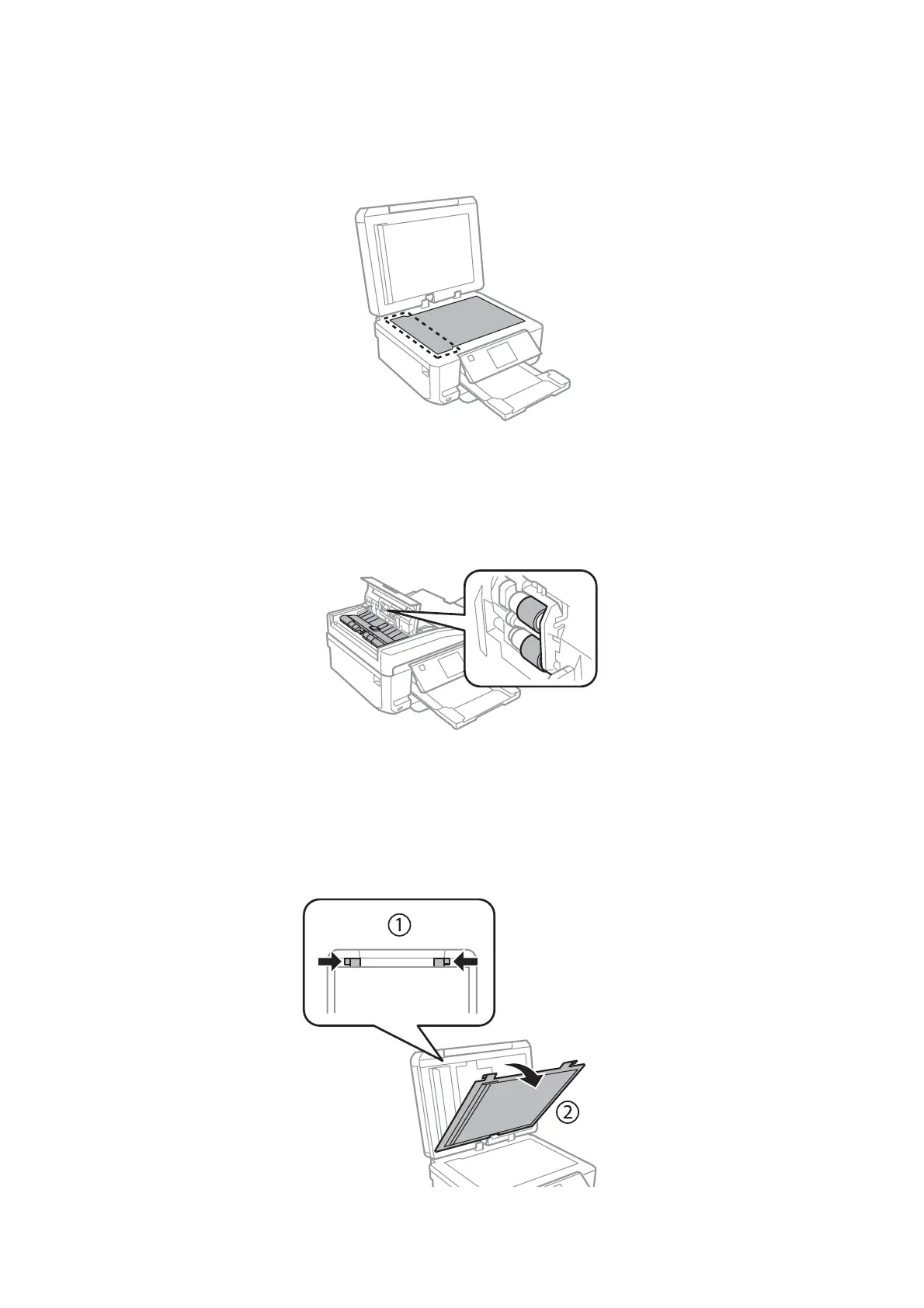
❏ Use a soft, dry, clean cloth to clean the surface of the scanner glass.
If straight lines appear in the printout or the scanned data, clean the left side of the scanner glass carefully.
❏ If the glass surface is stained with grease or some other hard-to-remove material, use a small amount of glass
cleaner and a soft cloth to remove it. Wipe off all remaining liquid.
❏ Open the ADF cover and use a soft, dry, clean cloth to clean the roller and the interior of the ADF (only for
products with ADF function).
❏ Do not press the surface of the scanner glass with any force.
❏ Be careful not to scratch or damage the surface of the scanner glass, and do not use a hard or abrasive brush to clean
it. A damaged glass surface can decrease the scan quality.
❏ Remove the document mat as shown in the illustration (only for products with ADF function).
User’s Guide
Maintaining Your Product and Software
157













 To Next Page