B
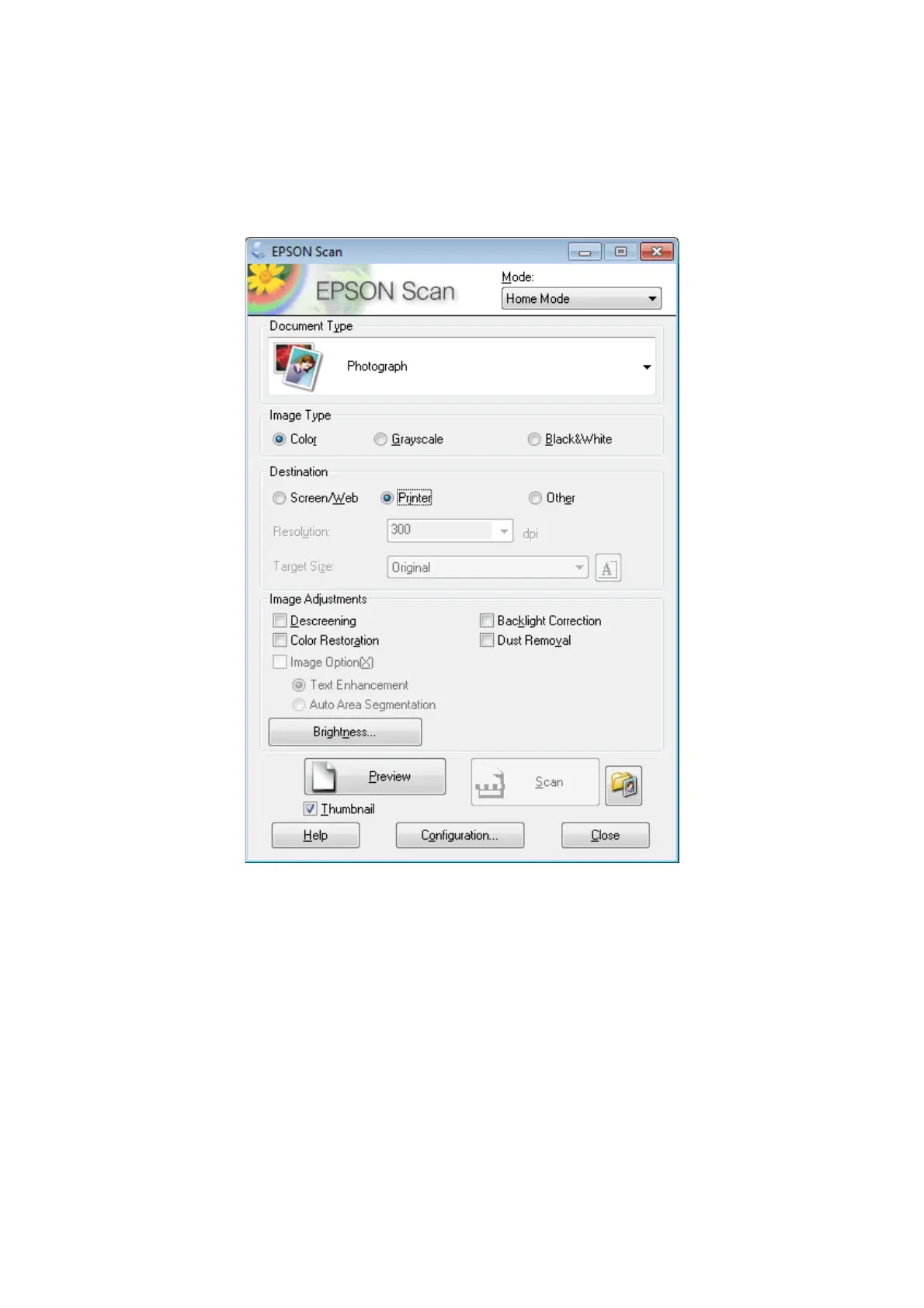
Start Epson Scan.
& “Starting Epson Scan Driver” on page 91
C
Select Home Mode from the Mode list.
D
Select the Document Type setting.
E
Select the Image Type setting.
F
Click Preview.
& “Previewing and Adjusting the Scan Area” on page 83
G
Adjust the exposure, brightness, and other image quality settings.
H
Click Scan.
User’s Guide
Scanning
78













 To Next Page