Note:
❏ If the ink cartridge holder does not move to the ink cartridge replacement position, close the scanner unit and
follow the instruction below.
Home > Setup > Maintenance > Ink Cartridge(s) Replacement
❏ Do not move the ink cartridge holder by hand; otherwise, you may damage the product.
D
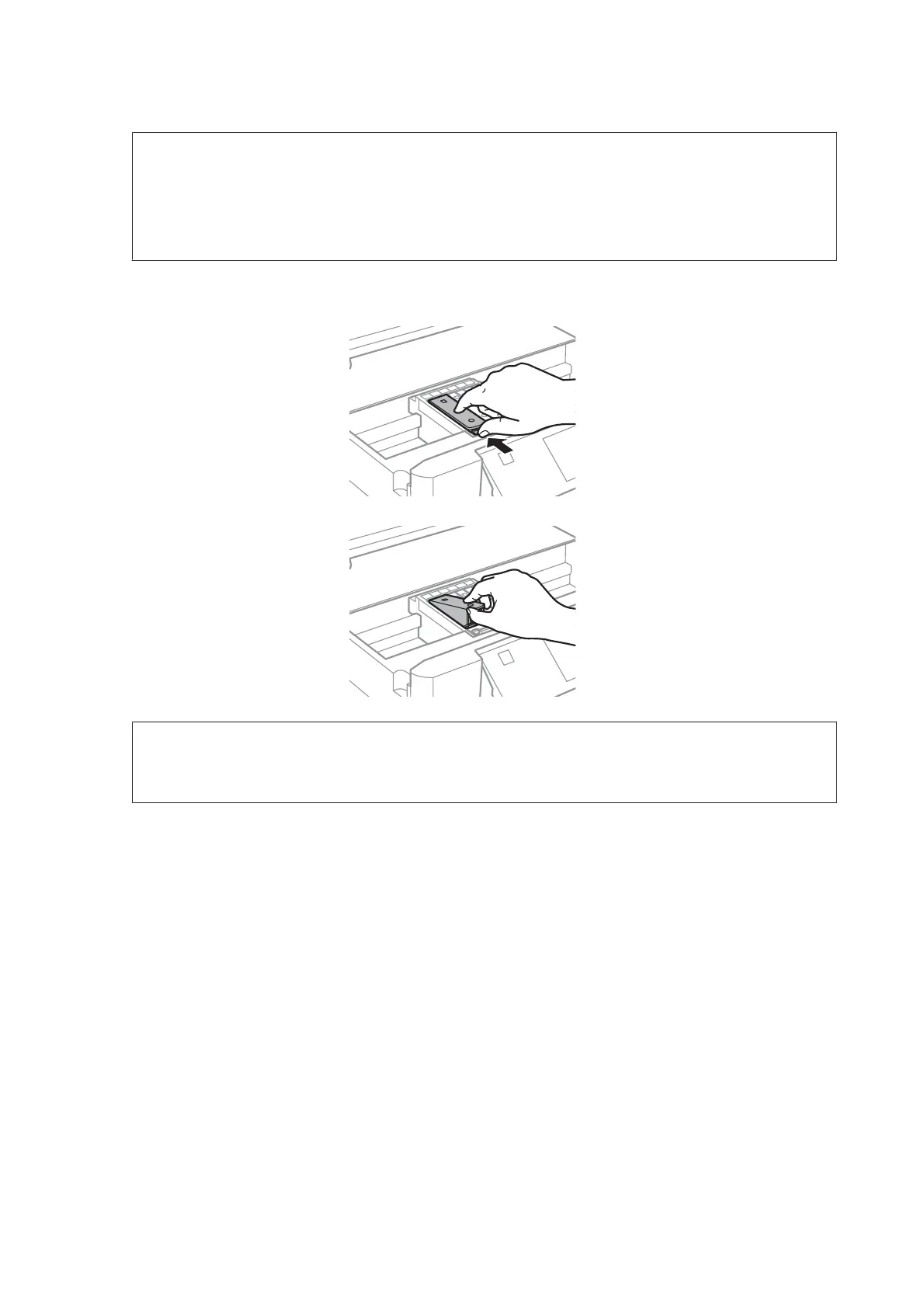
Push the tab to unlock the ink cartridge holder and then remove the cartridge diagonally.
Note:
The illustration shows replacement of the cartridge on the far left. Replace the cartridge appropriate to your
situation.
User’s Guide
Replacing Ink Cartridges
144













 To Next Page