c
Important:
❏ When storing or transporting the product, avoid tilting it, placing it vertically, or turning it upside down;
otherwise ink may leak.
❏ Leave the ink cartridges installed. Removing the cartridges can dry out the print head and may prevent the
product from printing.
A
Plug in the product and turn it on. Wait until the ink cartridge holder returns to the home position.
B
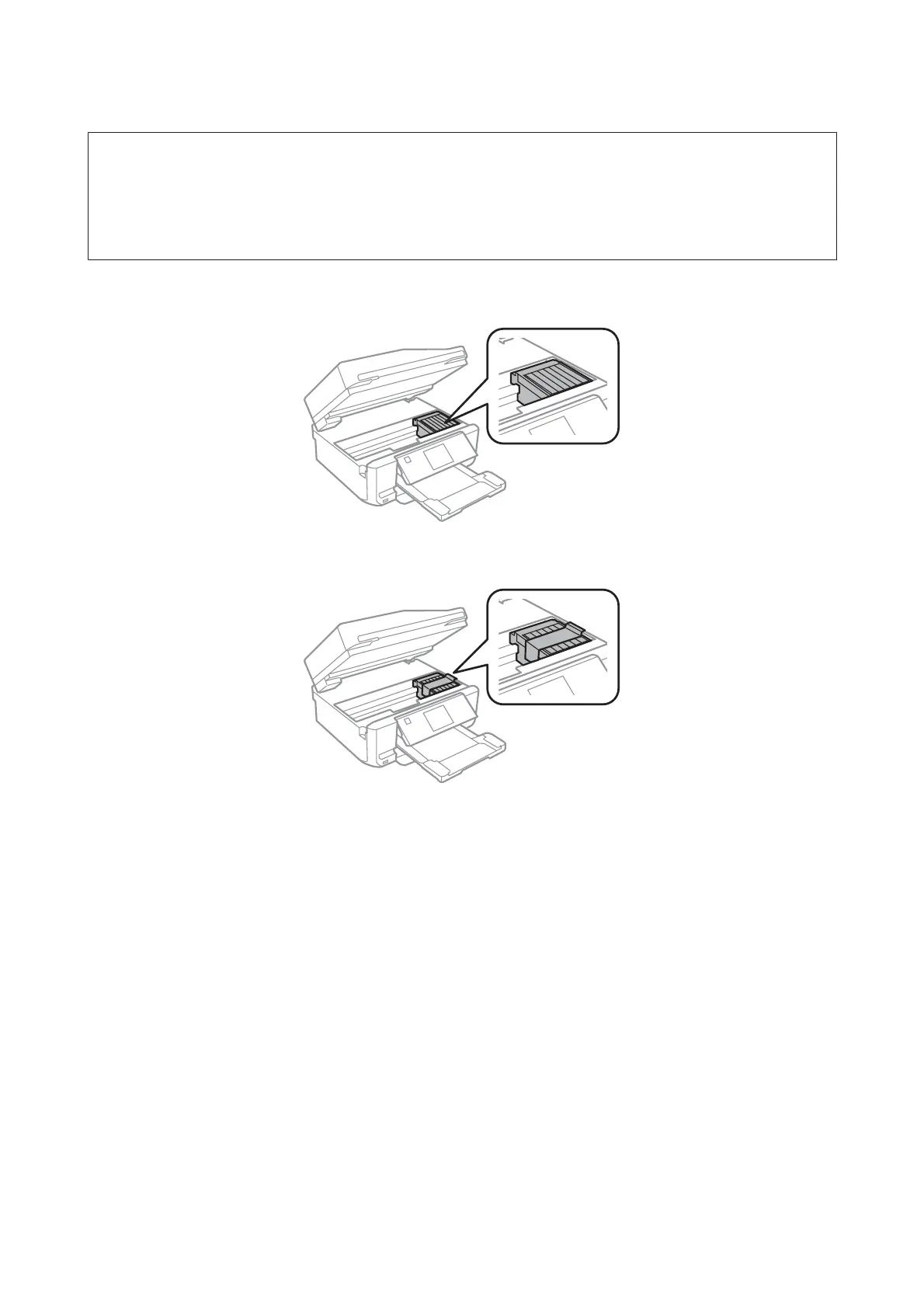
Secure the ink cartridge holder to the case with tape as shown, then close the scanner unit slowly.
C
Turn off the product and unplug its power cord.
D
Disconnect all other cables from the product.
E
Remove all paper from the rear paper feed slot.
User’s Guide
Maintaining Your Product and Software
159













 To Next Page