C
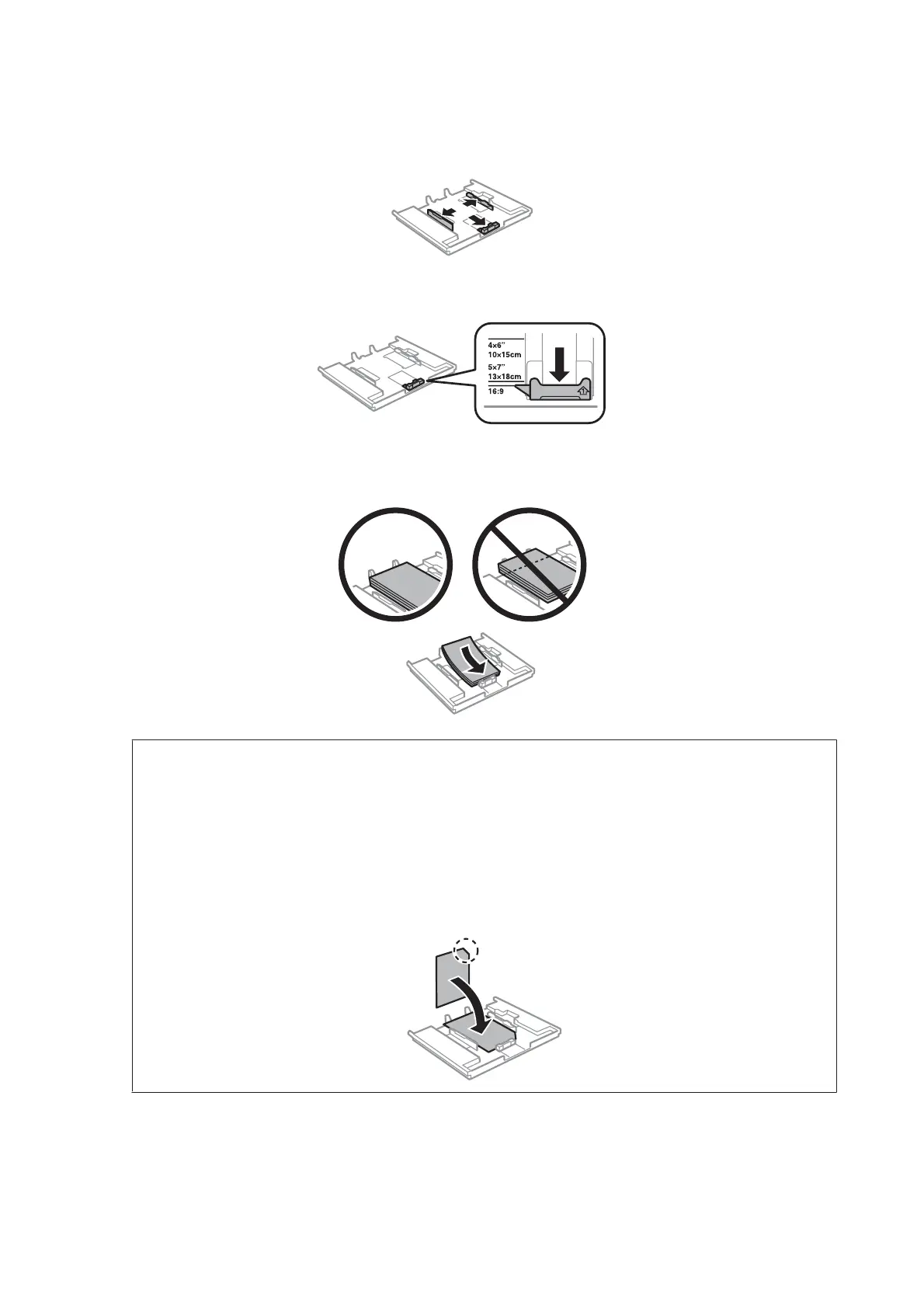
Slide the edge guides to the sides of the paper cassette.
D
Slide the edge guide to adjust to the paper size you will use.
E
Load paper toward the edge guide with printable side face-down, and check that the paper is not sticking out
from the end of the cassette.
Note:
❏ Fan and align the edges of the paper before loading.
❏ For Epson special media, make sure the number of sheets is less than the limit specified for the media.
& “Selecting Paper” on page 23
❏ When you select Cassette 1->2 as the Paper Source, load the same size and type of paper in both cassettes.
❏ When loading a Photo Stickers sheet, place it face down. Do not use the loading support sheet that came with the
Photo Stickers.
User’s Guide
Paper and Media Handling
28













 To Next Page