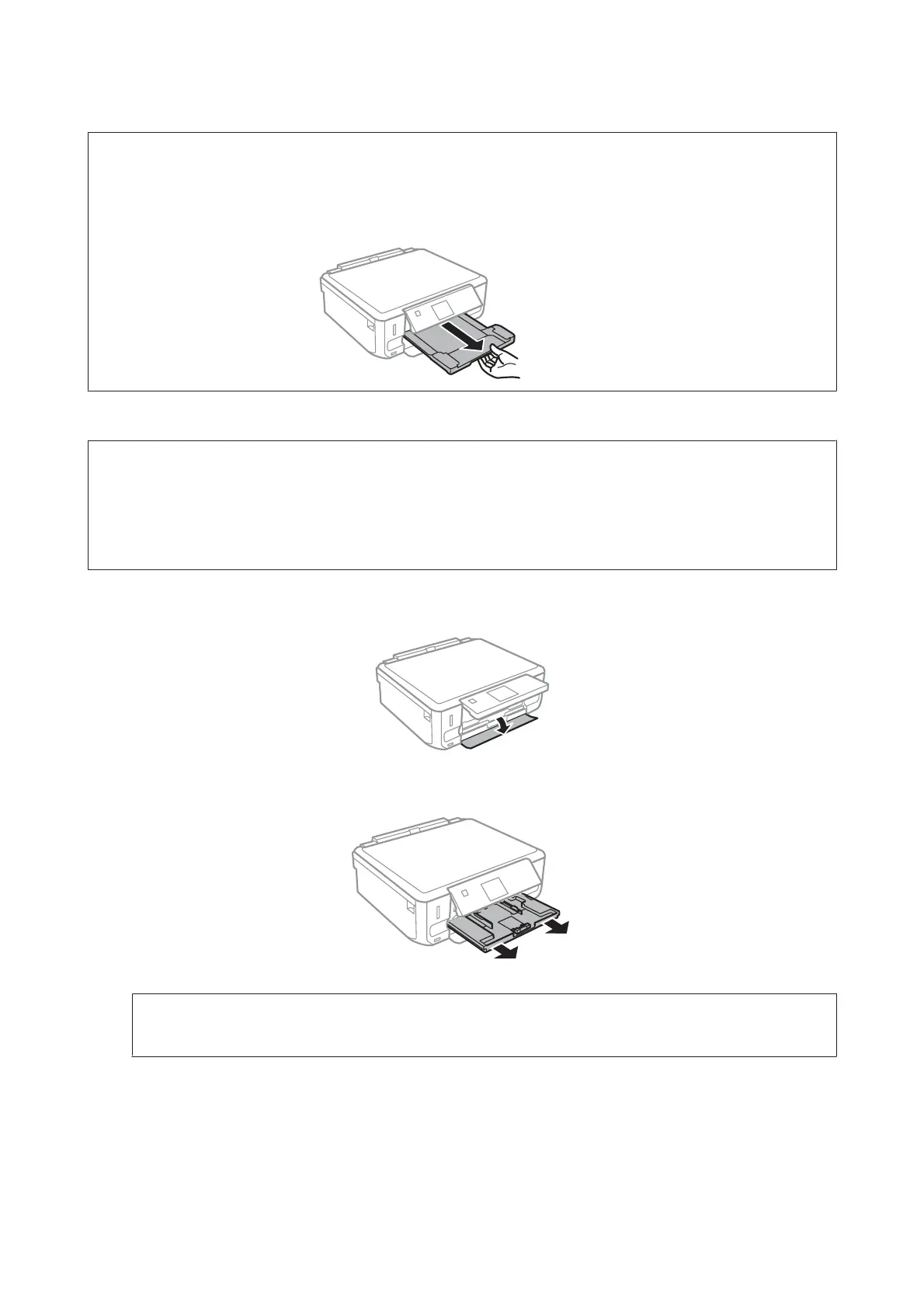
Note:
❏ Leave enough space in front of the product for the paper to be fully ejected.
❏ Do not remove or insert the paper cassette while the product is operating.
❏ For the XP-610 Series only, you need to pull out the output tray manually. Also make sure the control panel is raised.
Loading a legal paper or longer than A4 size paper
Note:
❏ For XP-710 Series/XP-810 Series: If you want to load a Legal-size or longer than A4 size paper, use the rear paper feed
slot.
& “Into the rear paper feed slot” on page 34
❏ For XP-610 Series: If you want to load a Legal-size or longer than A4 size paper, follow the steps below.
A
Open the front cover.
B
Remove the paper cassette 1.
Note:
Do not insert the paper cassette 1 while printing.
User’s Guide
Paper and Media Handling
33













 To Next Page