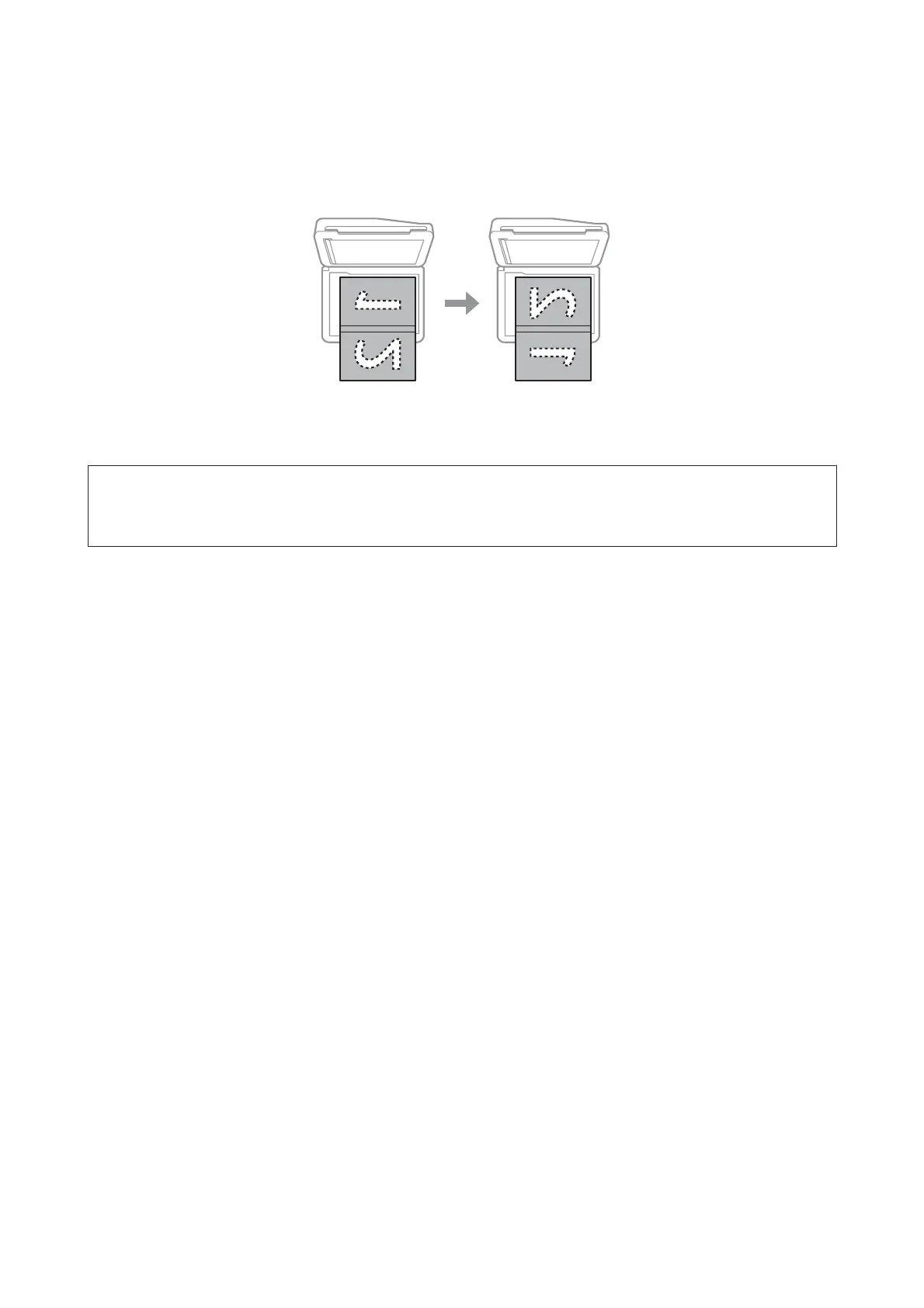
Placing a book
Place the first page, and then place the second page.
You can print two pages of a book on a single side of one sheet of paper. Select A4, Book/2-up or Book/2-Sided as the
layout and place the book.
Note:
Close the document cover to avoid direct light, such as fluorescent lights, when scanning. Otherwise, the light may affect the
scanning result.
User’s Guide
Paper and Media Handling
44













 To Next Page