D
Enter External Device Setup. Scroll down if necessary.
E
Select Print Settings.
F
Make the appropriate print settings. Scroll down if necessary.
G
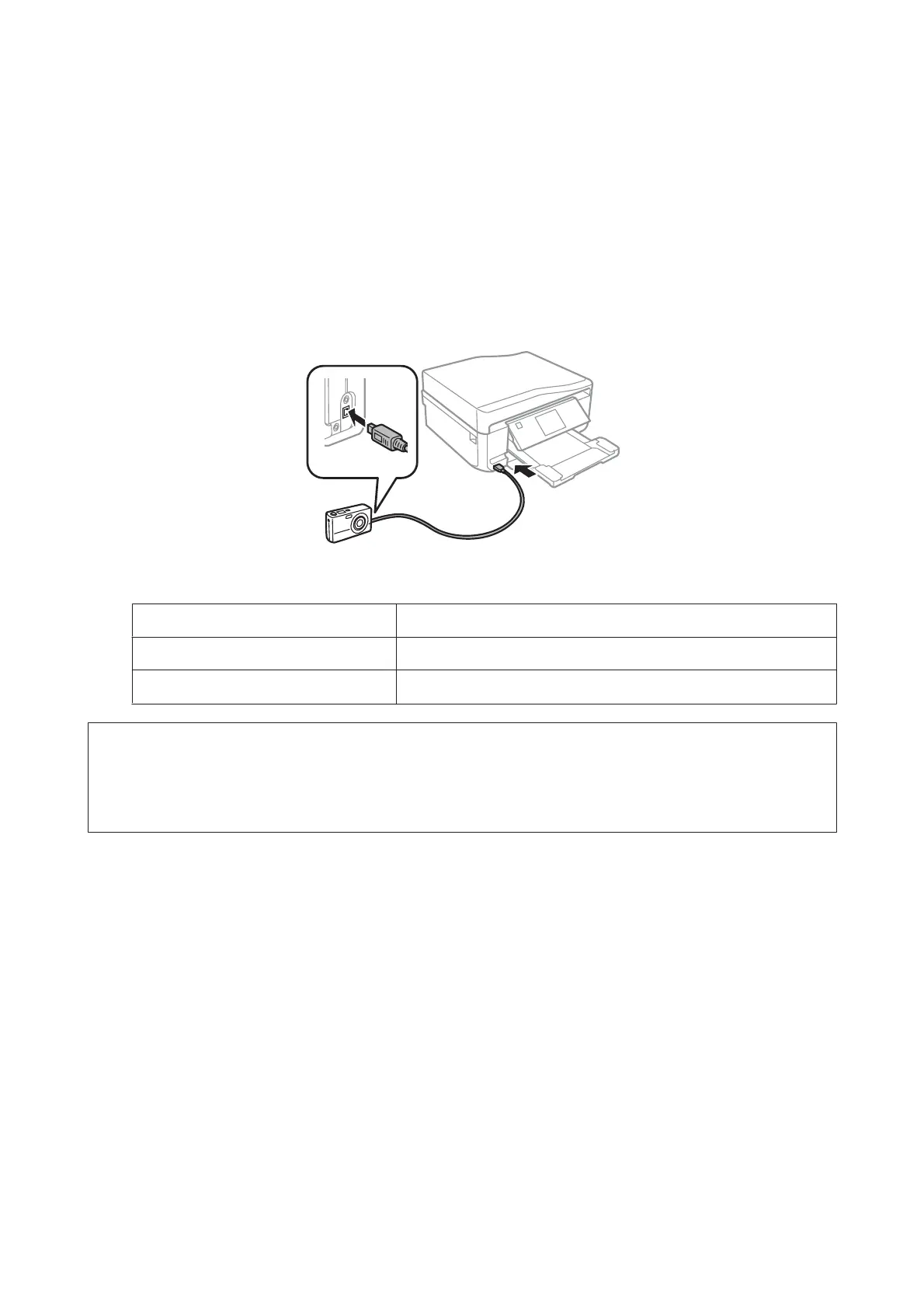
Connect the camera to the product with a USB cable, and then turn on the camera.
H
See your camera’s guide to print.
Compatibility PictBridge
File Format JPEG
Image Size
80 × 80 pixels to 10200 × 10200 pixels
Note:
❏ Depending on the settings on this printer and the digital camera, some combinations of paper type, size, and layout may
not be supported.
❏ Some of the settings on your digital camera may not be reflected in the output.
Printing using a wireless connection
You can print photos directly from a digital camera using a wireless connection.
Make sure your digital camera can connect to a network and is PictBridge capable (DPS over IP).
For more details, see the documentation provided with your camera.
A
You can check the network connection status of your products.
& “Setup Mode” on page 124
B
Load photo paper in the paper cassette.
& “Into the paper cassette” on page 27
C
Enter Setup mode from the Home menu.
User’s Guide
Printing
50













 To Next Page