C
Click Preview.
Note for the Automatic Document Feeder (ADF):
The document page ejected by the ADF has not been scanned yet. Reload the entire document into the ADF.
D
Adjust the exposure, brightness, and other image quality settings.
See the Help for more details on Epson Scan.
E
Click Scan.
F
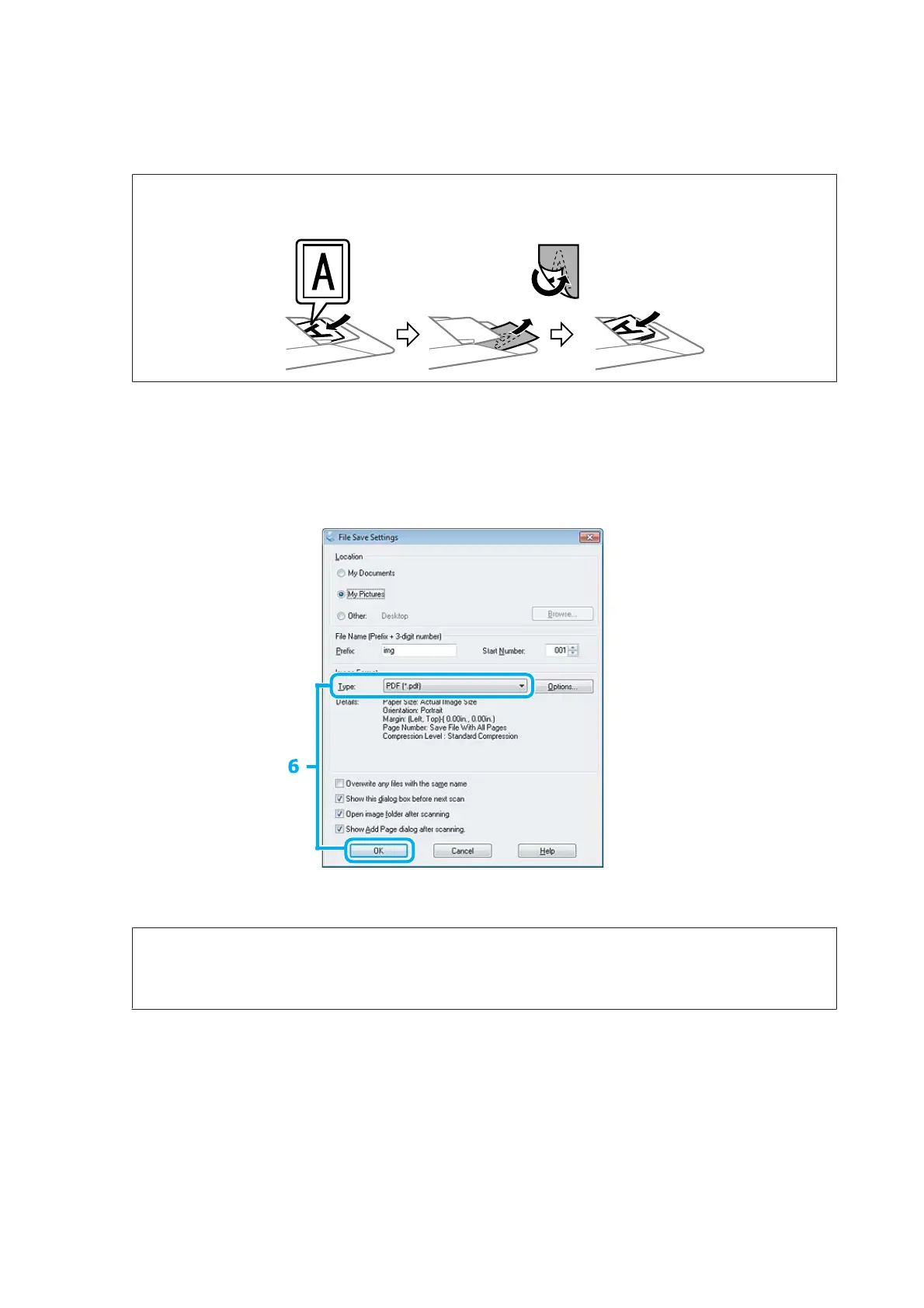
Select PDF as the Type setting, and then click OK.
Note:
If the Show Add Page dialog after scanning check box is cleared, Epson Scan automatically saves your document
without displaying the Add Page Confirmation window.
User’s Guide
Scanning
88













 To Next Page