& “Scanning Directly from Smart Devices” on page 139
Scanning to a Memory Device
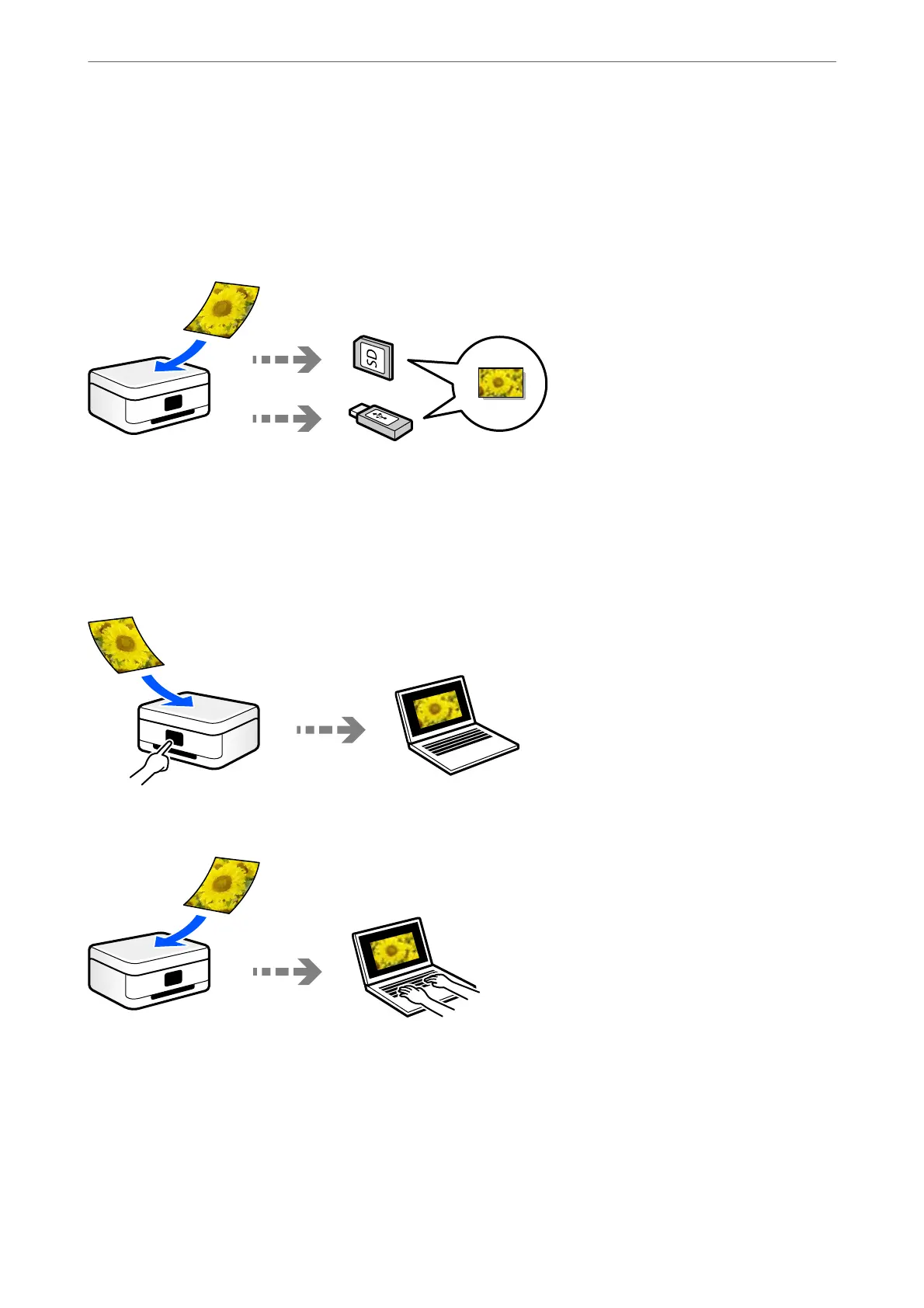
You can save scanned images directly to a memory device inserted into the printer.
Scanning to a Computer
ere are two methods of scanning originals to a computer; scanning using the printer’s control panel, and
scanning from the computer.
You can scan easily from the control panel.
Use the scanning application Epson ScanSmart to scan from the computer. You can edit images aer scanning.
Scanning
>
Basic Information on Scanning
>
Available Scanning Methods
138



 To Next Page
 Loading...










