Connector RJ-45
*1 Use a category 5e or higher STP (Shielded twisted pair) cable to prevent risk of radio interference.
*2 The connected device should comply with IEEE802.3az standards.
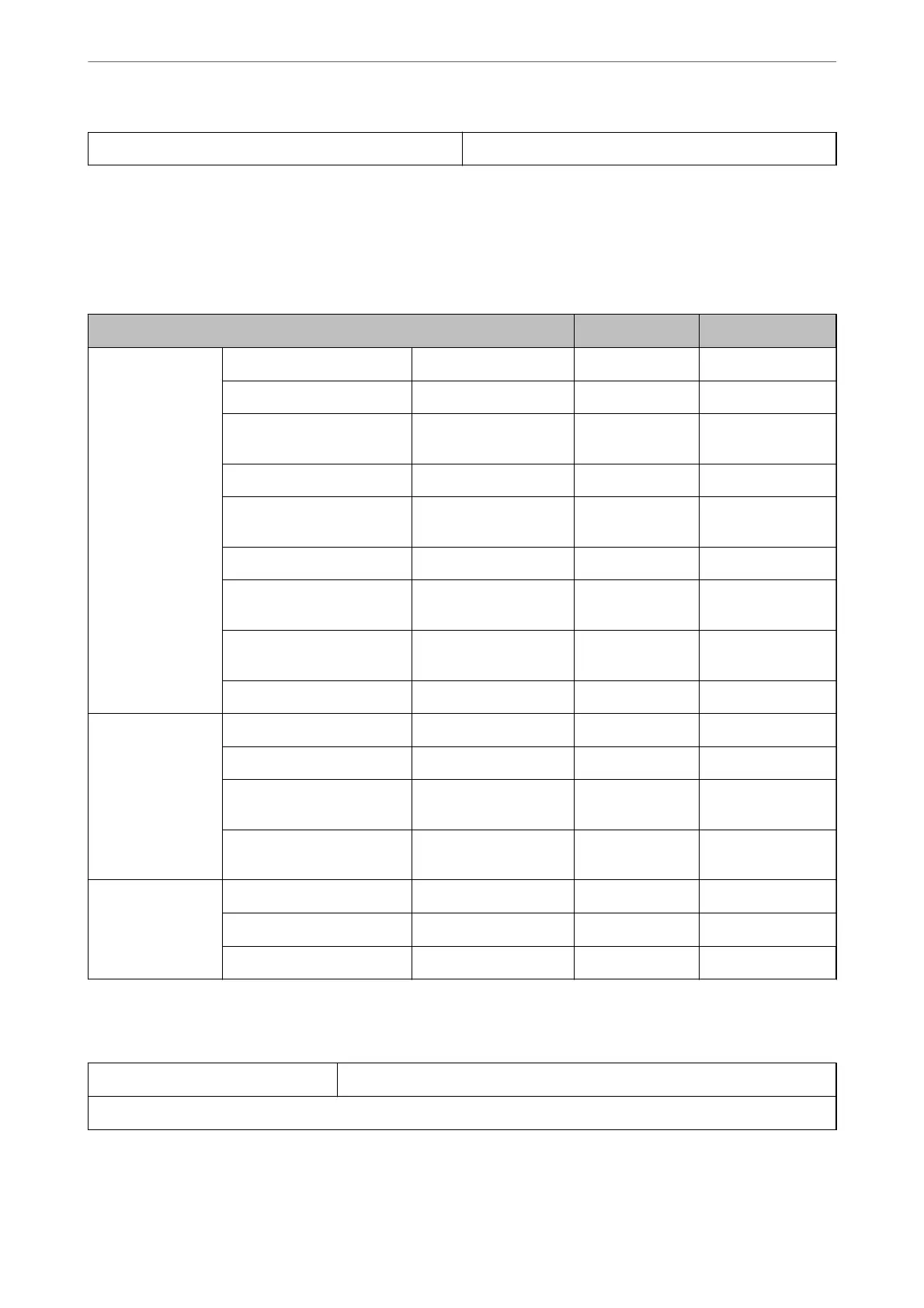
Network Functions and IPv4/IPv6
Functions Supported Remarks
Network Printing EpsonNet Print (Windows) IPv4 ✓ -
Standard TCP/IP (Windows) IPv4, IPv6 ✓ -
WSD Printing (Windows) IPv4, IPv6 ✓ Windows Vista or
later
BonjourPrinting (Mac OS) IPv4, IPv6 ✓ -
IPPPrinting (Windows, Mac
OS)
IPv4, IPv6 ✓ -
PictBridgePrinting (Wi-Fi) IPv4 ✓ Digital camera
Epson Connect (Email Print,
Remote Print)
IPv4 ✓ -
AirPrint (iOS, Mac OS) IPv4, IPv6 ✓ iOS 5 or later, Mac
OS X v10.7 or later
Google Cloud Print IPv4, IPv6 ✓ -
Network Scanning Epson Scan 2 IPv4, IPv6 ✓ -
Event Manager IPv4 ✓ -
Epson Connect (Scan to
Cloud)
IPv4 ✓ -
AirPrint (Scan) IPv4, IPv6 ✓ OS X Mavericks or
later
Fax Send a fax IPv4 - -
Receive a fax IPv4 - -
AirPrint (Faxout) IPv4, IPv6 - -
Security Protocol
SSL/TLS HTTPS Server/Client, IPPS
SNMPv3
Product Information
>
Product Specications
>
Network Specications
313



 To Next Page