Control Panel
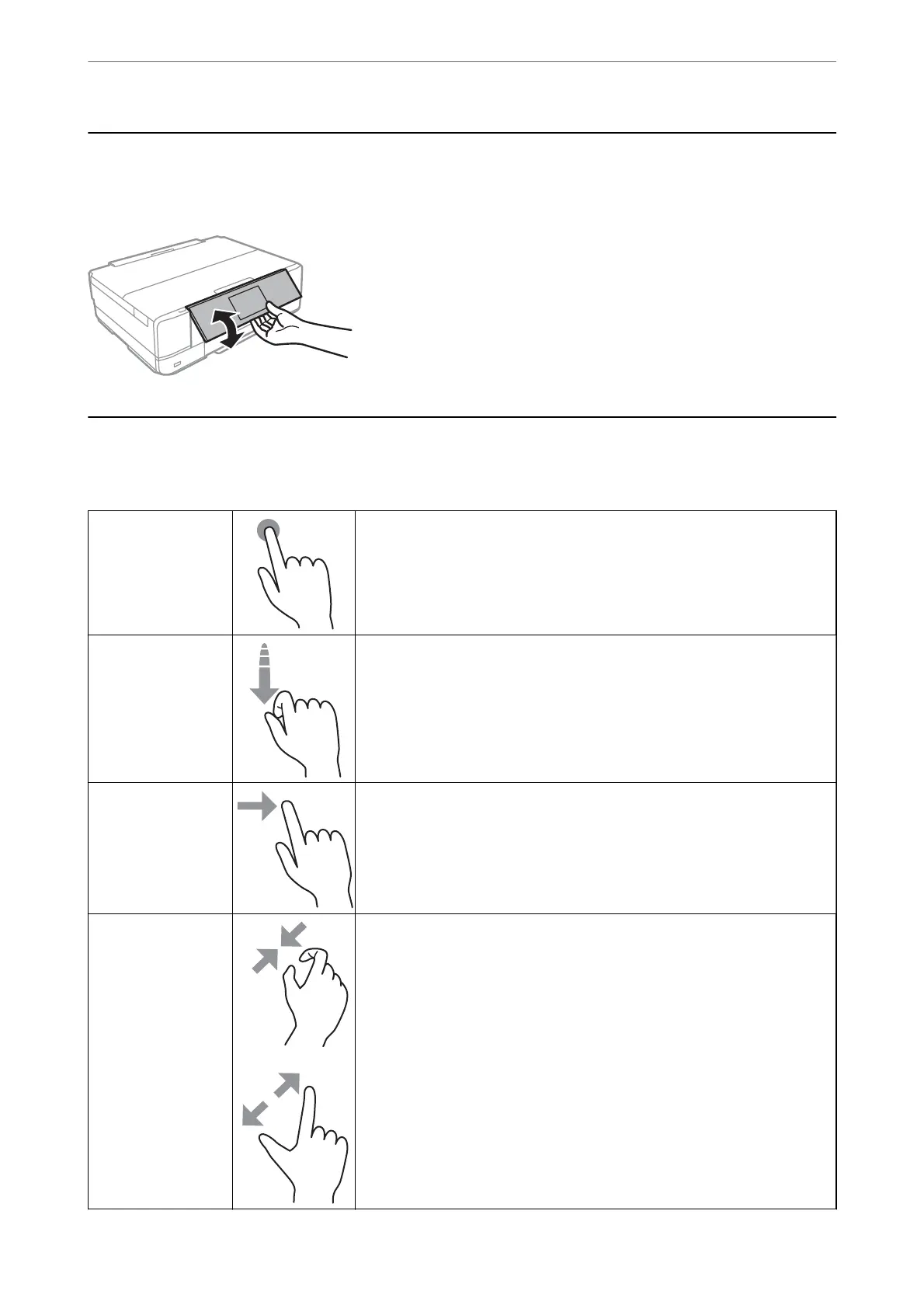
You can change the angle of the control panel.
Touch Screen Operations
e touchscreen is compatible with the following operations.
Tap Press or select the items or the icons.
Flick
Scroll the screen swiftly.
Slide
Hold and move the items around.
Pinch in
Pinch out
Zoom in or zoom out of the preview image on the control panel when printing
photos.
Guide to the Control Panel
>
Touch Screen Operations
21



 To Next Page
 Loading...










