WET SYSTEM OPERATION
4-7
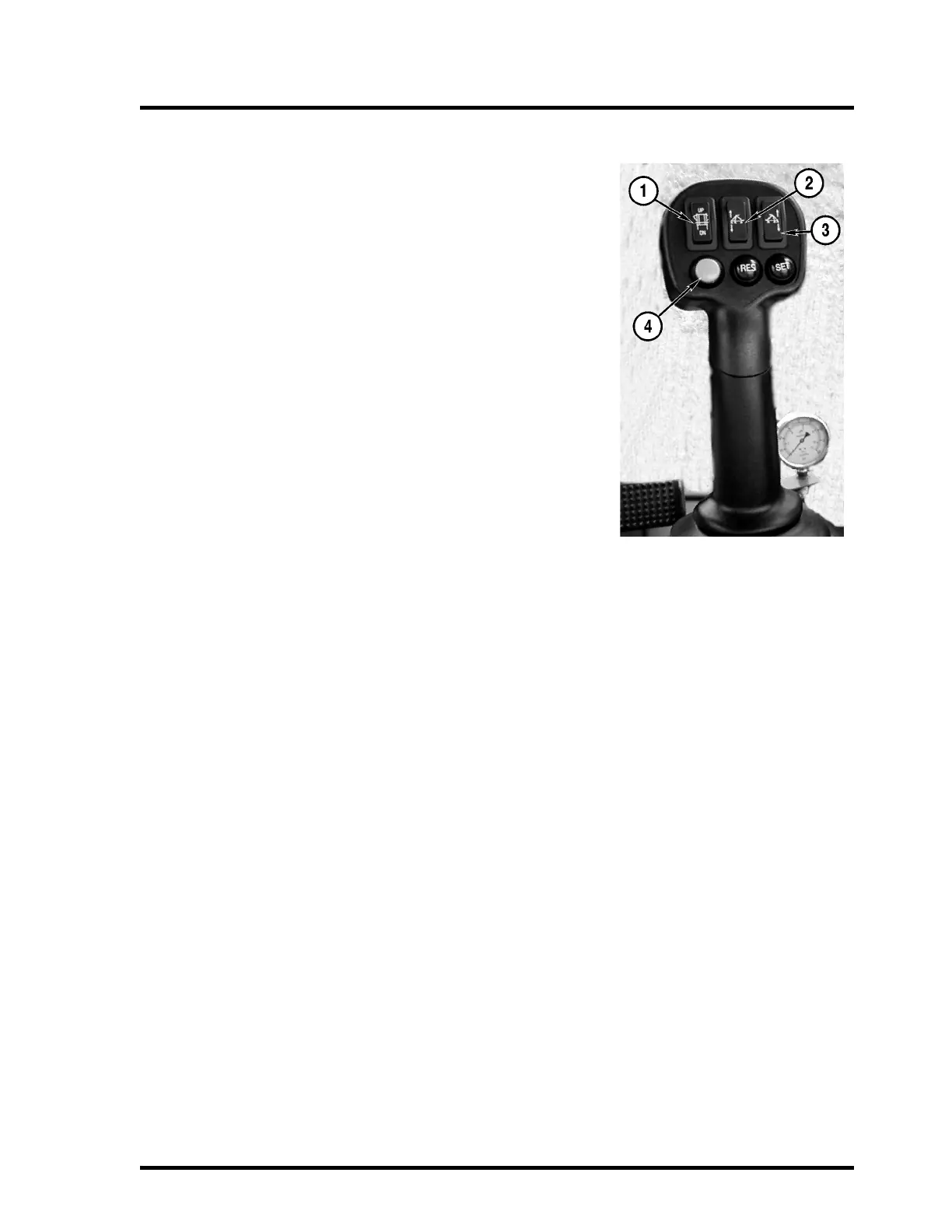
T-Handle
1. Boom Center Rack Up/Down
Press to raise or lower the boom mast. Press the top of the
switch to raise and press the bottom of the switch to lower.
2. Left Boom Tilt
Press to tilt the left boom up or down. Press the top of the
switch to raise and press the bottom of the switch to lower.
3. Right Boom Tilt
Press to tilt the right boom up or down. Press the top of the
switch to raise and press the bottom of the switch to lower.
4. Master Spray Switch
Press to turn all 5 spray sections on or off at the same time.
This function requires that all five boom sections be turned ON
and the Master Switch turned OFF on the Raven 4400 Control-
ler.



 To Next Page