57 / 84
7 • Maintenance and servicing
80116-938_V24392
2023-03
Performance tests
Test setup
• The test specimen is connected to the power supply via the power
cord.
Test procedure
Power switch 1. Check power switch for smooth operation. The power switch must be
easy to operate and must neither stick nor scrape.
2. Press power switch. The power switch must snap into the "ON" posi-
tion and the test specimen must perform a system start.
Start routine 1. The test specimen must perform the system start without error mes-
sage(s).
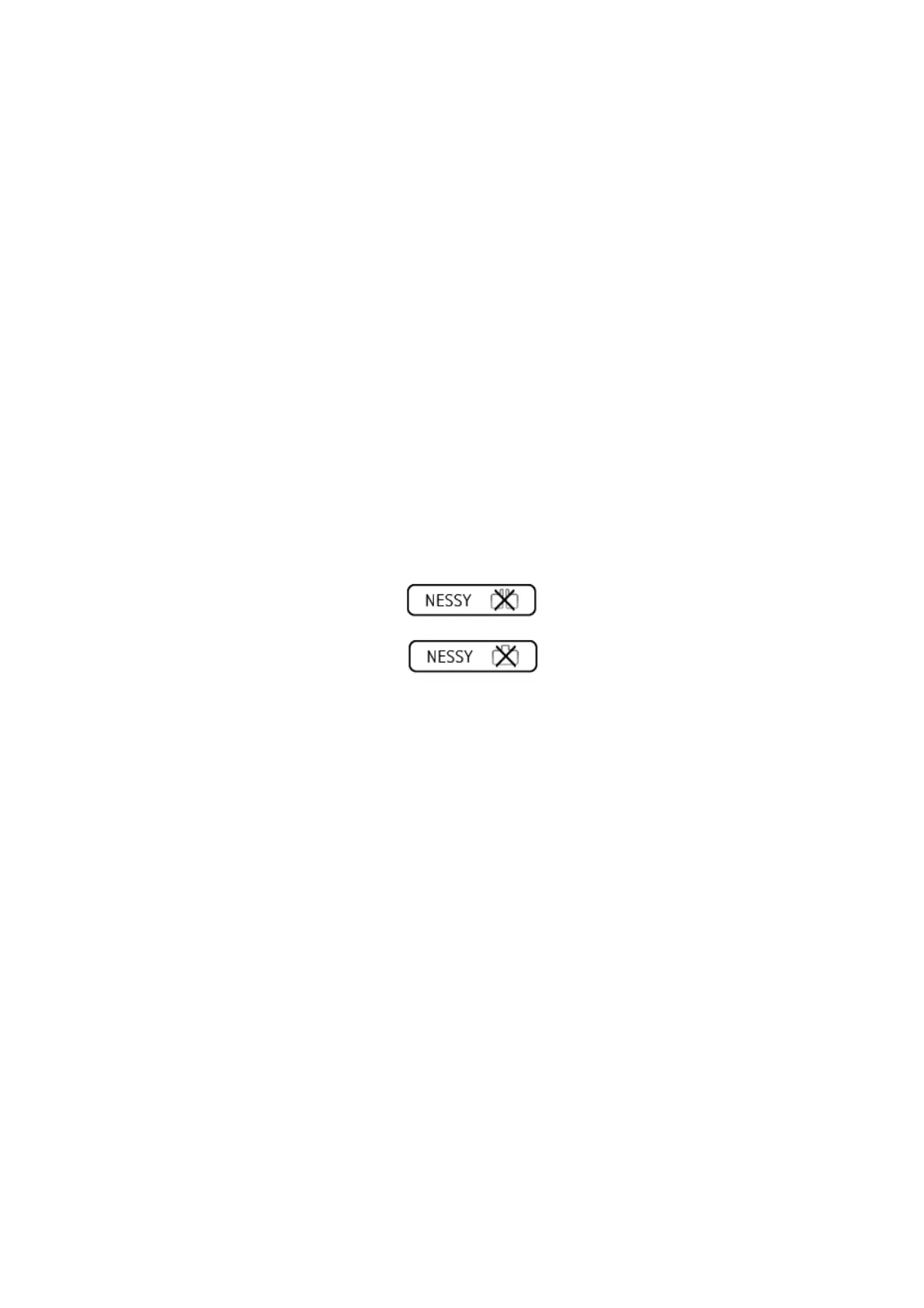
Neutral electrode setting 1. Note the preferred return electrode type. The preferred return elec-
trode type is shown on all operating screens in the bottom-right cor-
ner (the icon is shown struck through as long as no return electrode is
connected):
– split
– non-split
Date and time 1. Call up the "Menu" screen.
2. Call up <Further settings>.
3. Check the date and time and correct if required.
4. Return to the "Menu" screen with <Close>.
Display 1. Call up <Service>.
2. Enter the password VIO3 and confirm with <Entry>. The unit shows
all service settings.
3. Call up <Test programs>. The unit shows all test programs.
4. Call up <Test Program Display>.
5. Run <Test Display>. The display must first turn red. By pressing the
touchscreen again, the screen must then turn green, blue, black and
white.
6. To terminate the test, follow the instructions of the test program.
7. Remain in the Test program.
Touchscreen 1. Run <Test Touchscreen>.
2. Press all 48 squares in any order. All squares must be completely blue
and report the status "OK" (the first square that is pressed reports
the status "Close". Pressing the "Close" square will prematurely can-
cel the test program.)
3. To terminate the test, follow the instructions of the test program.
4. Terminate the test program with <Close>.



 To Next Page