59 / 84
7 • Maintenance and servicing
80116-938_V24392
2023-03
Footswitch activation
Testing and measuring equipment
Test setup
• The test specimen is connected to the power supply via the power
cord.
• The one pedal footswitch with ReMode is connected.
• The dual-pedal footswitch with ReMode is connected.
Test procedure
1. Scroll right to the bottom of the test program list.
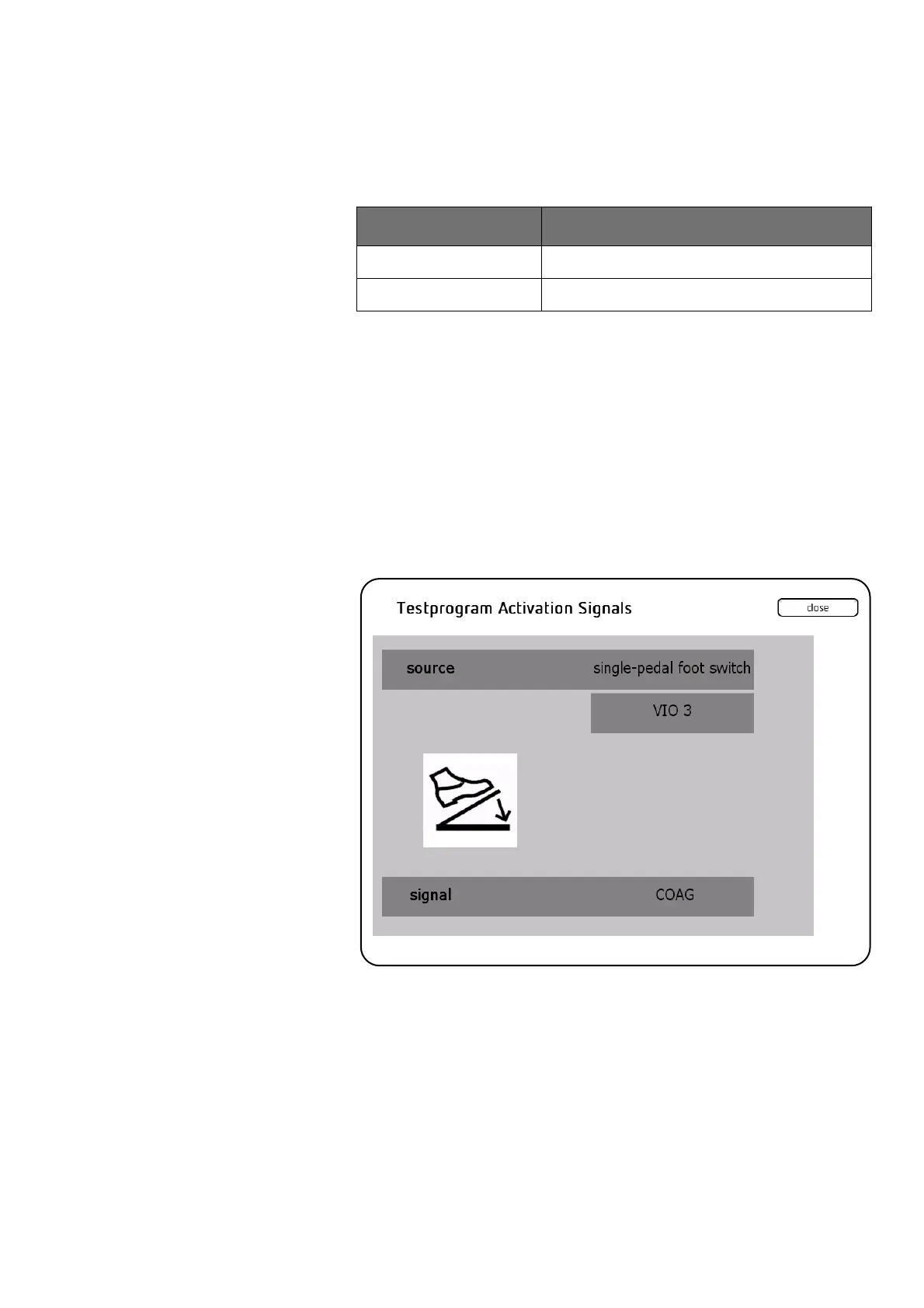
2. Call up <Test Program Activation Signals>.
One pedal footswitch
COAG and ReMode activation
1. Press the COAG pedal on the one pedal footswitch. The test program
must confirm the activation with the following entries:
– source: Illustration of a footswitch + single-pedal foot switch +
VIO 3.
– signal: COAG
2. Press ReMode on the one pedal footswitch. The test program must
confirm the activation with the following entries:
– source: Illustration of a footswitch + single-pedal foot switch +
VIO 3.
– signal: REMODE
Erbe Art. No. Description
20188-350 One pedal footswitch with ReMode
20189-350 Dual-pedal footswitch with ReMode



 To Next Page