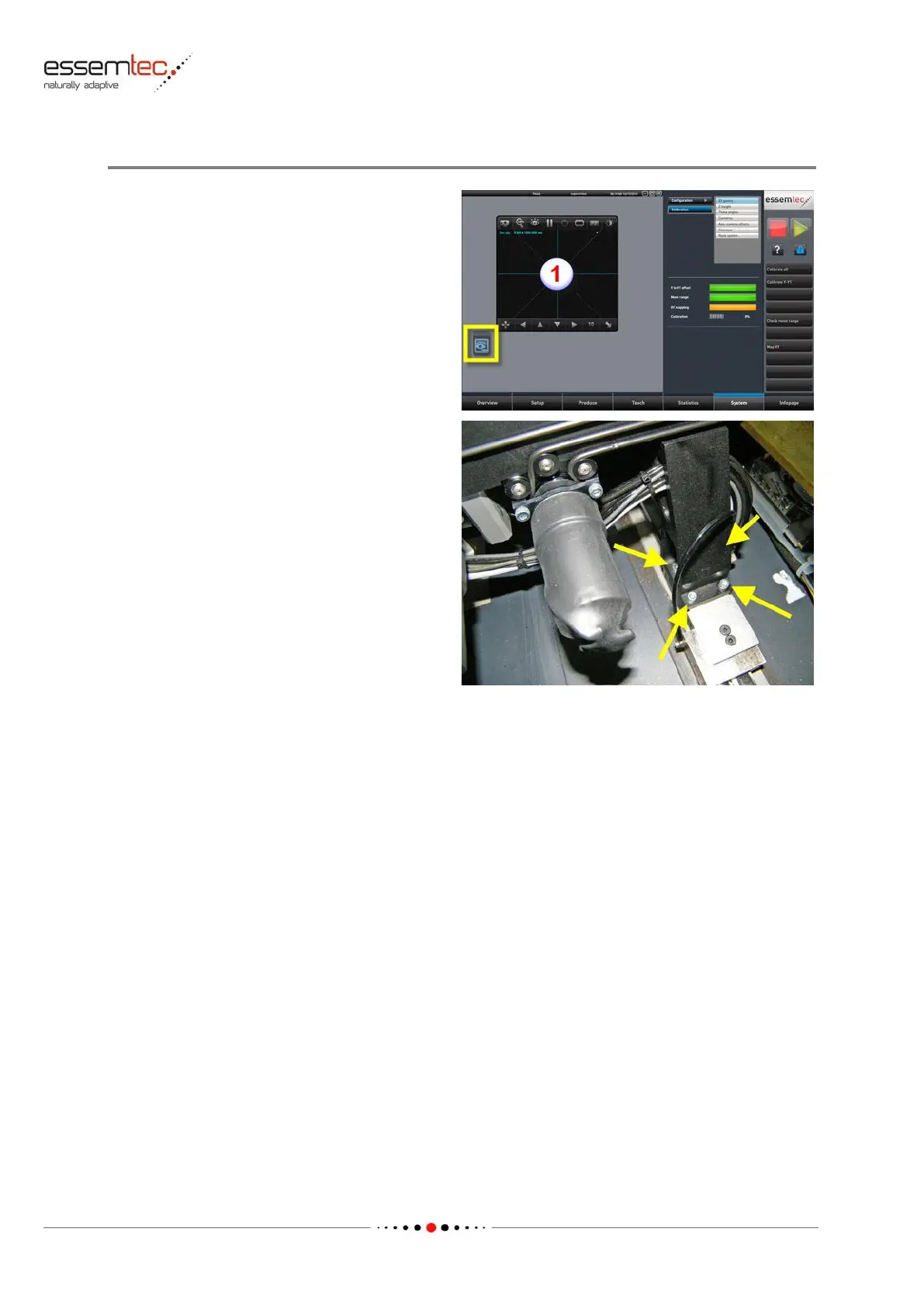
To adjust the back rail do the following steps:
Loosen the 4 screws on the left back rail support
and the 4 screws on the right back rail support
(see picture) . The mechanical play of the screws
allows the adjustment. Use two identical PCBs as
spacer between the front and the back rail and
place one on the left side and one on the right
side of the conveyor. Whilst pressing the back
rail against the PCBs, tighten all screws. By
means of the top camera (1), check the Y
coordinate of the left and right fiducial of the
back rail. A deviation of less than 0.1 mm is
acceptable.



 To Next Page