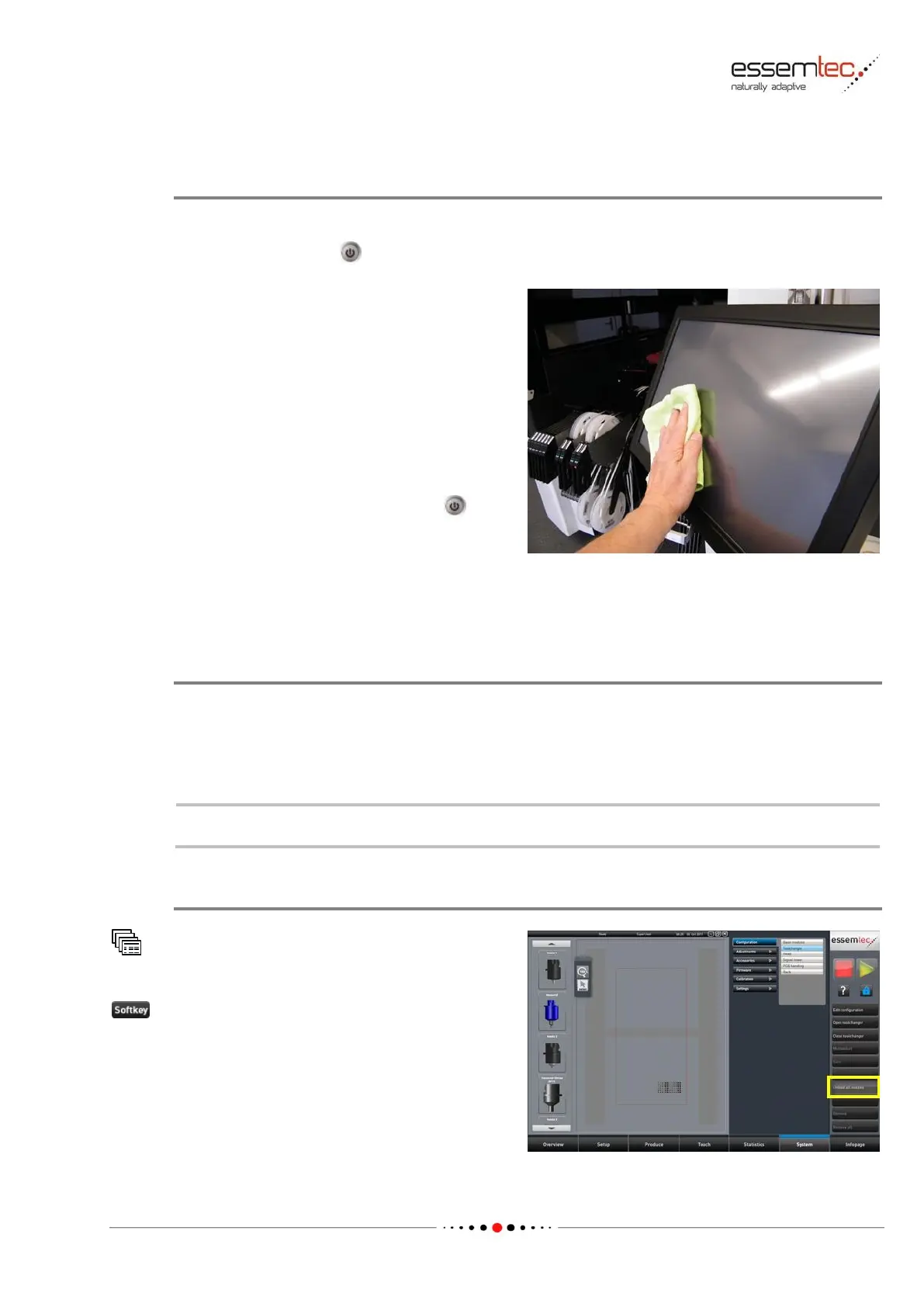
Clean the Monitor
The touch screen monitor has to be cleaned from finger prints and dust.
Switch off the monitor before cleaning to prevent unintentional pressing of any softkeys.
Use a soft, lint-free lens cleaning tissue or a
micro fiber towel to clean all the safety covers
outside and inside (the towel must be especially
prepared for sensitive surfaces). Do not use
alcohol or any solvent, moisten the towel with
clear water. Products such as antistatic sprays
etc. can be used at its own risk.
Be careful not to scratch the touch screen if
coarse particles of dust and dirt are on it.
After cleaning, switch on the monitor again.
4.4.6 Nozzle Cleaning
Introduction
The nozzles must be cleaned before the beginning of a shift and at least once a week whichever is
shortest. It is important to keep the nozzles clean inside and outside. Dust, paste and other debris
will not only affect the vacuum pressure, but can adversely affect vision centering by marring the
background of the image.



 To Next Page