Fox Maintenance © Essemtec AG 3-1
0000074/05
/ March 31, 2017
3 Calibration of the Machine
For better visibility of subjacent functions, covers have been removed or opened before
taking pictures. In standard operating mode all covers have to be in place at any time.
The machine calibration is mainly based on an interaction between machine user and the
software. Pop-up menus and dialogs are leading the user through the calibration steps.
Therefore this chapter does not describe the calibration itself in detail but the mechanical
preparations before and the final steps after the calibration.
3.1 Introduction
With the calibration of the machine Fox, any differences toward a 'normal machine' for instance
caused by mechanical tolerances are compensated. Thereby the use of recipes is guaranteed. That
means using the same recipe, all machines have the same behavior.
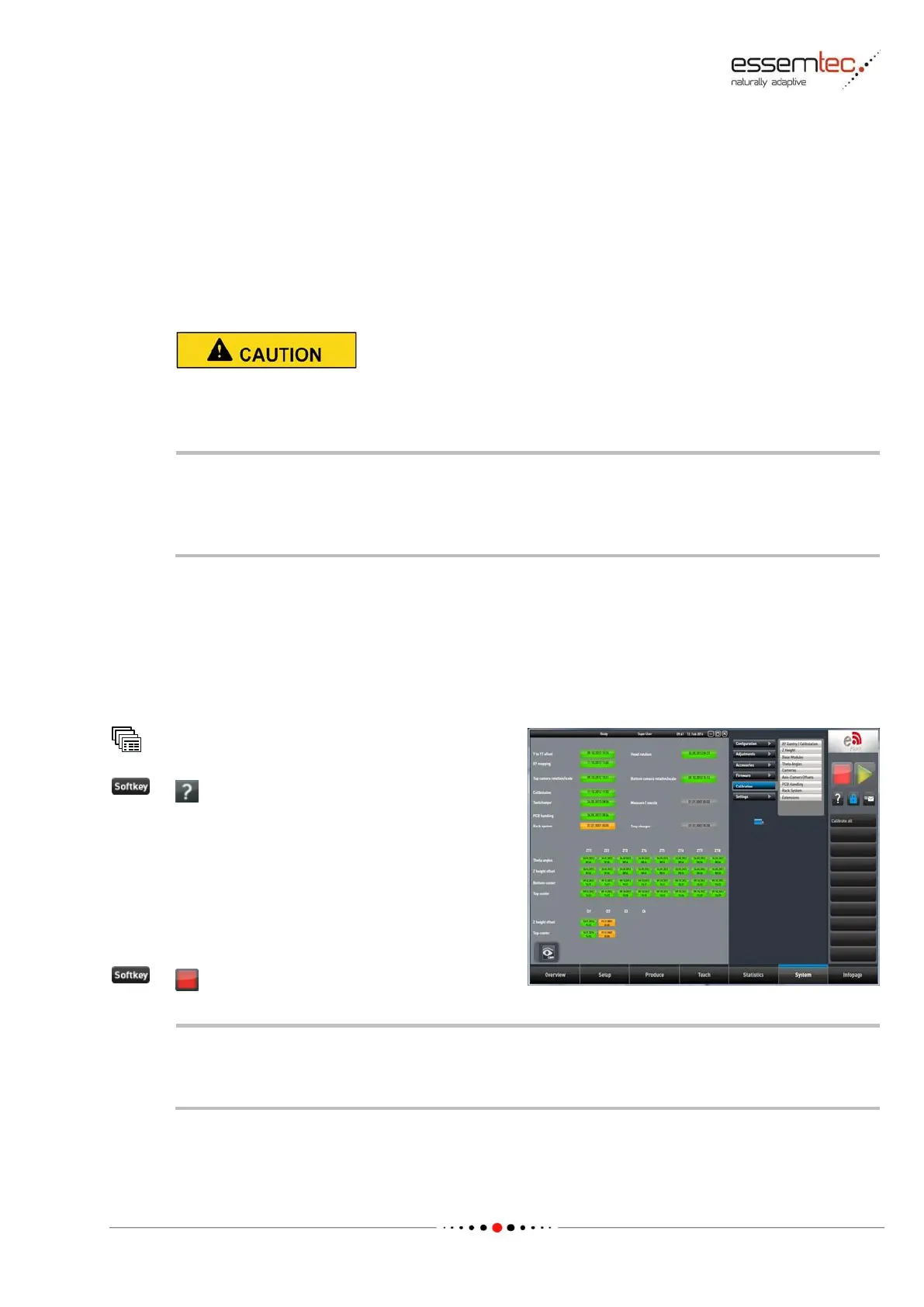
System
Calibration
to see all the details of purpose, parameters,
softkeys etc. in the online help.
In the graphical section, the status of all machine
modules is illustrated in which the color
indicates the calibration status:
• orange = calibration not yet executed
• green = module successfully calibrated
to stop the calibration at any time.
For a successful calibration, the correct order of the single calibration tasks must be
respected. The submenus on screen System - Calibration have the correct calibration
order. Just go through all submenus from top to bottom.



 To Next Page