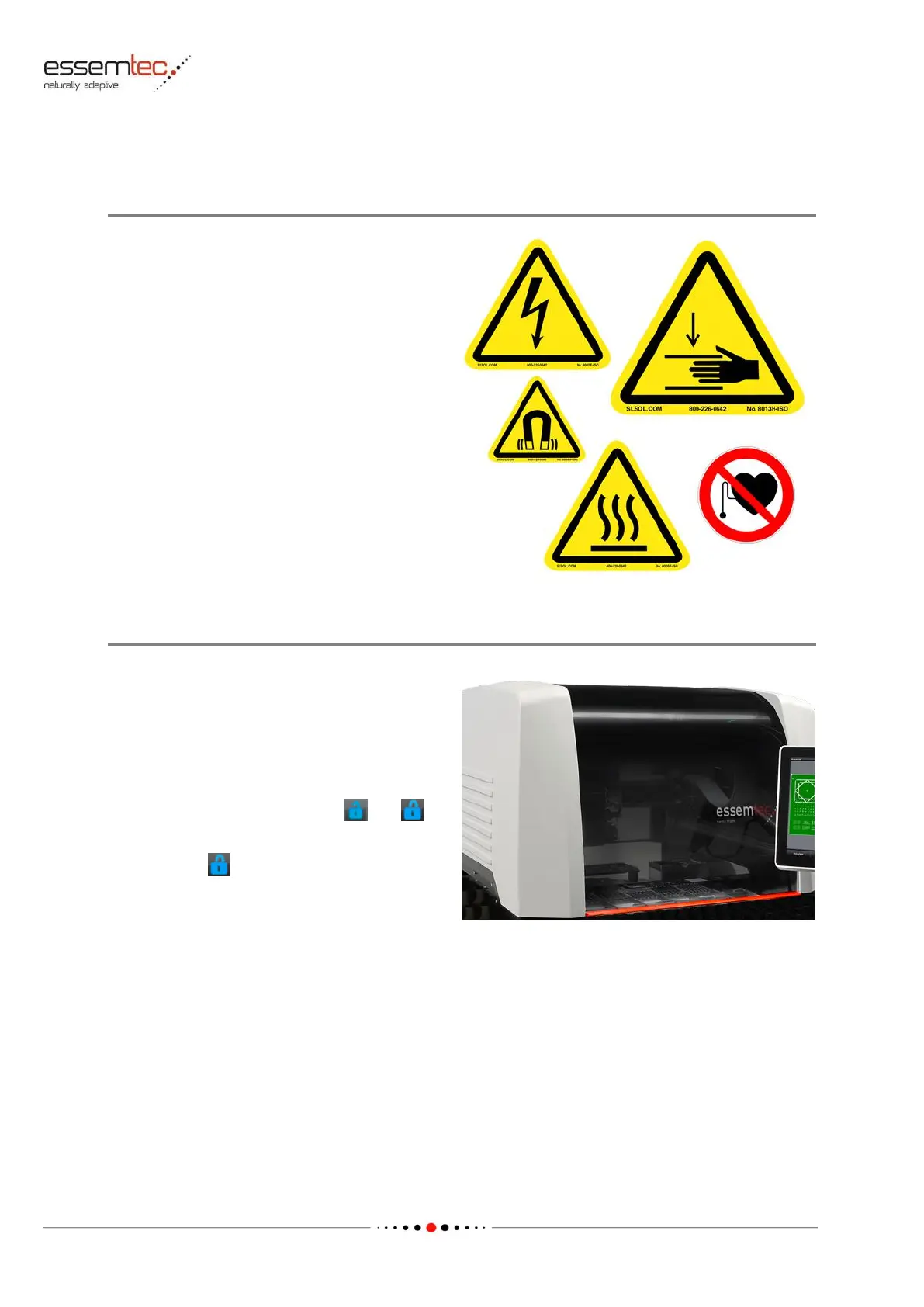
Check all warning decals (safety labels). All labels
have to be in place according to chapter 1.5
(Safety Labels Attached to System) in 'Startup
& Safety' manual.
Replace any damaged or missing labels
immediately.
• Check that the movable safety covers (front
and rear) are intact and has no cracks. A
broken cover has to be replaced
immediately.
• Check the operation of the locking pin of
the moving cover of the machine (front and
rear) by pressing the softkey and
(toggle key).
• If closed ( ), check if the cover is
mechanically locked and cannot be opened.
Check both covers (front and rear).



 To Next Page