Produce
Production
to open camera window.
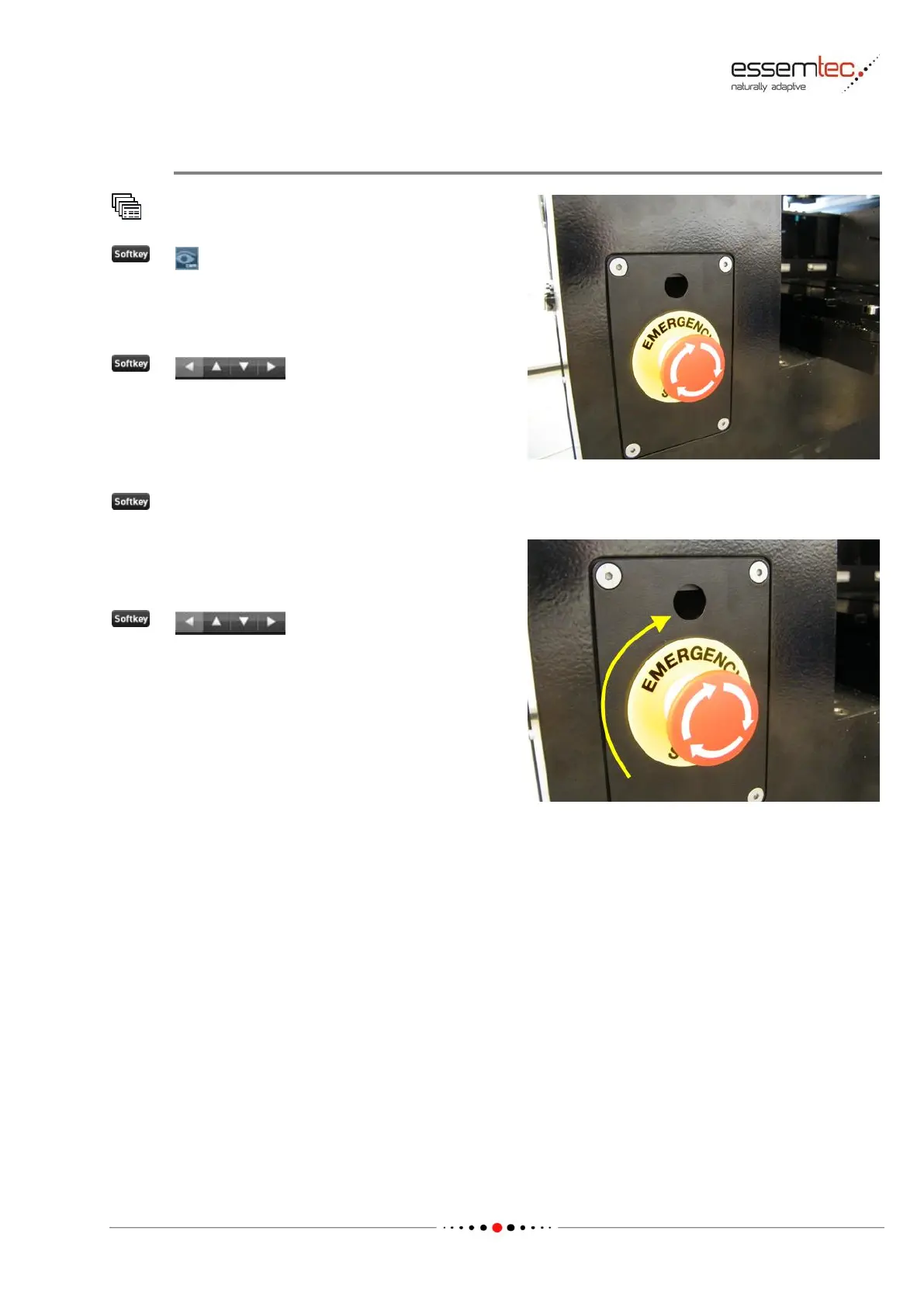
Press the Emergency Stop Button in front of the
machine. The relay of the safety circuit should be
audible.
The head may not move after clicking any of the
move head buttons.
Instead a notification has to appear saying that
the emergency stop button is pressed.
Close the alarm window (notification).
Turn the emergency stop button clockwise to
release it. The relay of the safety circuit should
be audible.
The head should move after clicking any of the
move head buttons.



 To Next Page