Preventive Maintenance
4-14 © Essemtec AG Fox Maintenance
0000074/05
/ March 31, 2017
4.4.4 Bottom Vision Glass Cleaning
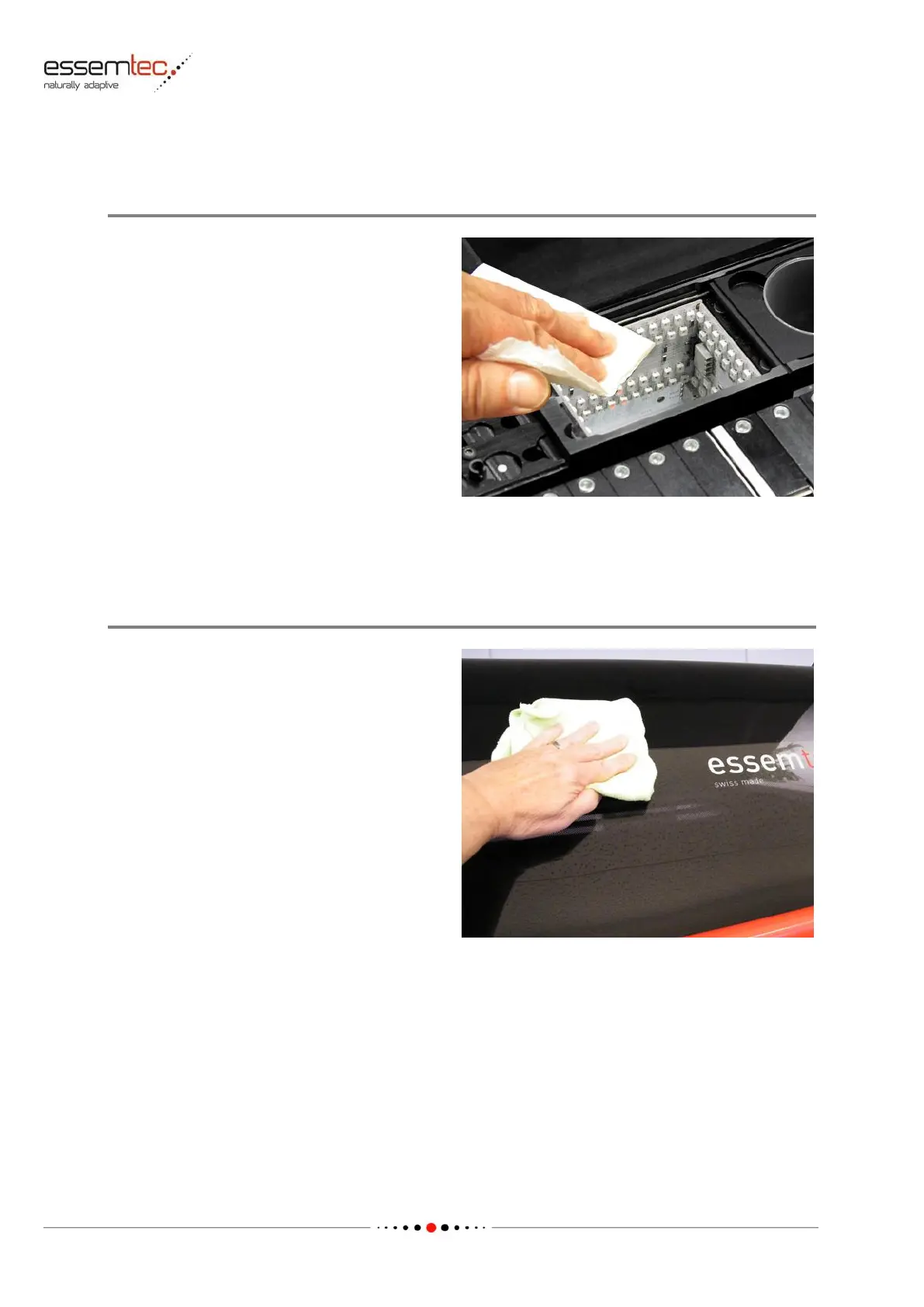
Clean the Glass Plate
Use a soft, lint-free lens cleaning tissue (must be
a tissue specially prepared for cleaning lenses
and other sensitive surfaces, recommended is
the microfiber eyeglass cloth out of the
SP26/MAIN05 Tool-Kit for Maintenance Tasks)
with alcohol to remove dust and dirt on the
glass plate of the bottom camera (the lens
cleaning tissue must be a tissue specially
prepared for cleaning lenses and other sensitive
surfaces).
Be careful not to scratch the glass plate if coarse
particles of dust, dirt or components are on it.
4.4.5 Cover and Monitor Cleaning
Clean the Safety Covers
Covers are known as dust trap. To prevent dust
and dirt falling to PCB, components or other
products and machine parts, it is necessary to
clean the covers.
Use a soft, lint-free lens cleaning tissue or a
micro fiber towel to clean all the safety covers
outside and inside (the towel must be especially
prepared for sensitive surfaces). Do not use
alcohol or any solvent, moisten the towel with
clear water. Products such as antistatic sprays
etc. can be used at its own risk.



 To Next Page