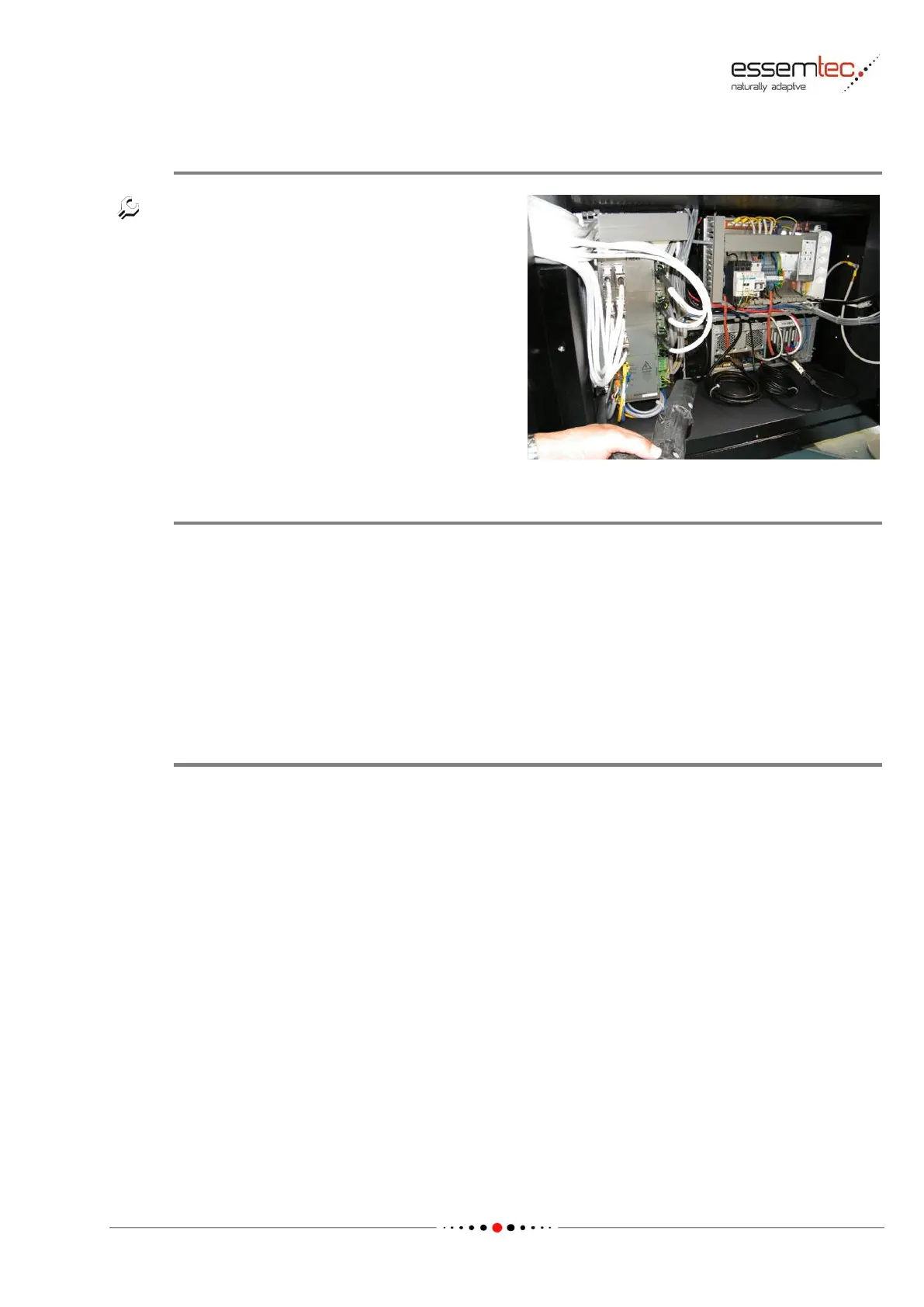
Clean the cabinet from both sides of the
machine by using the vacuum cleaner. Free also
the components from dust very carefully,
observe the rules against Electrostatic Discharge
(ESD). If possible do not touch the components.
Check Electronic Cabinets
The following inspections should be done after cleaning:
• check all cables (insulation intact / plug connections alright)
• check all plugs (solidly plugged in)
• check for unusal conditions (burnings / weldings etc.)
• visual check of all components (tight fit etc.)
Fix any imperfection. In case of unusal conditions, find out the cause and fix it.
Close Electronic Cabinet
Close the cabinet cover on front- and rear side of the machine and fix it with the screw.



 To Next Page