DIR911T User Guide
88
USB A “Host Side” Connectors
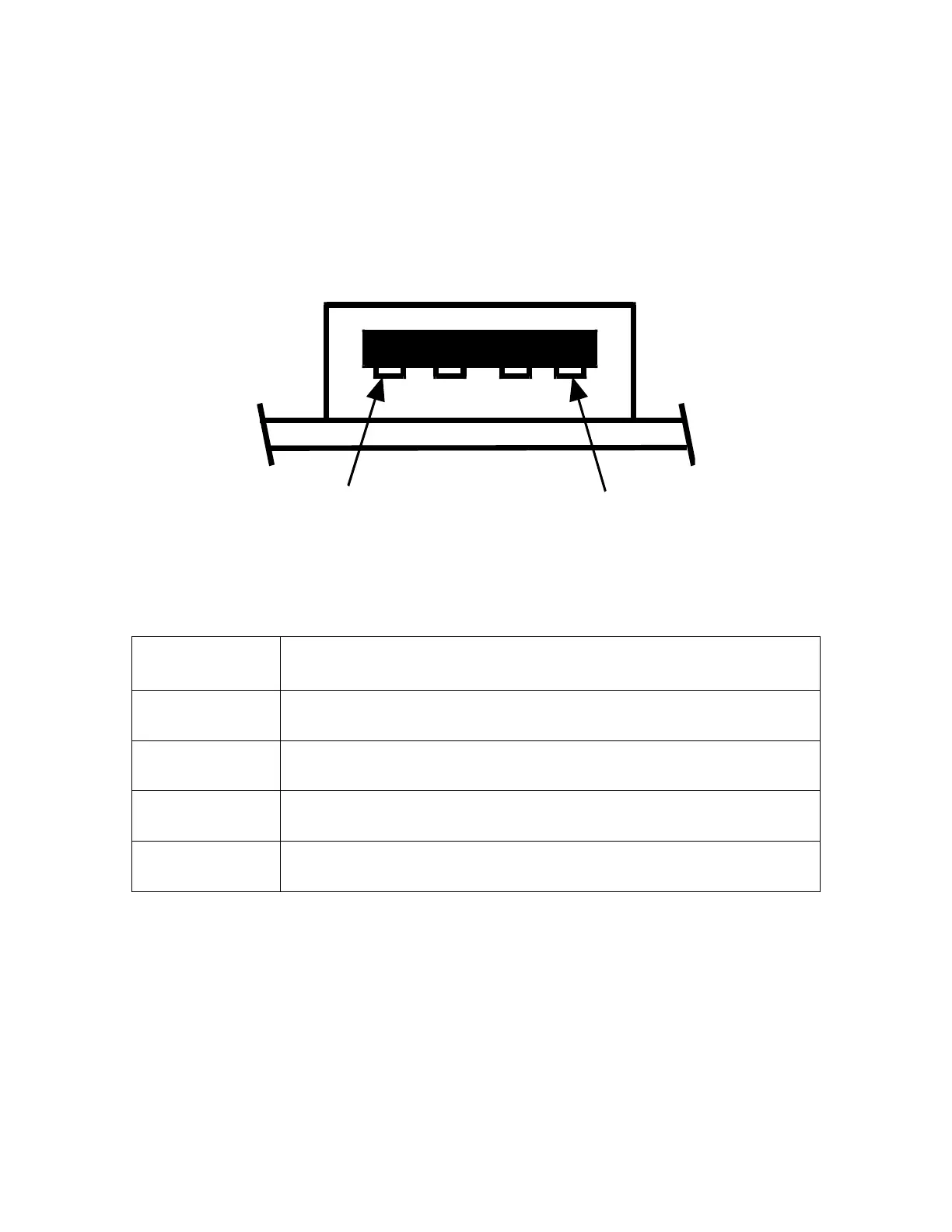
There are two “Host Side” USB A type connectors on the rear panel. These connectors
are used to connect the unit to standard USB peripherals such as USB Hard Drive Keys.
The pin diagram for this connector is shown in Figure #74 and the pin description is
shown in Table #21.
1
4
Figure 74: Rear Panel USB A Connector Pin Diagram
Pin Description
1 Vbus
2 D-
3 D+
4 Ground
Table 21: Rear Panel USB A Connector Pin Description
Ethernet Connector
A single RJ-45 type connector on the rear panel is used to connect the unit to an Ethernet
LAN. The pin diagram for this connector is shown in Figure #75 and the pin description
is shown in Table #22.



 To Next Page