69
PRIMACY 2
Configuring the new print head
12
Power on the printer and make sure that it is properly connected to a computer on which the Evolis Premium Suite is installed.
13
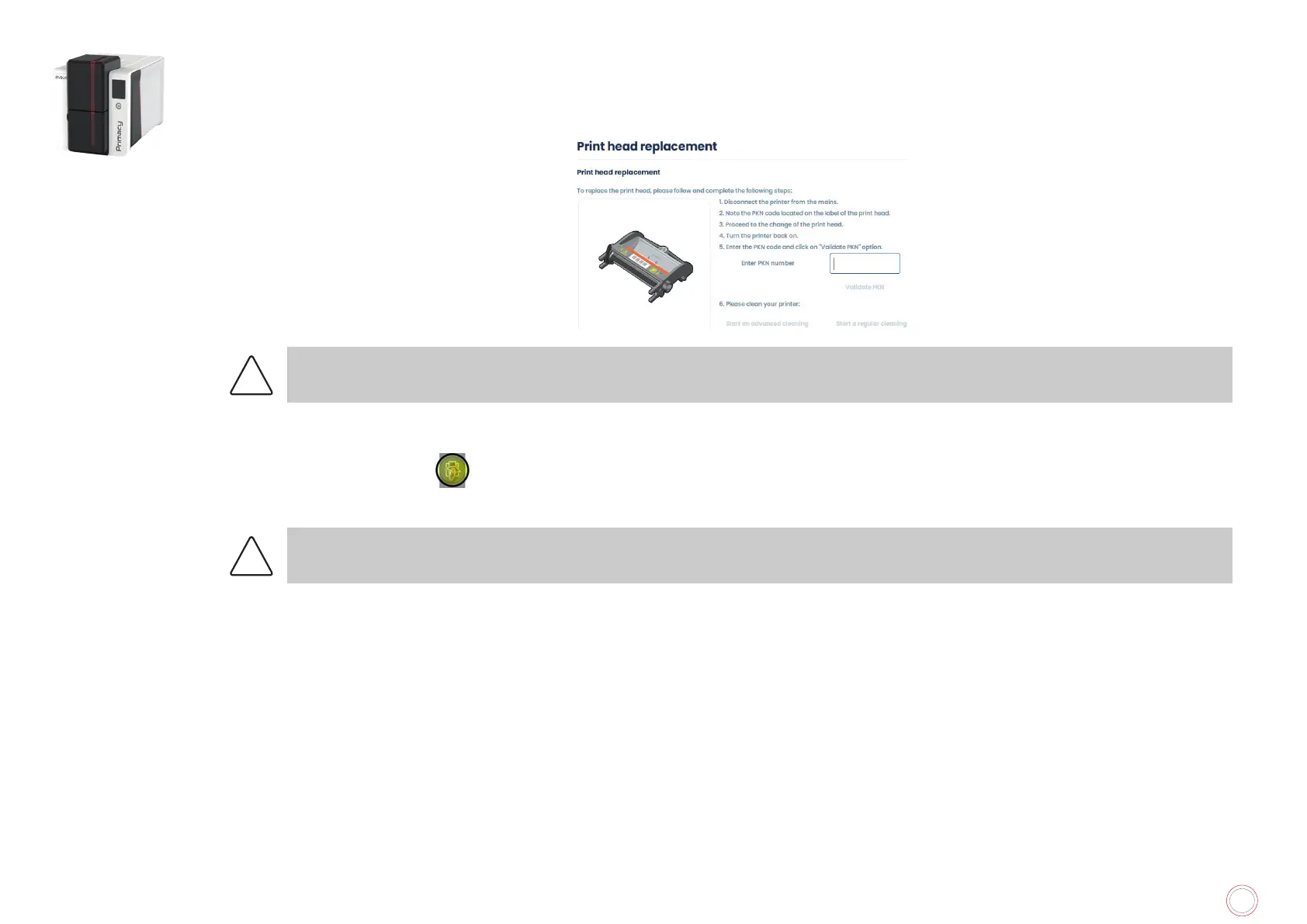
From Evolis Premium Suite, go to Assistance and Maintenance>Maintenance>Print head replacement.
14
Enter the PKN number of the print head kit in Enter PKN No. (noted in step 7). Then Validate PKN.
!
If the PKN number is not entered correctly, printer malfunctions may occur and the warranty may be voided.
Cleaning the printer
The “CLEANING” light is ON
on the LED panel.
Once the cleaning of the print head is done, the printer is ready to be used.
See “Print head cleaning”, page 54.



 To Next Page