Operation
10
Rivo™ I Controller EN
65
Evoqua Water Technologies GmbH | W3T597263 Issue 01-0624
10.2 Password protection and user administration
10.2.1 Login - user administration (user level)
Users log in with the corresponding rights (user levels) in
the “Login” menu. Three user levels (roles) with different
rights are available.
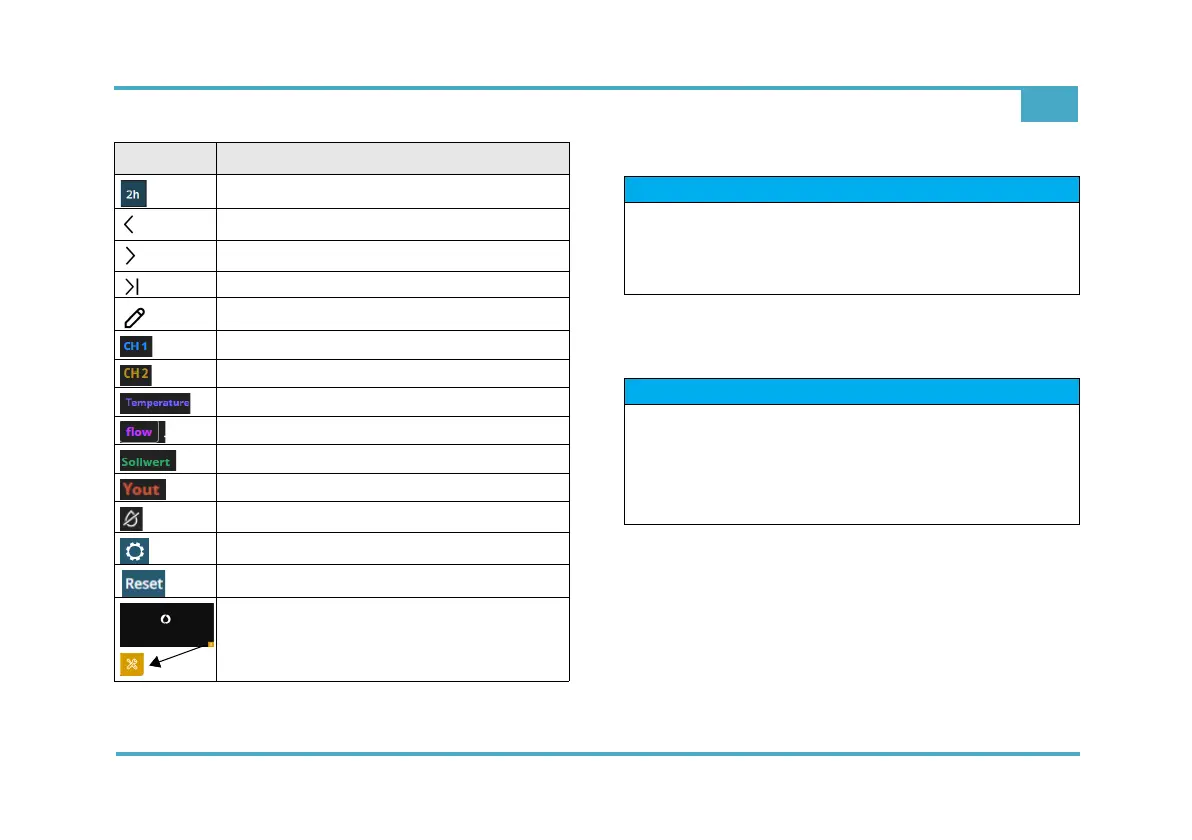
Hour display
Pre button
Button before
Projection button
Values: selection
Diagram view, CH 1
Diagram view, CH 2
Diagram view, Temperature
Diagram view, Flow
Diagram view, set-point
Diagram view, controller output
Sample water stop
Setting
Button Reset
Service-Center
Icon Designation
NOTICE
Rules for password entry
Password must have at least eight characters. Upper
case/lower case letters are allowed, as are figures and
special characters.
NOTICE
For initial configuration, the user must always have
administrator rights. Further users can only be created
via the administrator.
For access data, see label "Important System Informa-
tion" - App Default (user/password).



 To Next Page