Operation
10
Rivo™ I Controller EN
69
Evoqua Water Technologies GmbH | W3T597263 Issue 01-0624
10.5 Setting operation mode
Select the operation mode of the respective controllers as
follows:
1 Call up the Home menu (if applicable, click the Home
key).
2 Click measurement channel menu field.
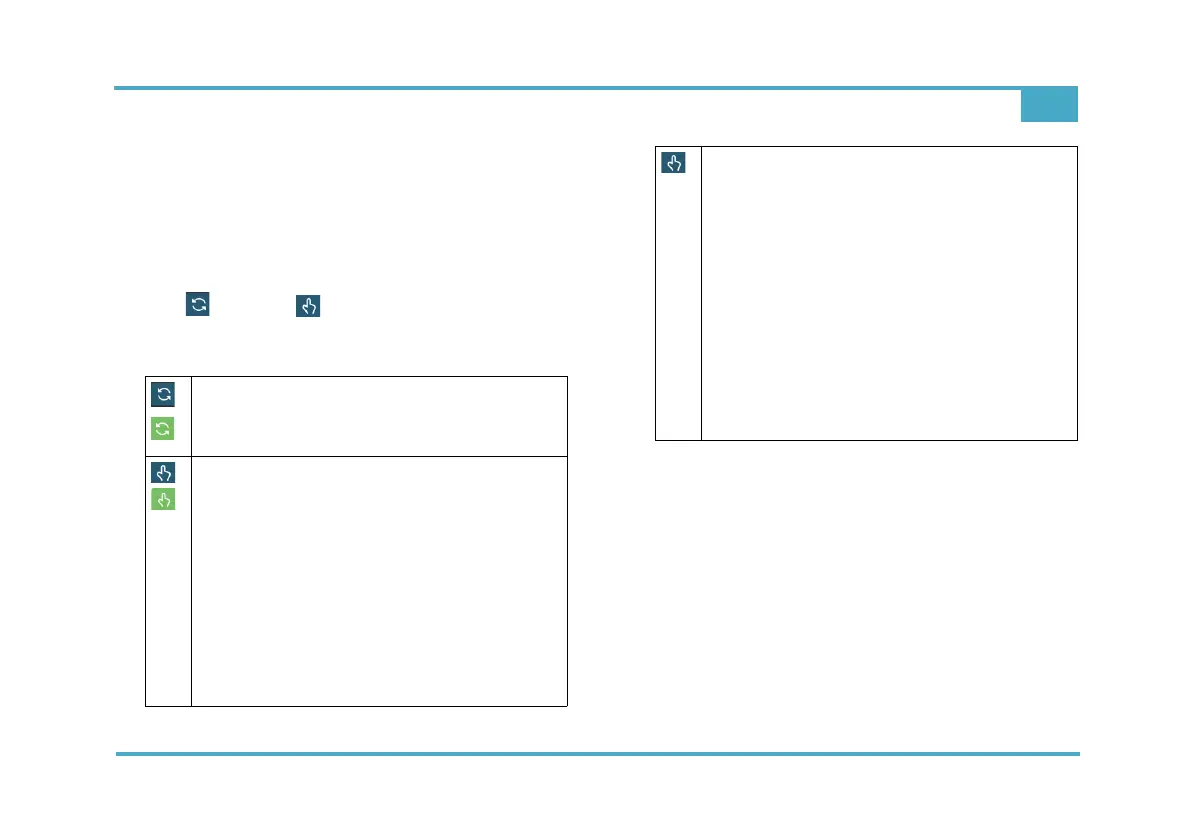
3 Click symbol or symbol (operation mode). The
corresponding operation mode is displayed.
4 Select operating mode.
10.6 Menu bar
The menu bar on the left of the display is visible on all
menu levels. The system menu, alarm messages and the
user login are opened via the menu bar. Return to the
main menu for any menu level with the Home button.
Press the arrow key to return to the previous level.
Automatic mode
Automatic activation of dosing (symbol is
green).
Manual mode
Dosing is controlled manually (symbol is
green).
• Option of manual dosing in % for an
adjustable time.
• After expiry of this time => change to the
operation mode set under “next operation
mode”.
• With man. dosing time = 0, the running
time man. dosing is unlimited.
Manual mode
Dosing: display value in %
• Option of manual dosing in % for an
adjustable time.
• Dosing = 0.0 %
The running time for manual dosing is
unlimited.
• After expiry of this time => change to the
operation mode set under “next operation
mode”.
Operation mode: Manual
Dosing is controlled manually.



 To Next Page