10
Operation
EN Rivo™ I Controller
70
W3T597263 Issue 01-0624 | Evoqua Water Technologies GmbH
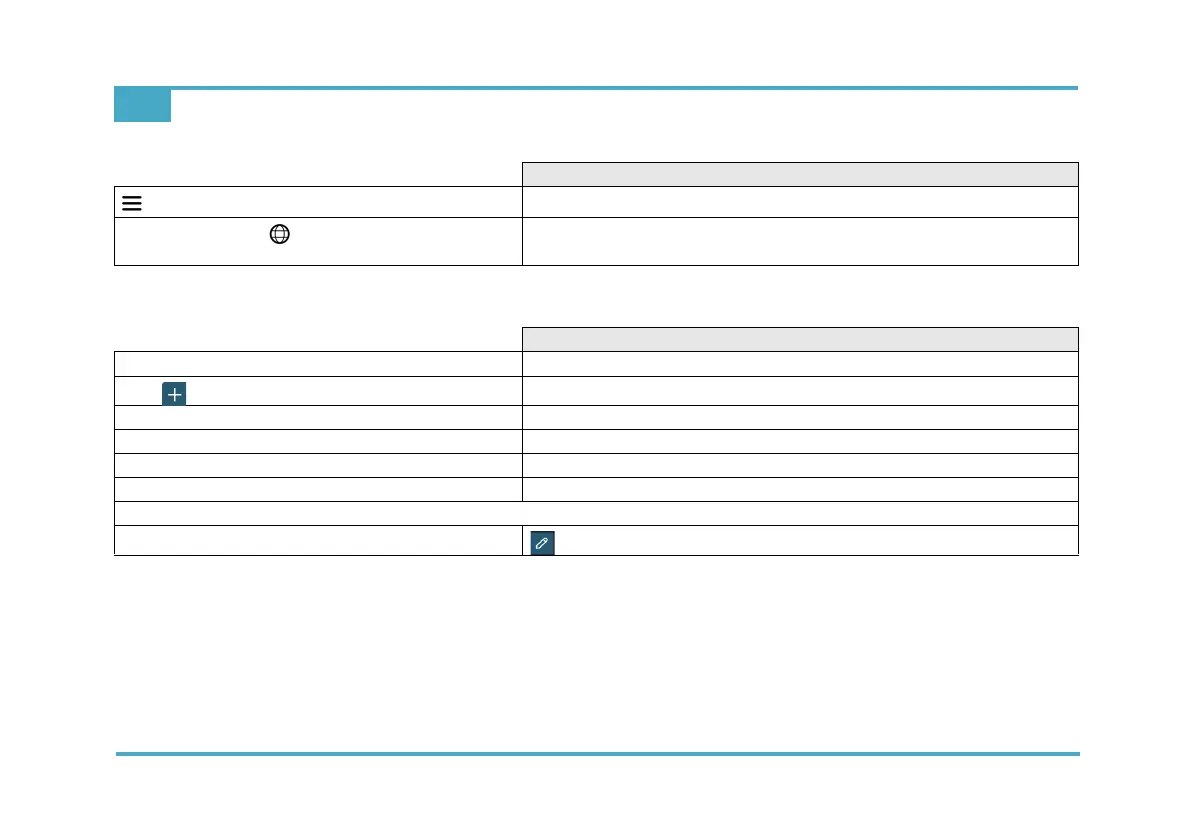
10.7 System menu
Input or selection options
System menu
Menu
Language selection symbol - select the language: English GB – Deutsch –
Français – English US
Input or selection options
User administration
Create a new user.
Name
Input: User name
Password
Input: Password
Description
Input: z.B. Name, Position
Roles
Select: Operator - Administrator - Maintainer
admin
=> Edit the created users



 To Next Page