Operation
10
Rivo™ I Controller EN
85
Evoqua Water Technologies GmbH | W3T597263 Issue 01-0624
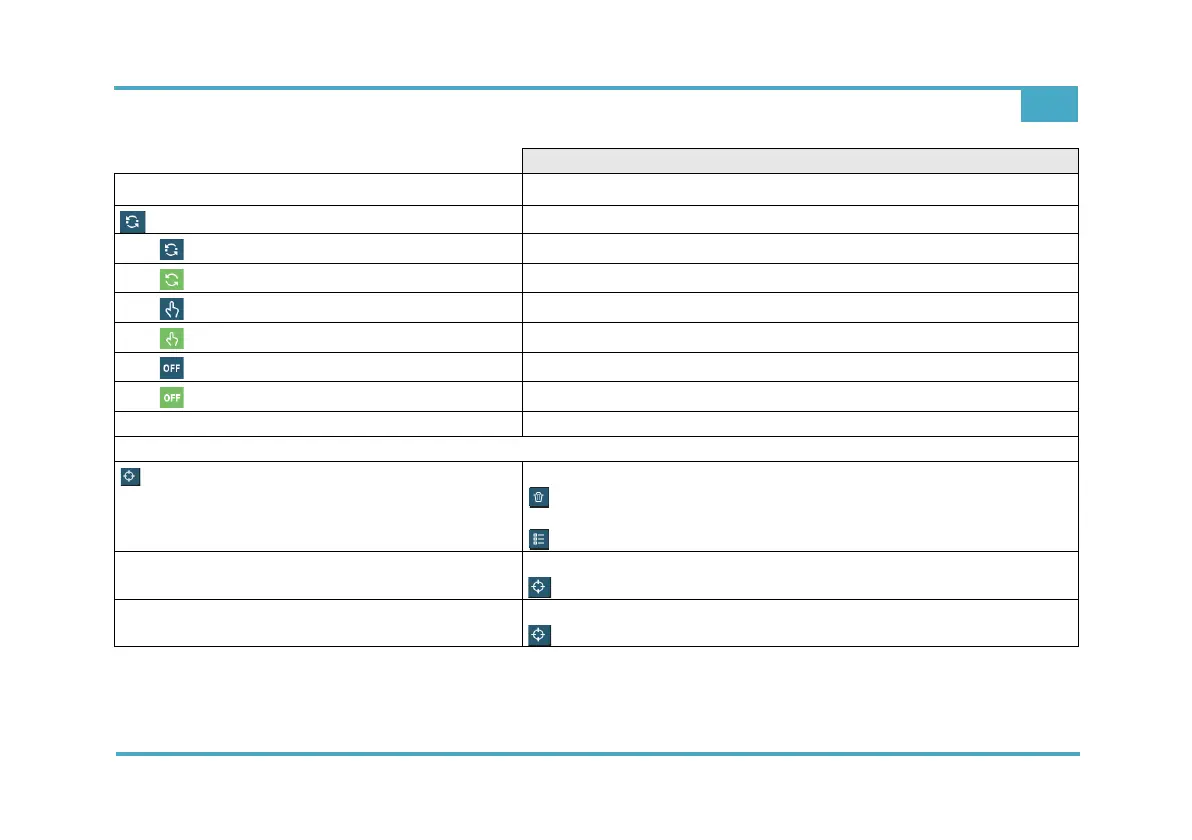
Input or selection options
Flow (Measuring e.g. Flow sehr lang)
Flow - Controller modes
Blue symbol = automatic mode inactive
Green symbol = automatic mode active
Blue symbol = manual mode off
Green symbol = manual mode inactive
Blue symbol = operating mode inactive
Green symbol = operating mode active
Bumpless-Transfer
Select: Off – Once – Permanent
Flow - Calibration
Display: Lower Value, Cell signal, Upper value
=> Do you really want to solve the calibration?
=> Cancel/Confirm
=> Flow - Calibration archive (Date, In1, Out1, In2, Out2)
Lower Value
Automatic display
Switch off the sample water supply
Upper value
Automatic display
Switch off the sample water supply



 To Next Page