Getting Started with Your Unit
FTB-1v2 and FTB-1v2 Pro 31
Inserting and Removing FTBx Test Modules
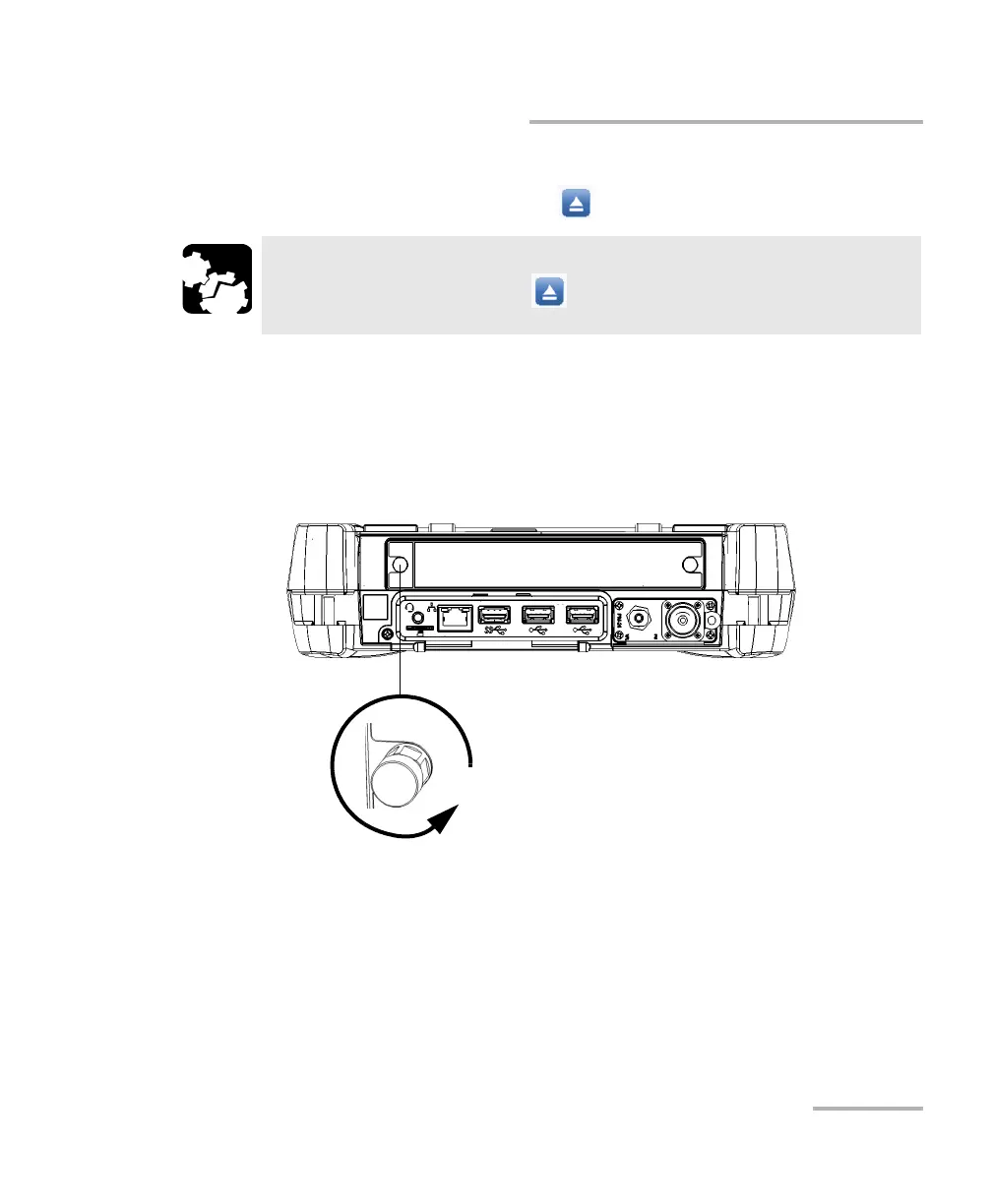
To remove an FTBx module from the FTB-1v2 or FTB-1v2 Pro:
1. From Mini ToolBox X, tap the button.
Note: If your unit is off, you can go directly to step 2.
2. Position the unit so that you can see its top panel.
3. Turn the two retaining screws counterclockwise until they are loose
(do not remove them completely).
CAUTION
Once you have pressed the button, wait until the status of the
module switches to “Safe to Remove” in Mini ToolBox X.
Turn retaining screw
counterclockwise



 To Next Page