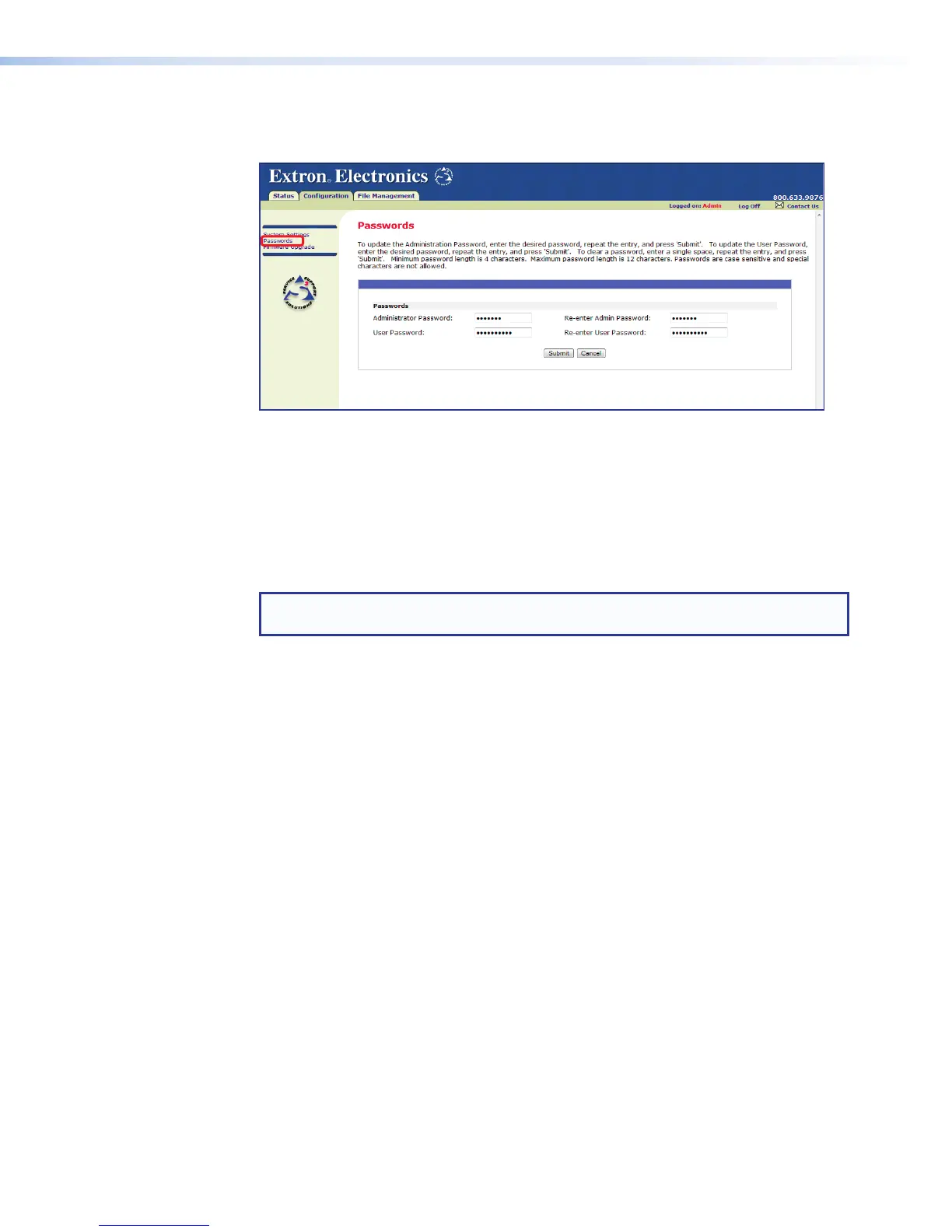
Passwords Page
Click the Passwords link to access the passwords page (see figure 89).
Figure 89. Passwords Page
The fields on the passwords page enter and verify administrator and user passwords.
Passwords are case sensitive and limited to 12 upper case and lower case alphanumeric
characters. Each password must be entered twice; once in the password field and
then again in the Re-enter Password field. Characters in these fields are masked by
asterisks (*****). If password protection is not desired, leave the password field and the
Re-enter password field blank. After entering the desired password in both fields, click
Submit.
NOTE: An administrator password must be created before a user password can be
created.
Change a Password
To change a password, type the new password in both the Password and Re-enter
password fields and click Submit.
Clear a Password
To clear an existing password so that no password is required, enter a single space in the
password and re-enter password fields and click Submit.
DMP128 • HTML Operation 160



 To Next Page