User Manual THE NUMPAD February 16, 2010
Xynergi Media Production Centre Page 106
To locate to a Mark:
Step 1 Press the
Go To button
Step 2 Press the
mark soft key
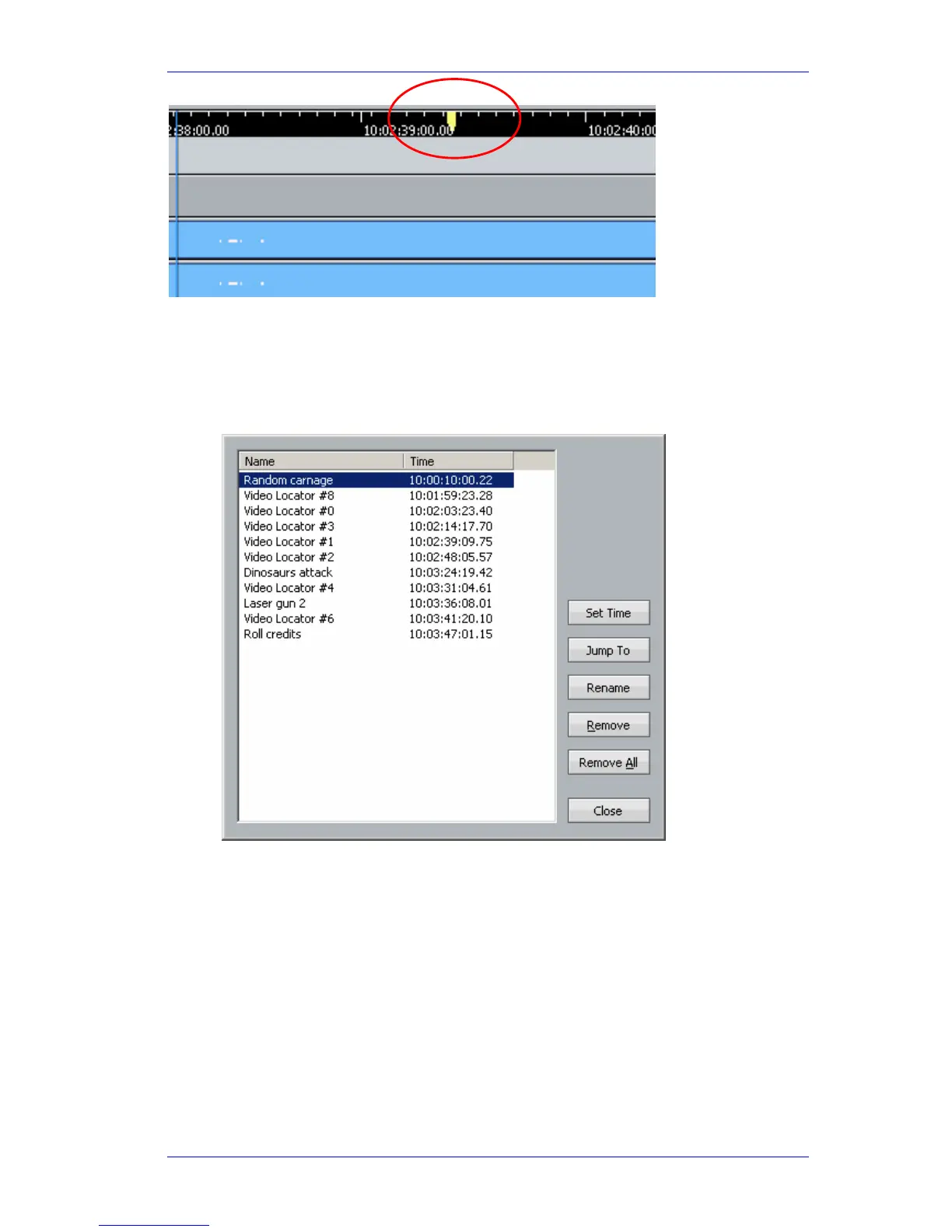
Step 3 The Marks dialog appears on the Edit Screen.
There you can choose a Mark with the mouse (or scroll down to it with the Jog Wheel, or
step down to it with the
+ key.
Step 4 Having chosen your Mark, press the
Go To button again (or ENTER) to locate to the
displayed timecode, or
Play to locate and go into play immediately, or press Esc (upper
left key) to close the dialog without locating anywhere anywhere.
While the Marks dialog is open, you can do all sorts of other things to Marks, like rename
them, change their timecode location, remove them from the list, and so on. This requires
mouse clicking, and uses familiar dialogs.
Note: double-clicking with the mouse on a mark locates you there without closing the
dialog. This can be very useful.



 To Next Page