User Manual THE NUMPAD February 16, 2010
Xynergi Media Production Centre Page 102
The Numpad
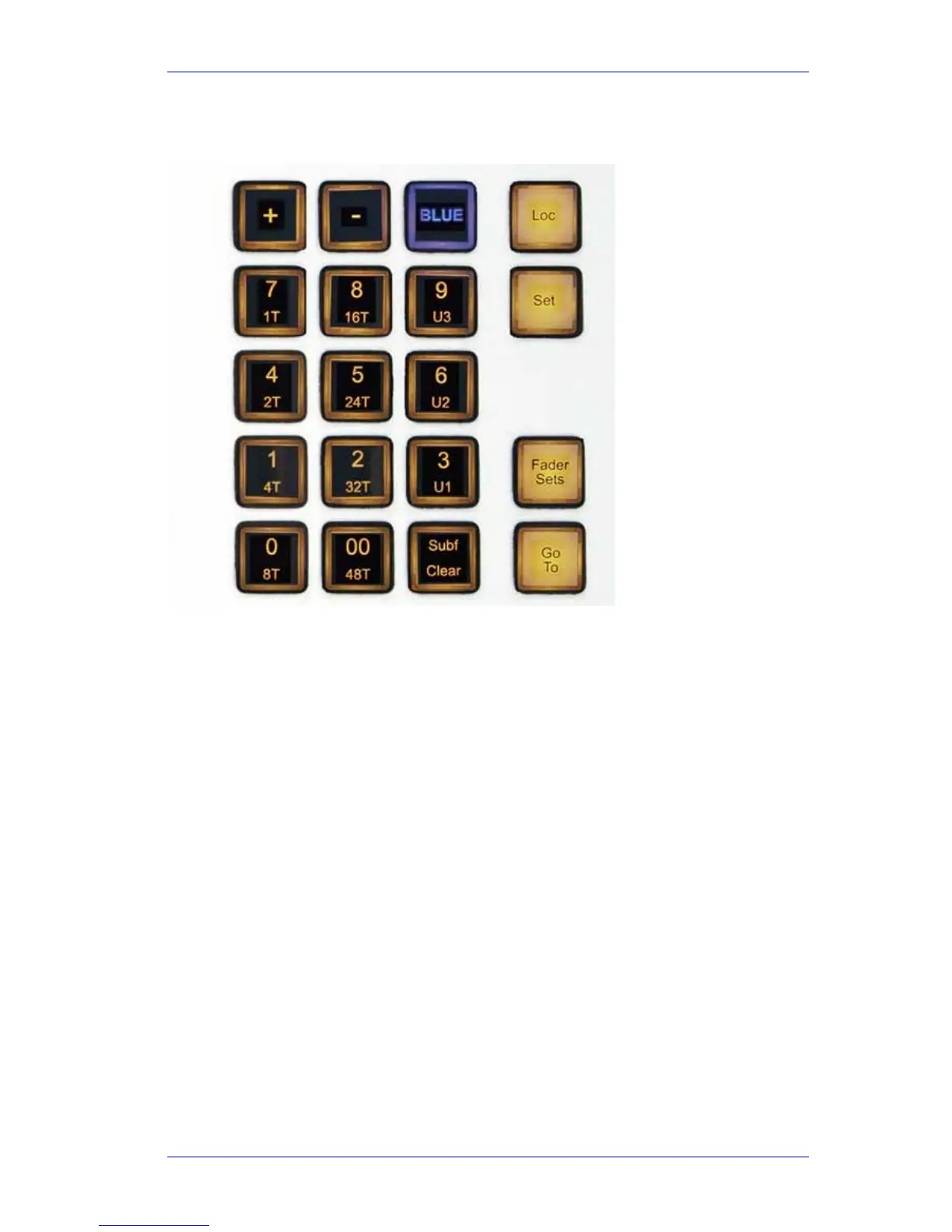
The Numpad, or Numeric Keypad, is the center of a great deal of Xynergi activity. This chapter
explains how to use it, and gives more detail about its surrounding keys.
Parameter Entry
Often you need to enter a numerical value. This is normally terminated by pressing the Enter key.
The Jog Wheel and the
+ and – keys can often be used to raise or lower a value. [In the picture
they are swapped. Sorry.]
Loc and Set
The system maintains three Locators. They are very useful for quick marking of positions and
returning to them. They are not saved with projects, nor remembered between sessions.
The
Set and Loc buttons are used to store and retrieve these locators. They can be used in both
momentary (hold down) or latched (press and release) mode.
To store the current timecode into a location (momentary mode):
Step 1 Hold down the
Set button
Step 2 Press the
1, 2 or 3 button
Step 3 Release the
Set button
The same thing in latched mode:
Step 1 Press the
Set button
Step 2 Press the
1, 2 or 3 button



 To Next Page