User Manual XYNERGI TACTILE CONTROLLER February 16, 2010
Xynergi Media Production Centre Page 25
The Pad is the main input device for processing, mixing and automation. For information about
Pad mixing, see page 75. For information about automation using the Pad, see page 83.
Soft Keys
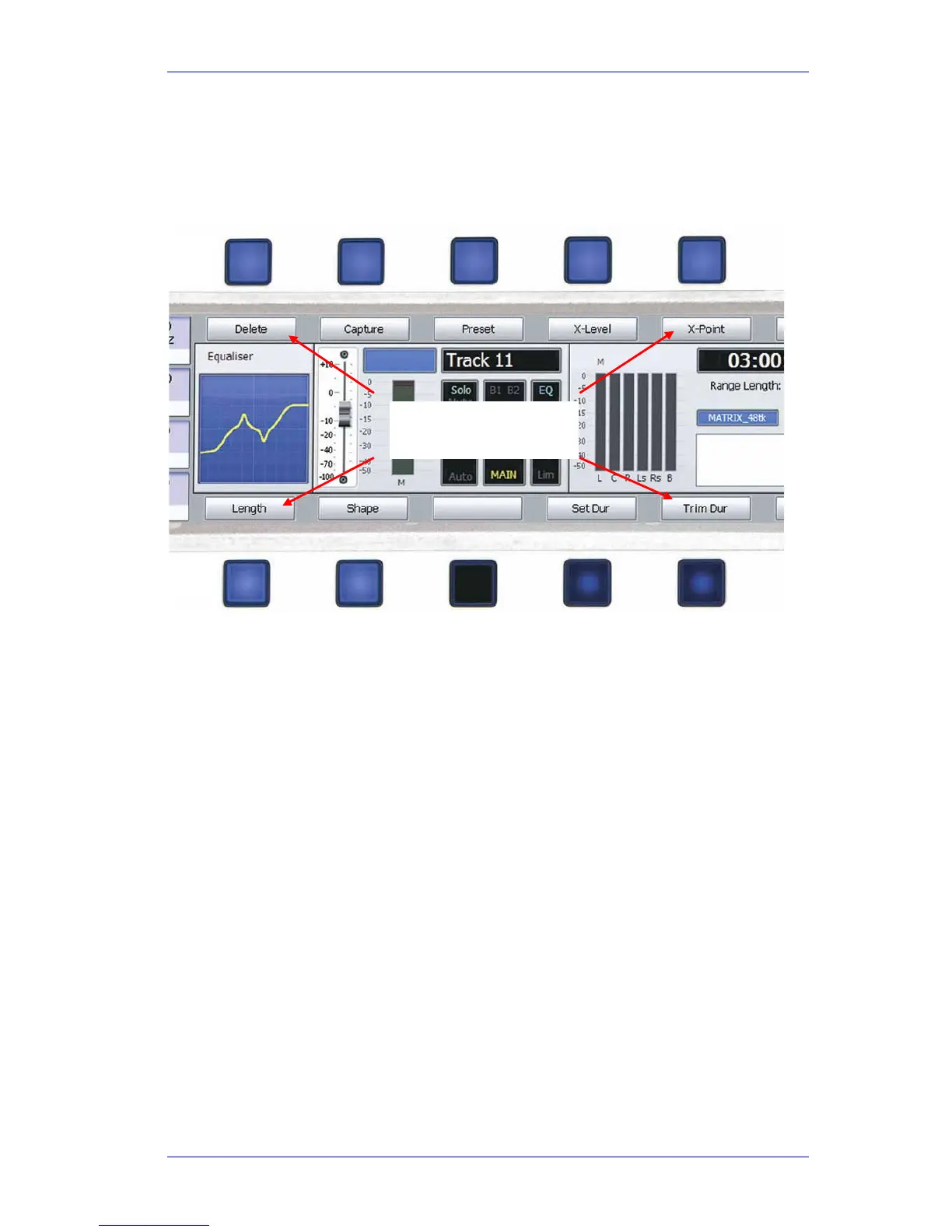
Soft keys display the “soft menu” options for the current mode.
The soft key label immediately above or below the soft key tells you what its current action will
be, or shows its current status.
To find out what any soft key will do at a particular time, hold down the
Xplain button while
pressing the soft key.
Upper Soft Keys
Lower Soft Keys
Soft Key Labels



 To Next Page