User Manual METERS February 16, 2010
Xynergi Media Production Centre Page 205
Meter Sets
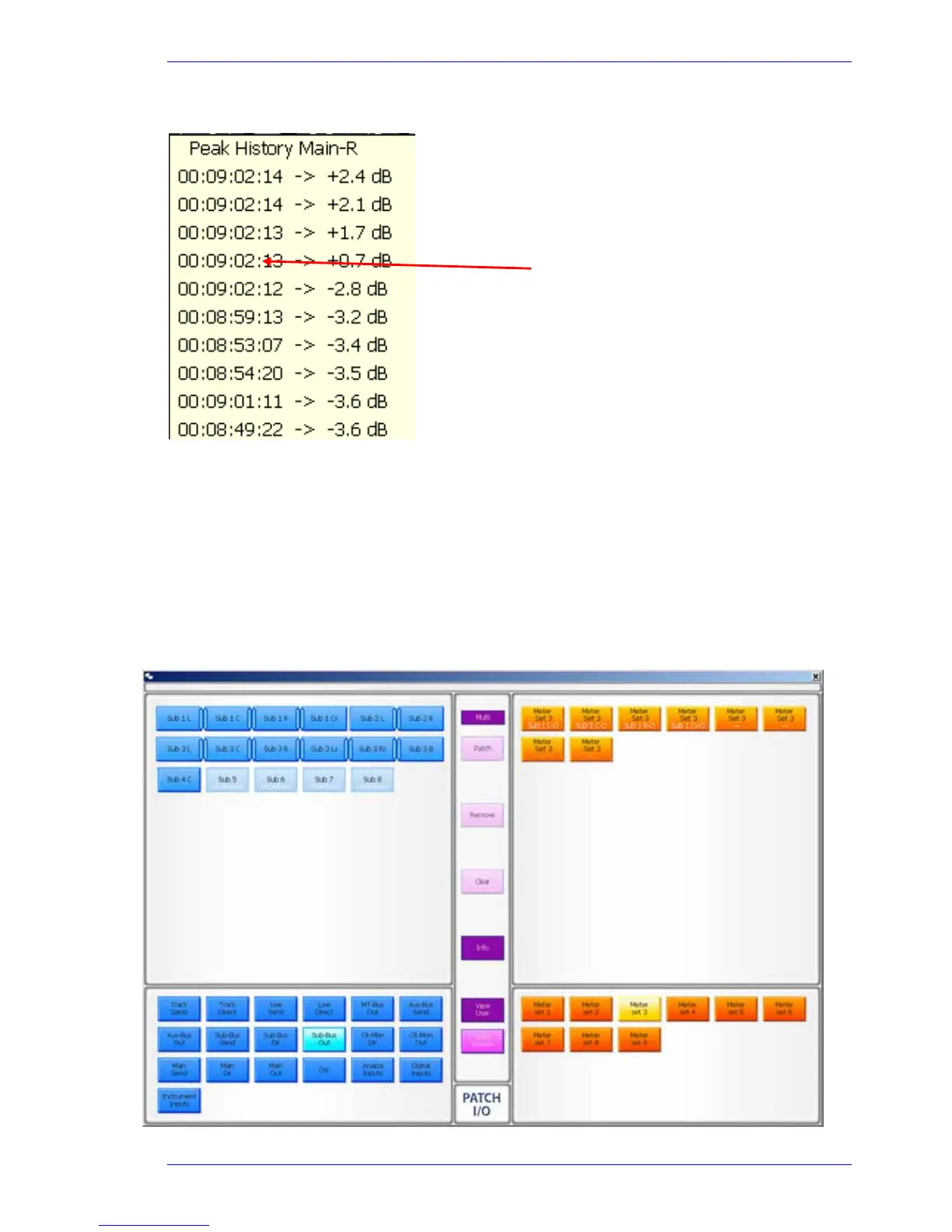
A meter set contains eight sources, which cqn come from a combination of any signal paths in the
system. These can be displayed the Master Screen Meters.
There are 9 meter sets in the system. There are two ways to choose sources for the Meter Sets.
Using the Master Screen Meters
Step 1 Click Meter Sets and choose a meter set (you can change your choice later)
Step 2 Click the
Define button. The system displays the Patch I/O page.
Step 3 Select the source type you want in the lower left section.
Click on any timecode to locate
there.



 To Next Page